

- Select Customers > Subscriptions in the left navigation pane to see the complete subscriptions list.
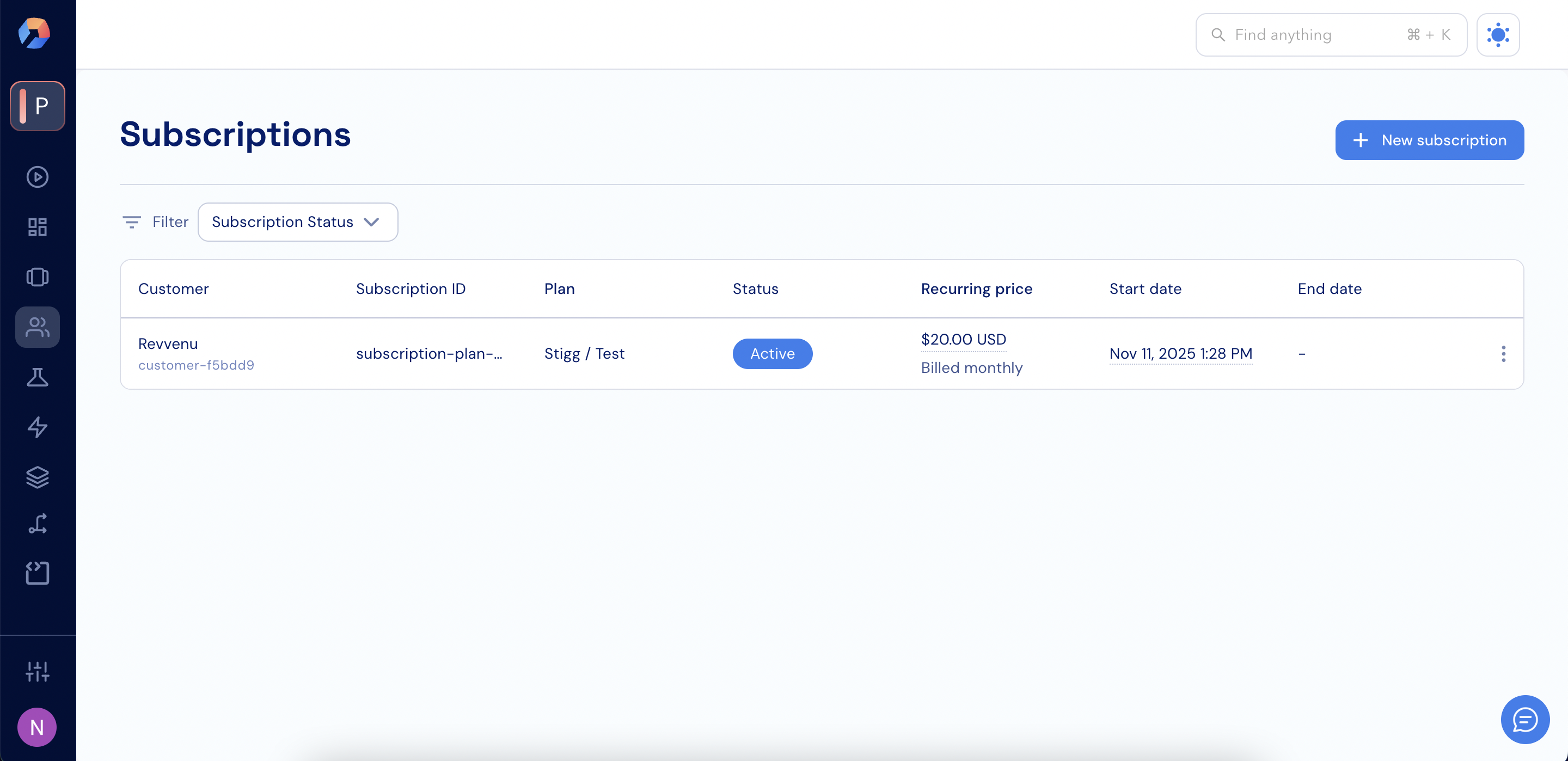
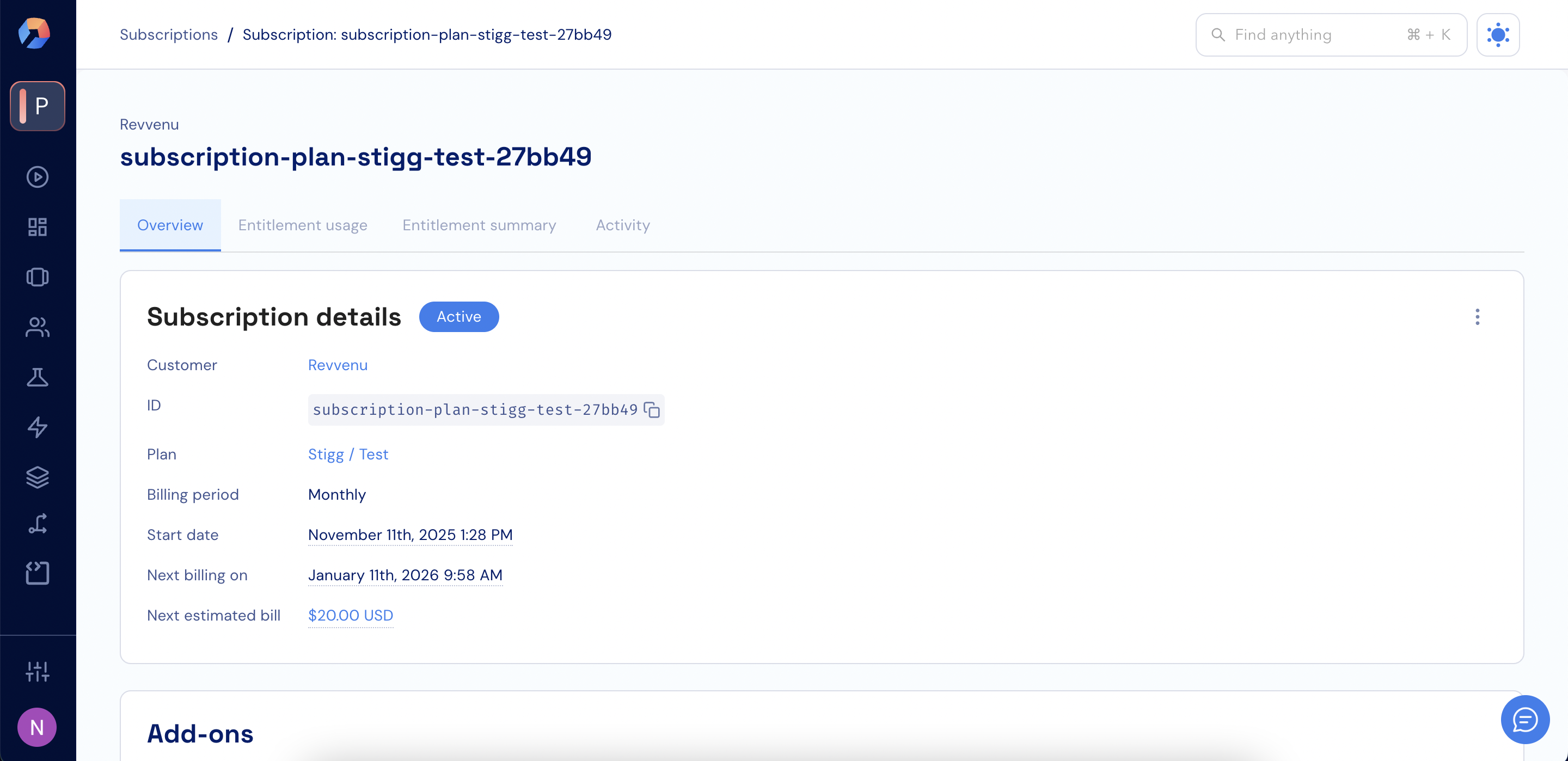
- Click a subscription in the lift to see its details.
Hover over a subscription’s price to see a breakdown of the charges that make it up.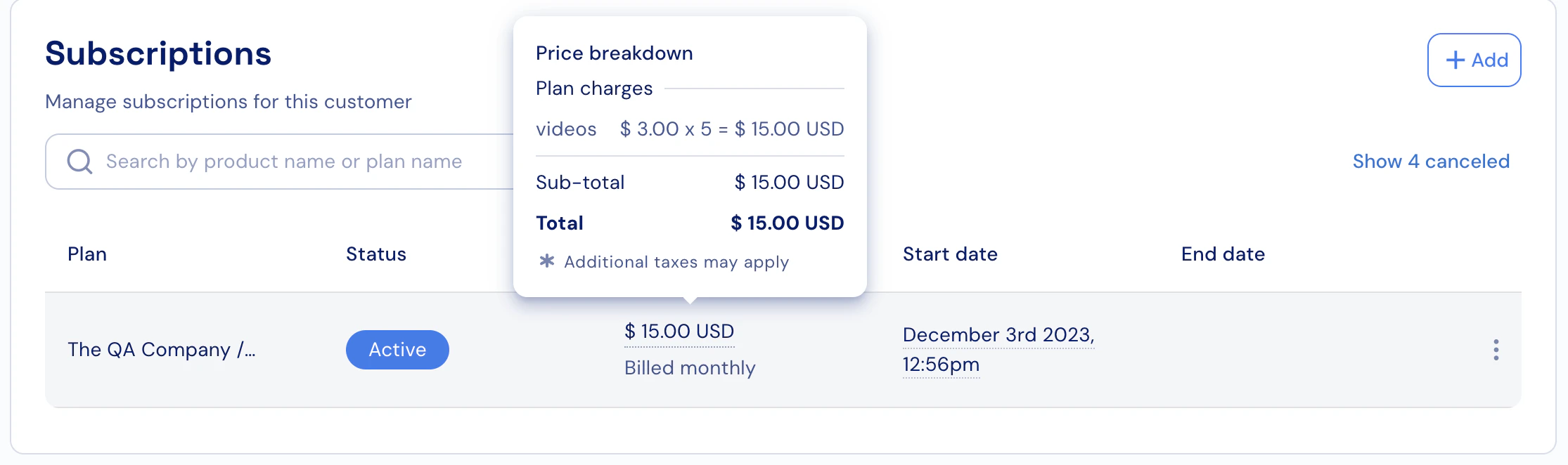
- Click Filter at the top of the Subscriptions page.
-
Select a field to filter by. Available fields include:
- Subscription Status
- Subscription ID
- Subscription Billing ID
- Subscription Salesforce ID
- Plan ID
- Plan Name
- Pricing Type
- Customer ID
- Customer Name
- Customer Email
- Customer Billing ID
- Customer Salesforce ID
- Resource ID
-
Choose an operator:
- is any of
- is not any of
- Select values from the dropdown or enter a value, depending on the selected field.
- Click Apply to update the list.