- Scheduled downgrades: switching to a lower-priced option at the end of the current billing period (e.g. reducing seats, switching to a lower tier). Learn more in Scheduled downgrades.
- Scheduled upgrades: switching to a higher-priced option at the end of the current billing period or billing month (e.g. scheduling an upgrade to a higher tier).
Canceling scheduled updates
Customers can cancel their scheduled updates in a fully self-served manner. This gives them an opportunity to stay on their current plan if they change their mind. Users with access to the Stigg app can also cancel scheduled updates on the customer’s behalf. For more details, see Canceling scheduled updates.Scheduled updates and rollout of plan and add-on changes
In order to allow companies to ensure that changes to plan and add-on packaging and pricing are applied, scheduled updates in Stigg are handled in a similar manner to how subscriptions are scheduled to start at a future start date. That is, when the scheduled update takes place, customers will be moved to the latest plan and add-on version that exists at the time.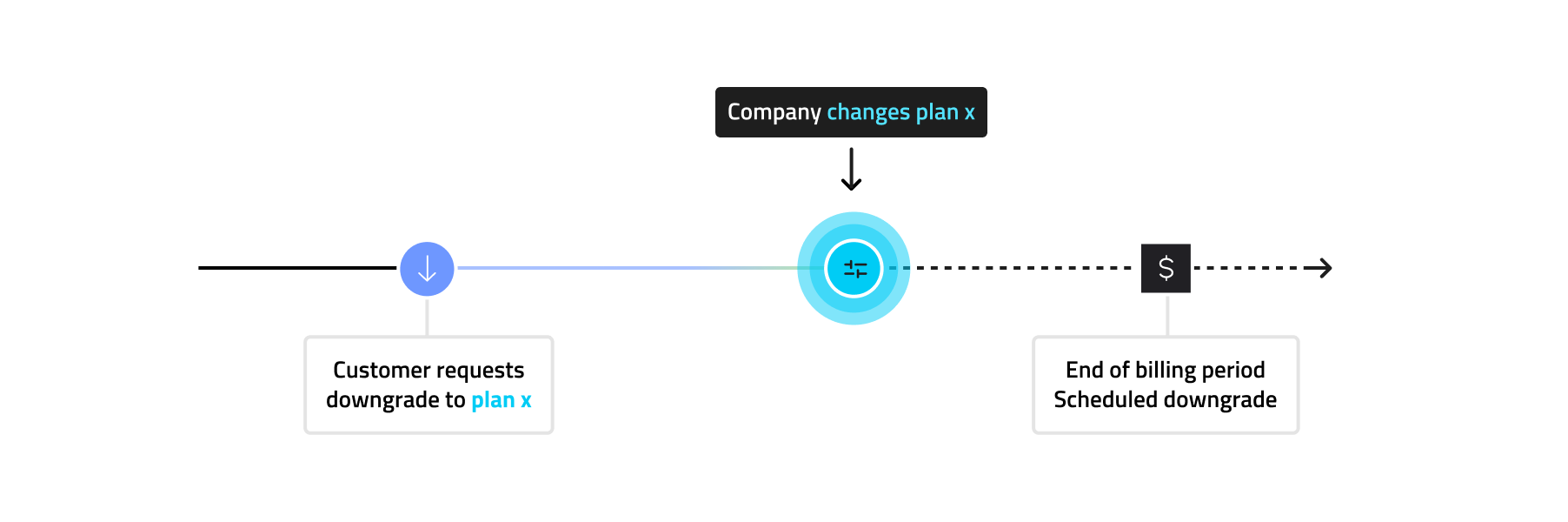
Visibility of scheduled updates in the Stigg Customer Portal
Stigg provides a fully customizable snap-in Customer Portal widget, that customers can use to update their subscription in a self-served manner. When a subscription has scheduled updates, this is automatically reflected in the Stigg Customer Portal. No additional code changes are required to communicate this to customers.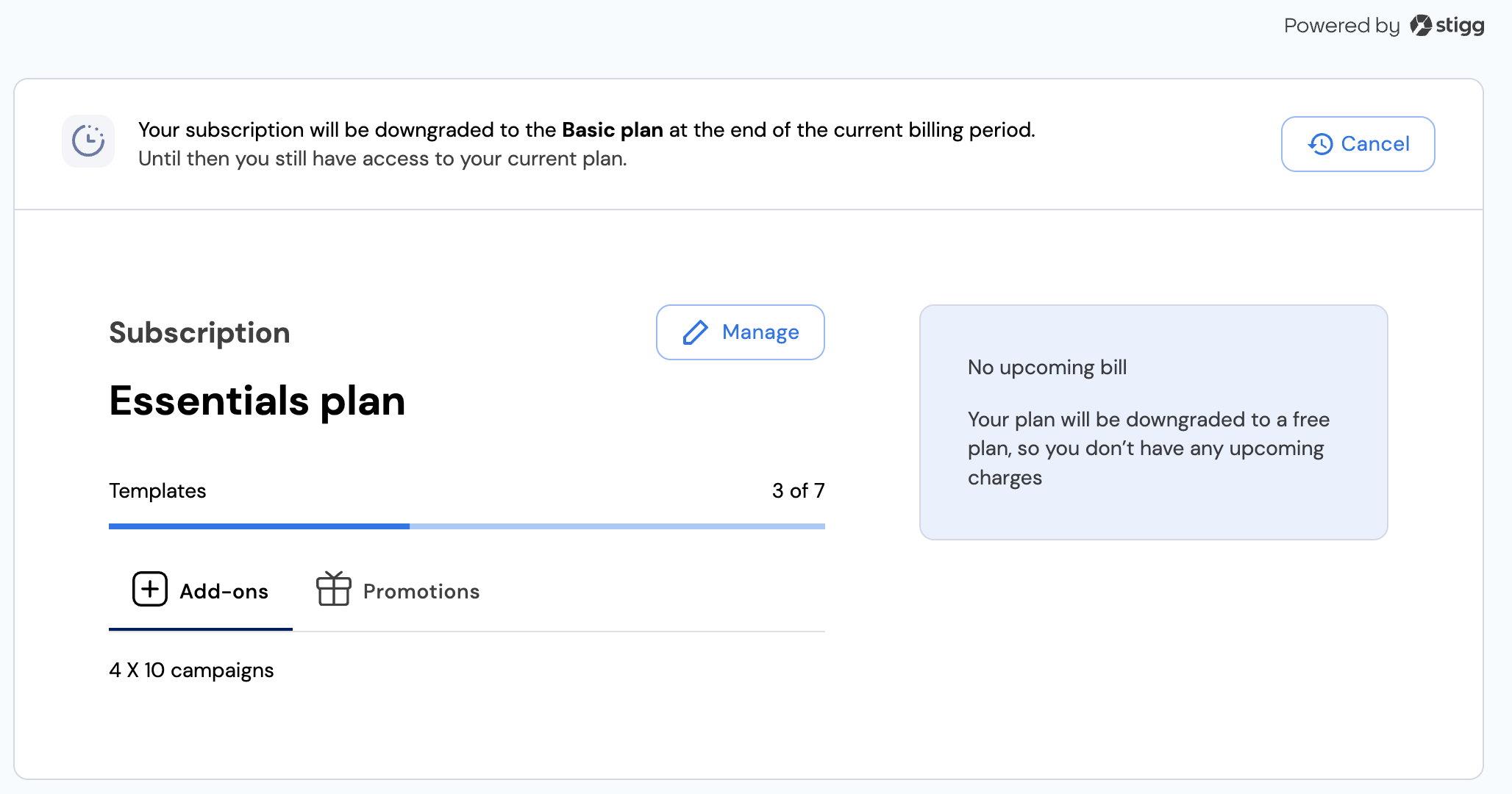
Visibility of scheduled updates in the Stigg app
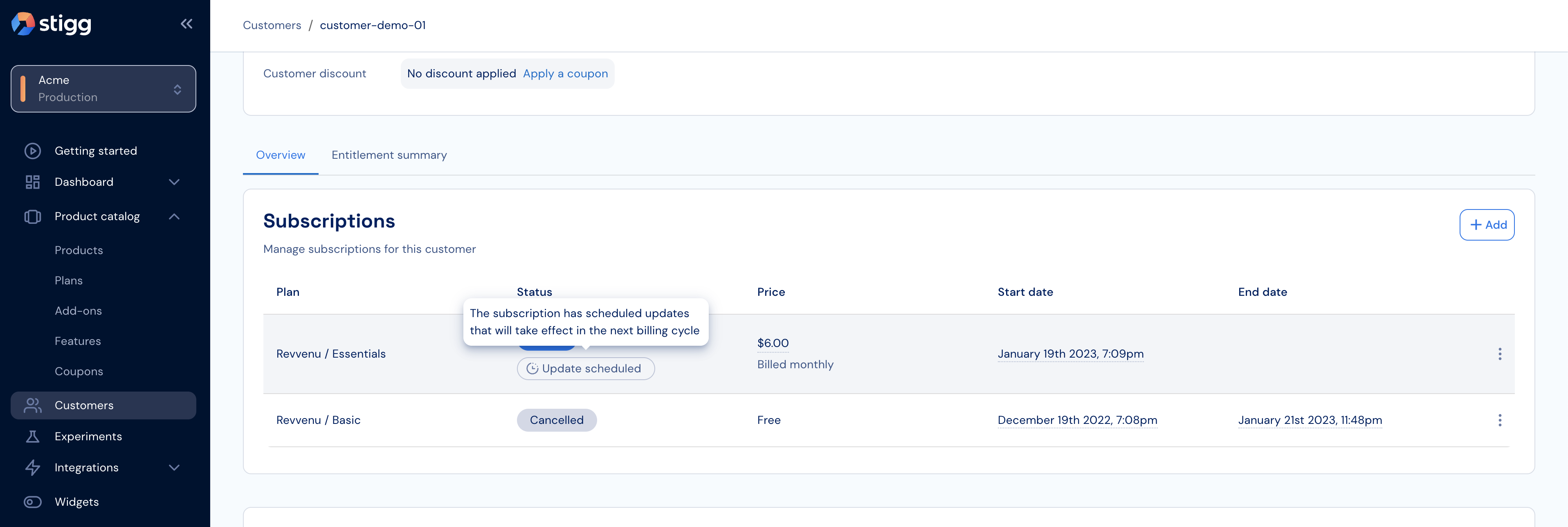
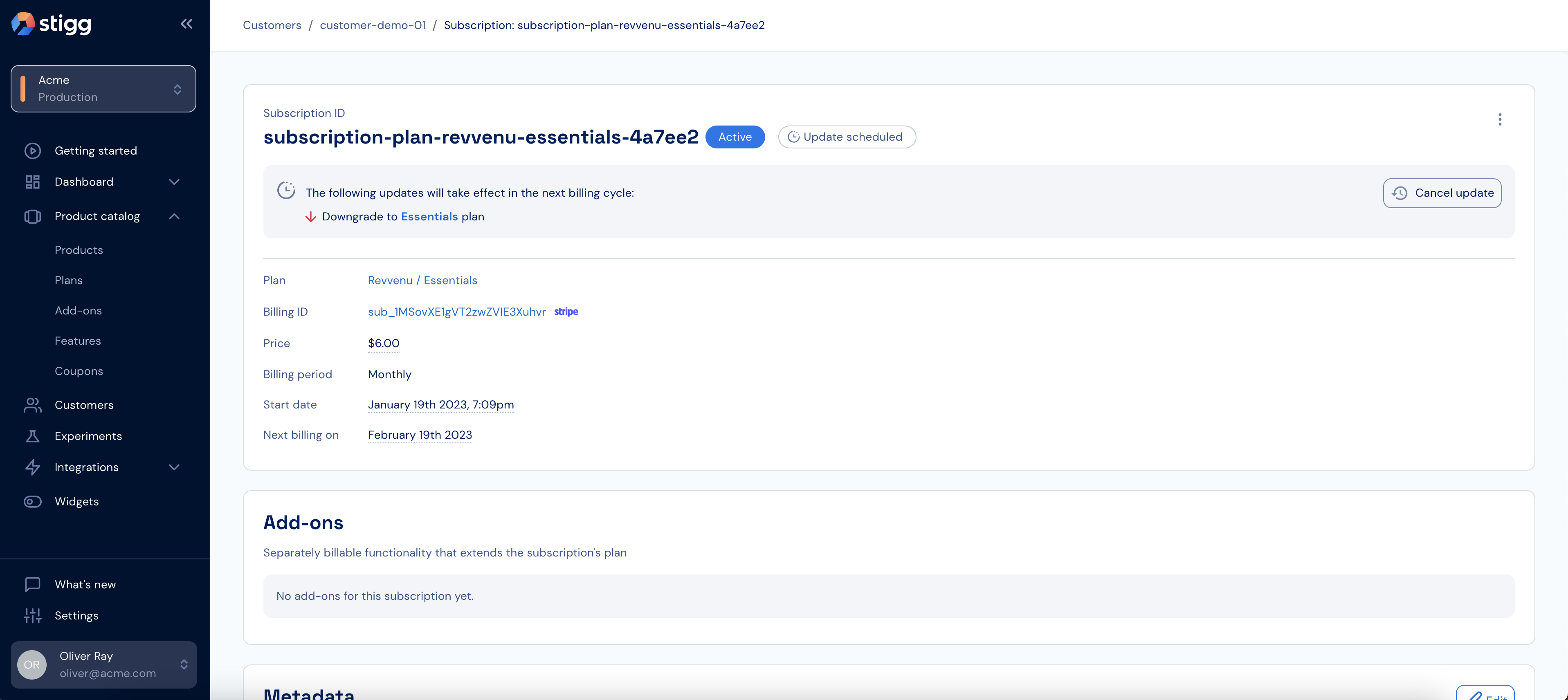
Subscriptions that have a scheduled update will have a proper indication under the Customer details > Subscriptions section and Subscription details screens: