

Overview
The Credit Utilization widget provides a simple snapshot of how many prepaid credits have been consumed relative to the total available. It gives customers an at-a-glance view of usage progress and remaining balance.Layout
The Credit utilization widget displays how much of a customer’s available credits have been used, combining numeric values with a progress bar to show consumption relative to the total allocation at a glance. The layout includes the following elements:- Header: displays credit utilization label.
- Usage counter: shows consumed vs. total credits (e.g.,
1,250 / 6,000 AI Tokens). - Remaining balance: highlights credits still available.
- Progress bar: visual indicator of utilization across the total allocation.
- Add credits button: a CTA button for prompting customers to top up their balance.

Add credits
The Add credits button is shown automatically when both of the following conditions are met:- Credit top-ups are allowed for the customer’s account.
- The customer’s current plan includes add-ons that can grant additional credits.
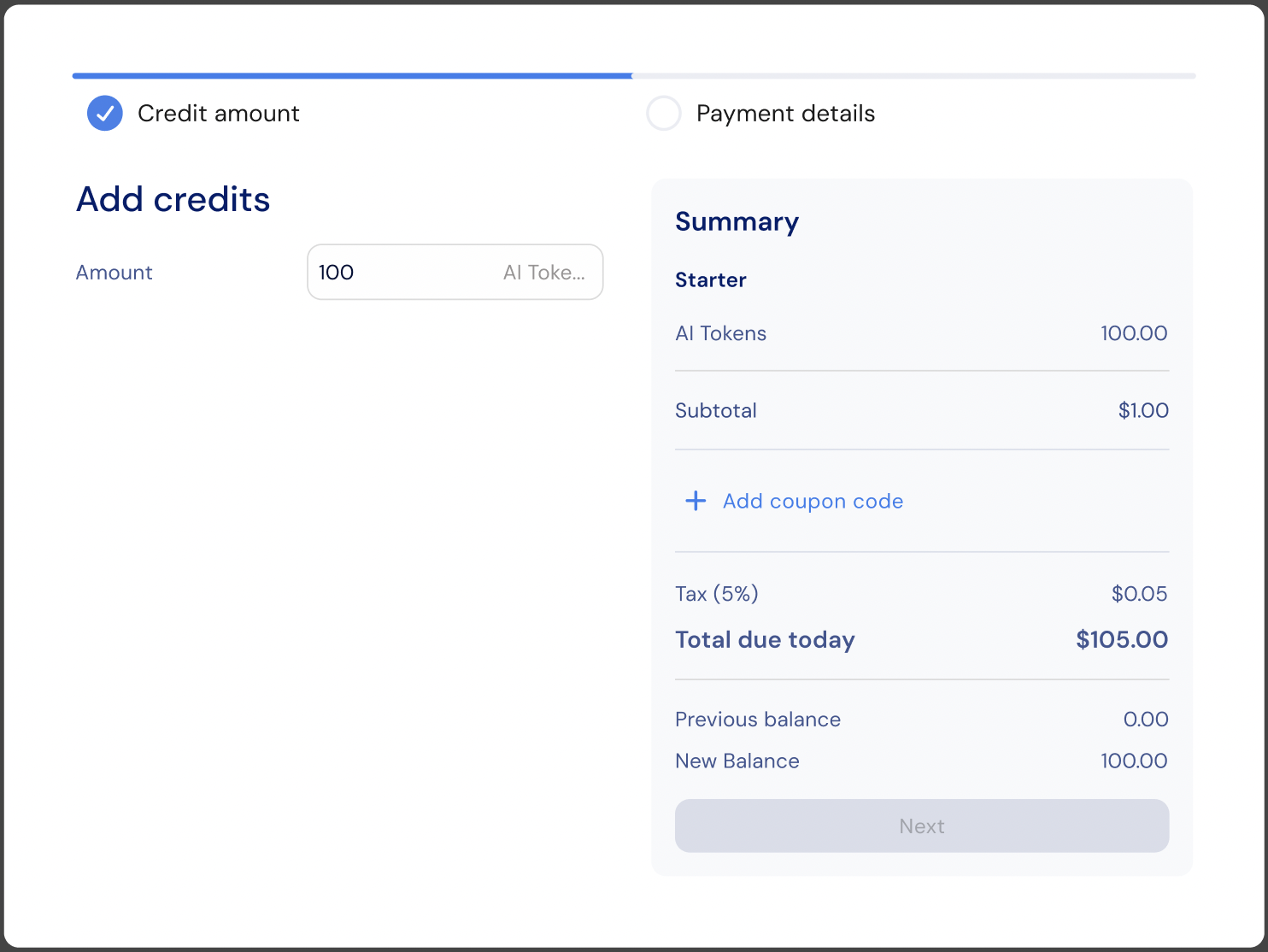
onAddCredits prop to hook into the button click, for example to open a custom modal, trigger analytics, or redirect to a dedicated top-up page:
Customization
Custom CSS
The widget styling can be customized by applying custom CSS using code. Below you can find a list of the supported CSS classes:Main container classes
Content classes
Utilization display classes
Progress bar classes
CTA button classes
State classes
Snippet
Props
string
required
Currency or credit type identifier used to fetch credit utilization data.
number
Number of decimal places to display for numeric values. Defaults to no limit when not set.
boolean
Whether to display the currency unit label (for example,
"tokens" or "credits").(entitlement: CreditEntitlement) => void
Callback invoked when the Add credits button is clicked. Receives the current
CreditEntitlement object. Use this to open a checkout flow, a modal, or redirect the customer to a top-up page.object
Text overrides for customizing widget labels and state messages.
Texts
The default widget texts can currently be overridden using code:You can find additional text override options here
Additional resources
Credit Utilization Localization
Related SDKs


