

- For usage-based charges
- For entitlements
Overage for usage-based charges
To define overages for a usage-based charge:- Navigate to Product Catalog → Plans.
- Create or open a plan.
- In the Price section, click + Set.
- Select a Paid plan.
- Set the billing model and billing period.
- Set a usage-based charge and link it to the desired metered feature.
- Enable Overage charges using the toggle.
- Select the metered feature for the overage charge.
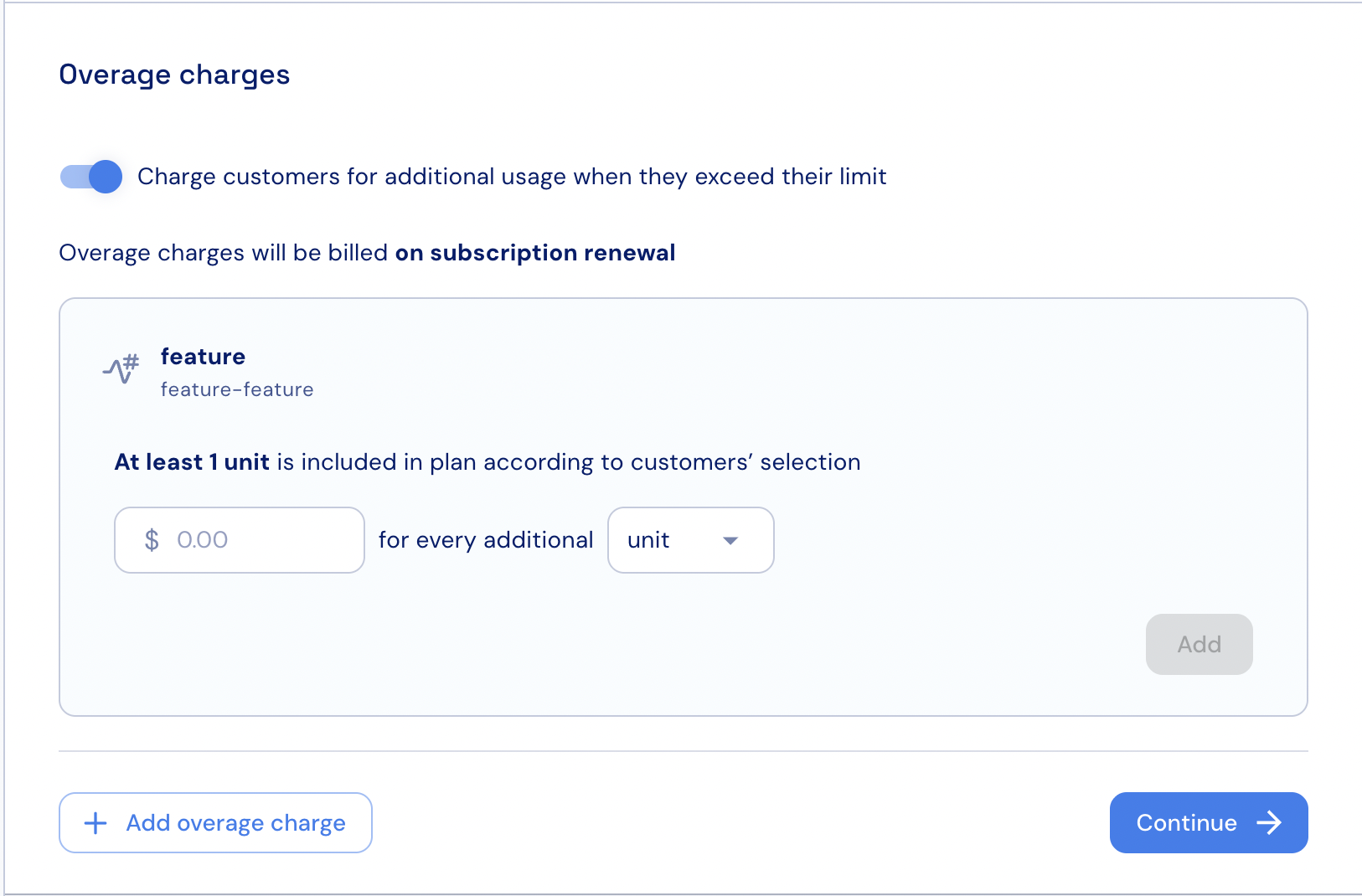
- Set the overage price.
- Set the number of units or blocks that the overage price will apply to.
- If needed, click + Add overage charge to configure an additional charge for another metered feature.
- Click Continue and complete the charge setup.
Overage for entitlements
To configure overages for features defined as entitlements:- Navigate to Product Catalog → Plans.
- Create or open a plan.
- In the Price section, click + Set.
- Select a Paid plan.
- Set the billing model and billing period.
- Set a usage-based charge and link it to the desired metered feature that is attached to an entitlement.
- Enable Overage charges using the toggle.
- Select the metered feature for the overage charge.
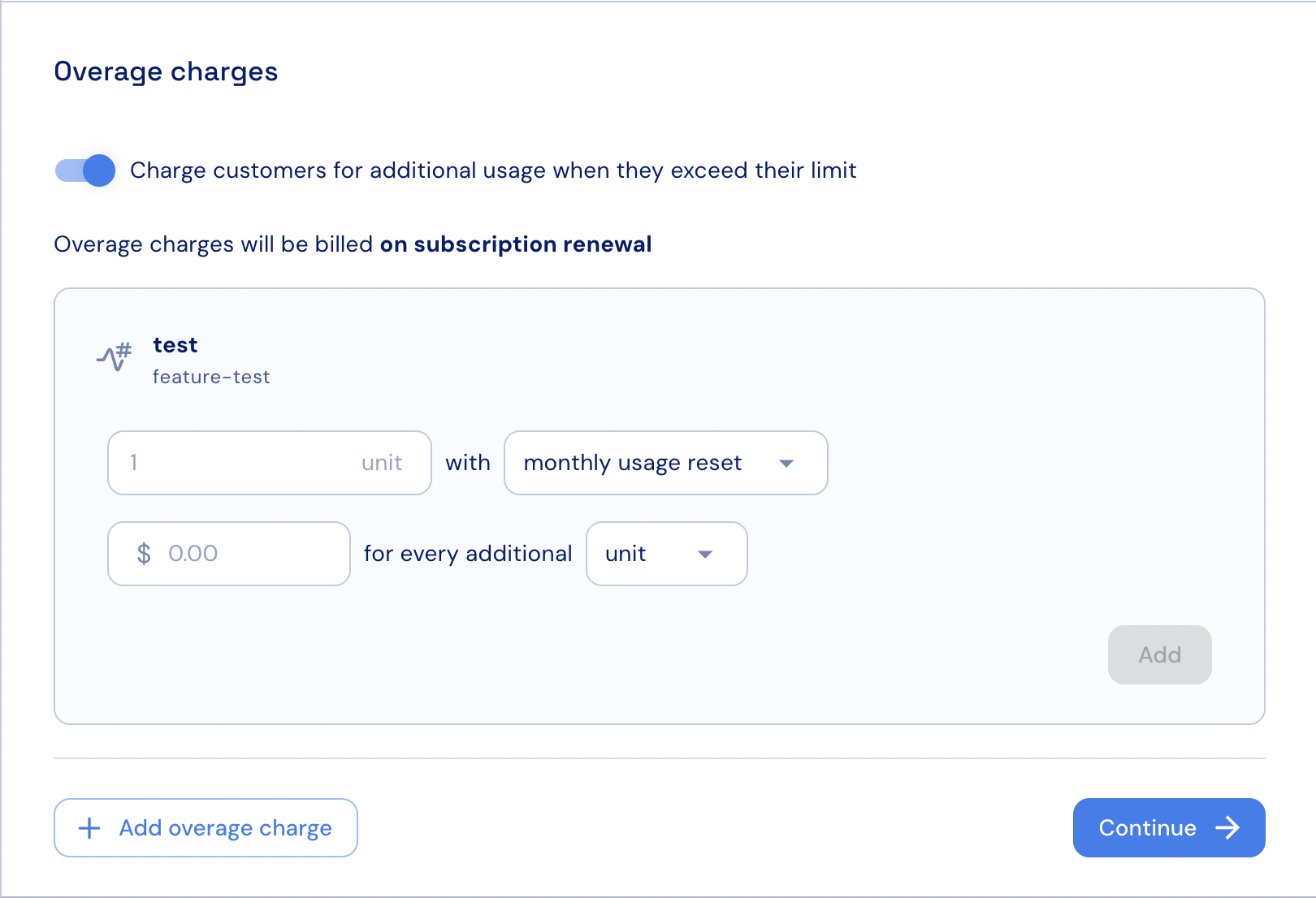
- Set the reset interval for the overage price.
- Set the overage price.
- Set the number of units or blocks that the overage price will apply to.
- If needed, click + Add overage charge to configure an additional charge for another metered feature.
- Click Continue and complete the charge setup.