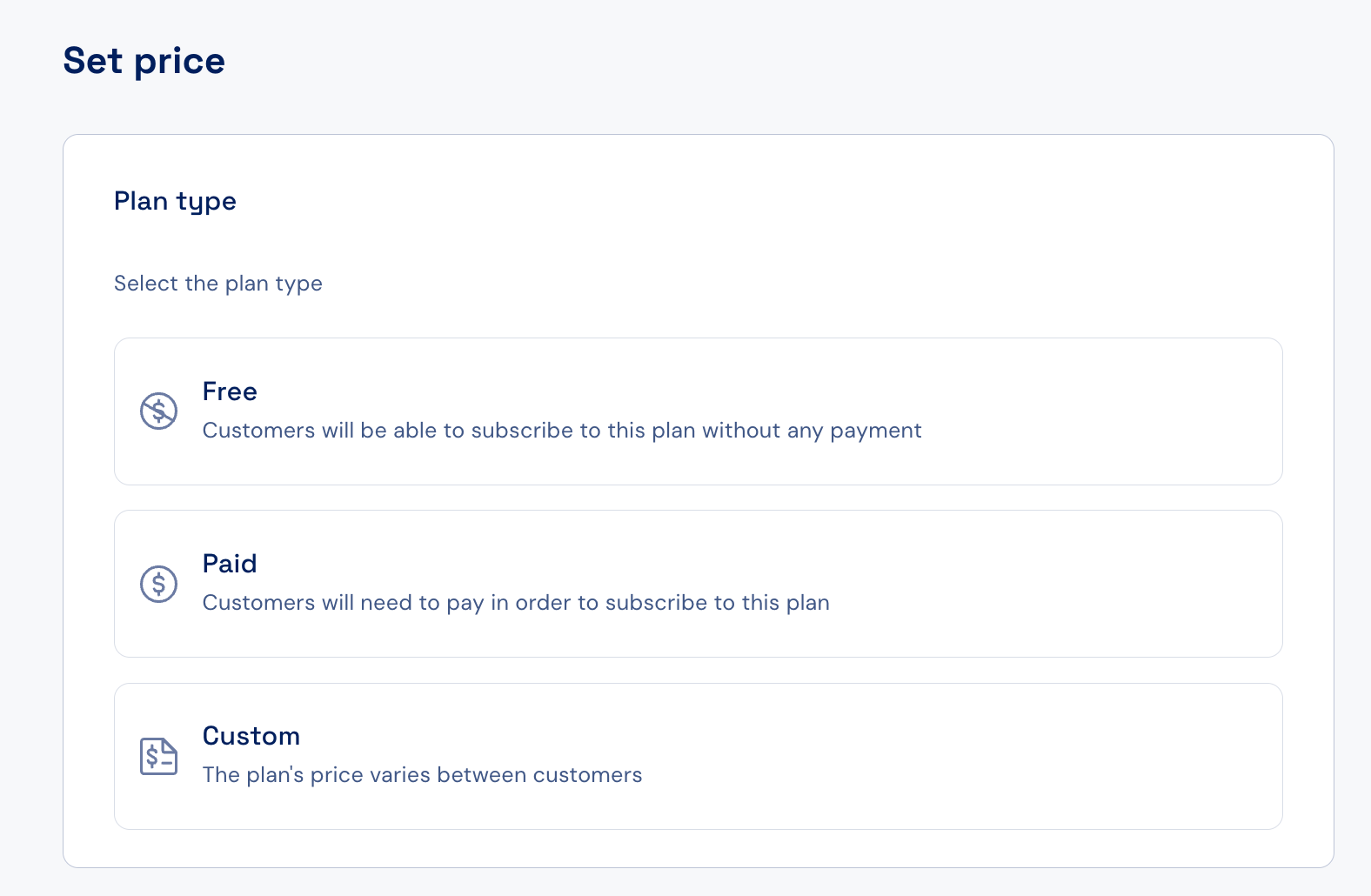
The price defined in Stigg is displayed to customers in pricing tables rendered using Stigg’s SDKs.When Stigg is integrated with a billing solution (for example, Stripe), subscriptions will be created in that billing system using the price specified in Stigg.To define a plan’s price, you need to select the plan type first:
Click the Set button under the Pricing section of the selected plan.
Choose the plan type - Free, Paid, or Custom.
Assistant
Responses are generated using AI and may contain mistakes.