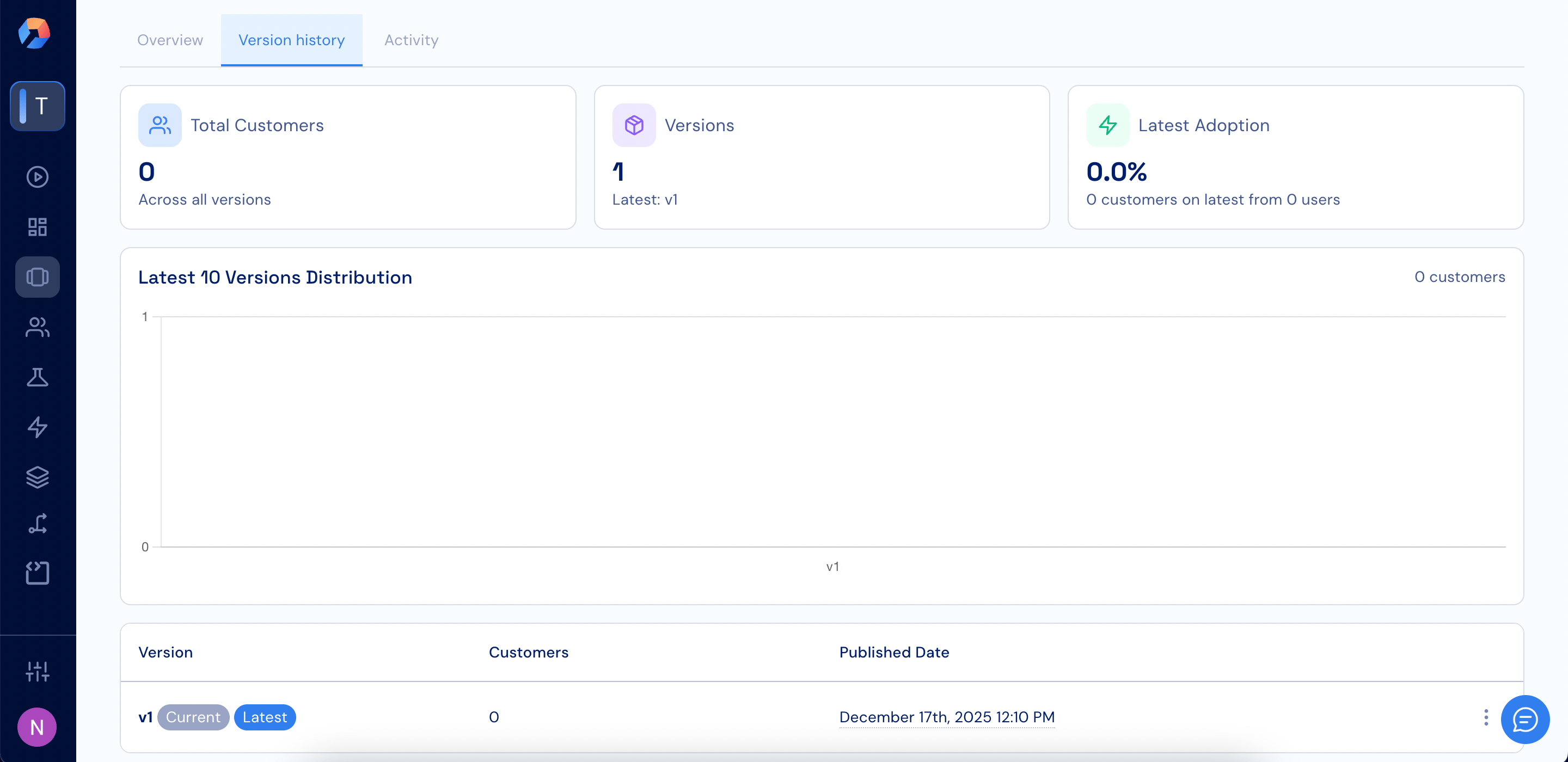
The Version history tab shows an overview of the plan’s versions and adoption status. At the top, summary cards display the total number of customers across all versions, the total number of versions with the latest version highlighted, and the adoption rate of the latest version.Below this, a chart shows the distribution of customers across the latest plan versions. If no customers are using the plan, the chart appears empty and indicates zero customers.At the bottom, a table lists each version with its version label (such as Current and Latest), the number of customers on that version, and the date and time the version was published.
Assistant
Responses are generated using AI and may contain mistakes.