- Select the relevant product from the Products sub-section of the Product Catalog.
- Scroll down to the Pricing section of the selected product.
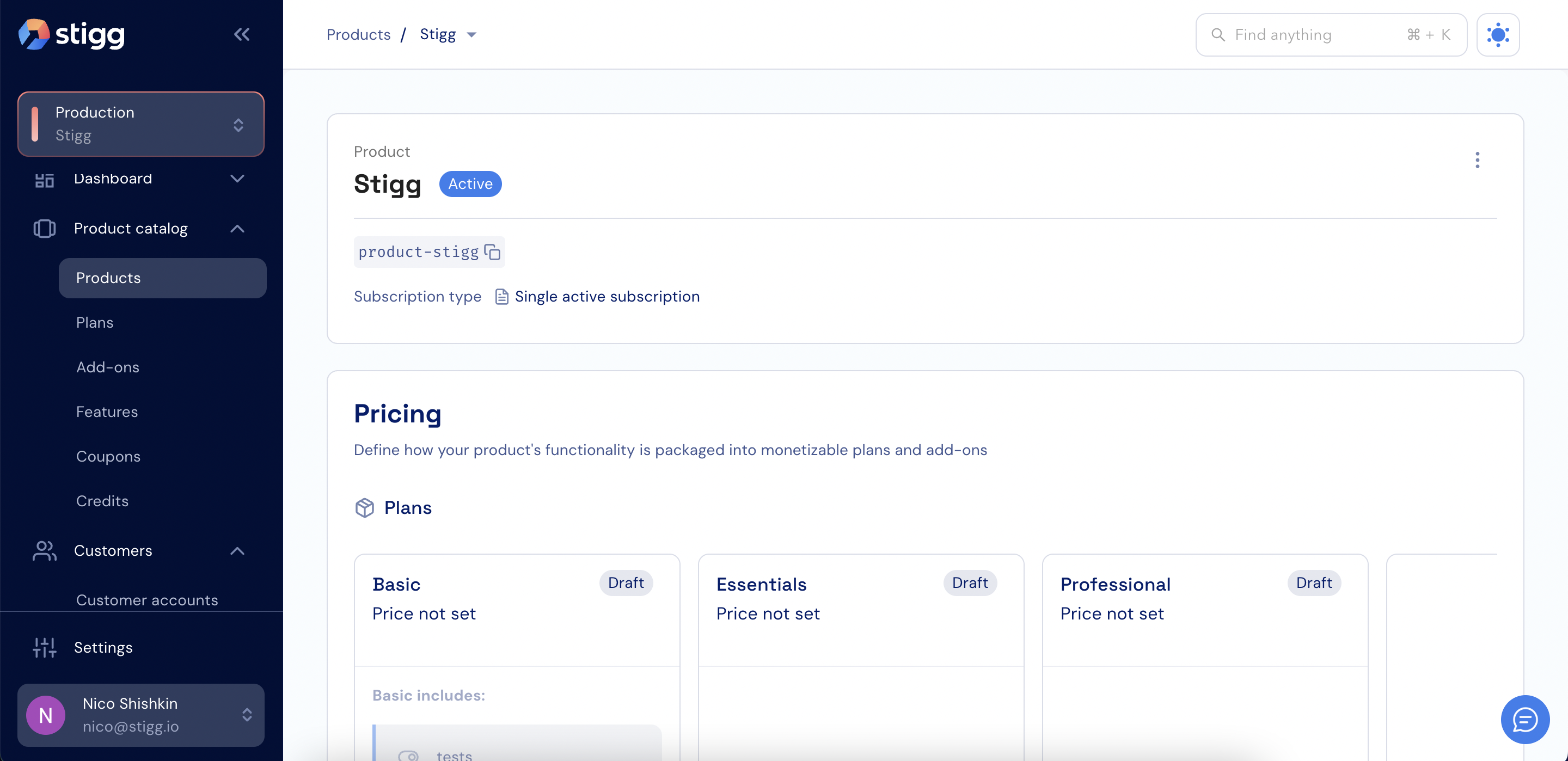
Also see the product’s “Modeling your pricing” section.
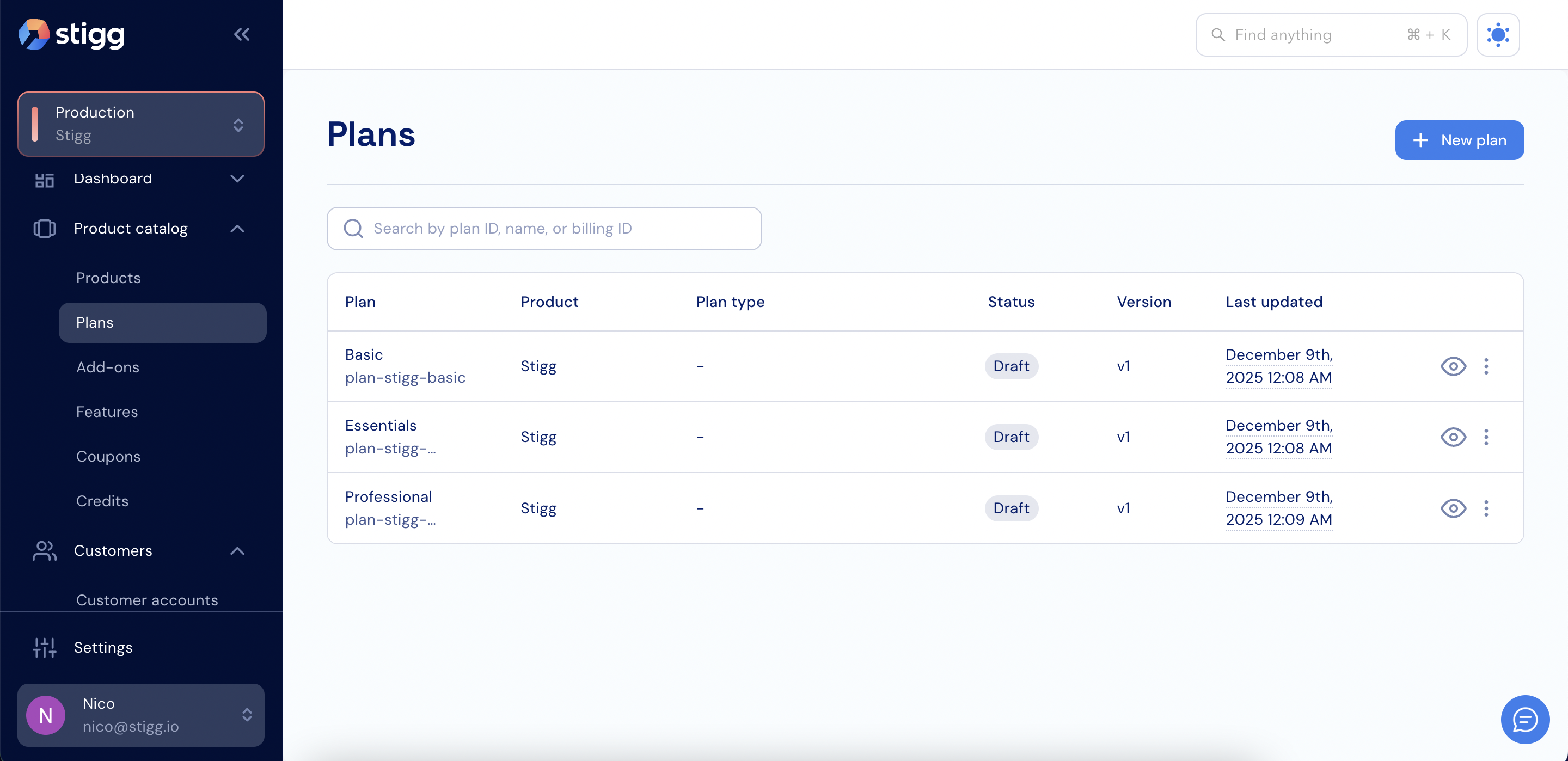
- Open the left navigation pane.
- Select Product Catalog.
- Choose Plans from the sub-sections.