

- Open the Product catalog in the Stigg app.
- Navigate to the Features section.
- Click + New feature.
- In the modal that opens, provide the following details:
- Name: The display name of the feature.
- Description (optional): A short explanation of what the feature enables.
- ID: Automatically generated by Stigg and used to reference the feature in your application. You can override this value by clicking Edit and linking an existing feature.
- Feature type: Choose Boolean.
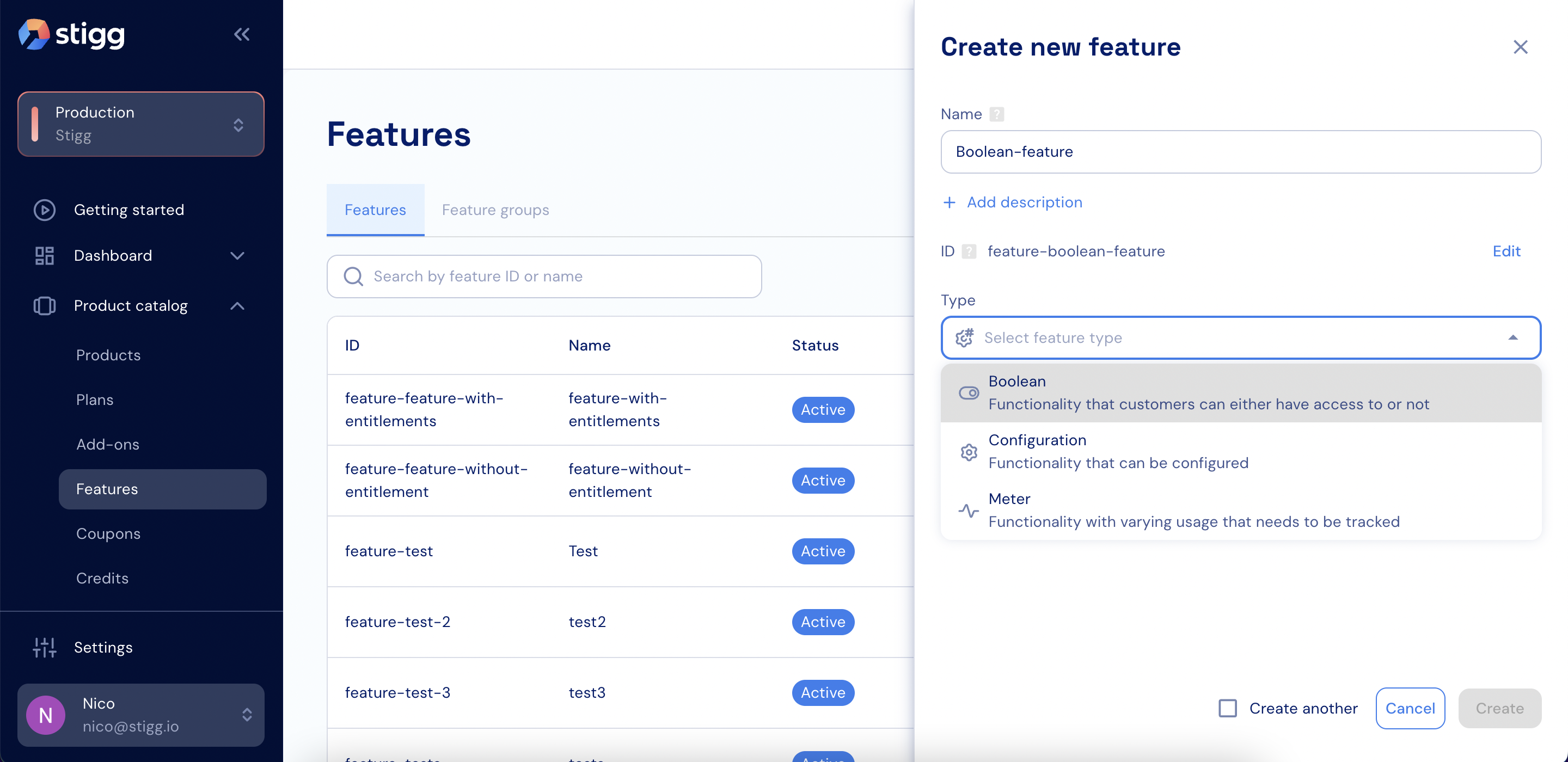
Boolean feature
- Click Create to save the feature.