

Usage limits
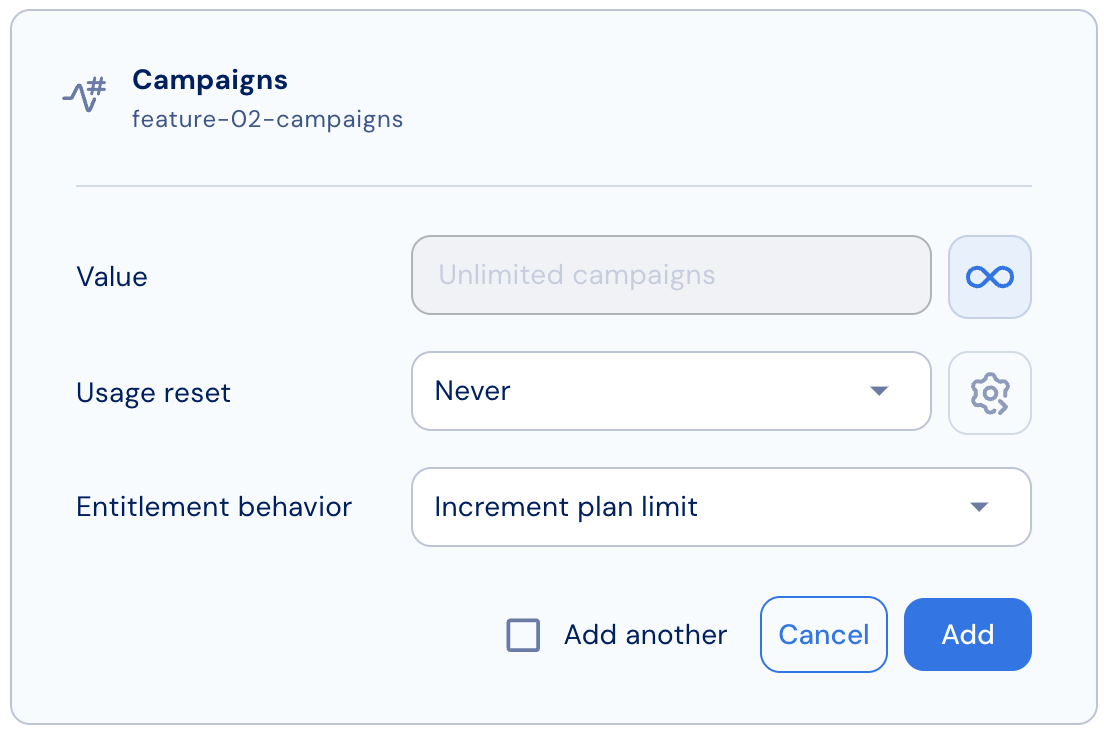
Metered features can be defined with a limit or without one (unlimited).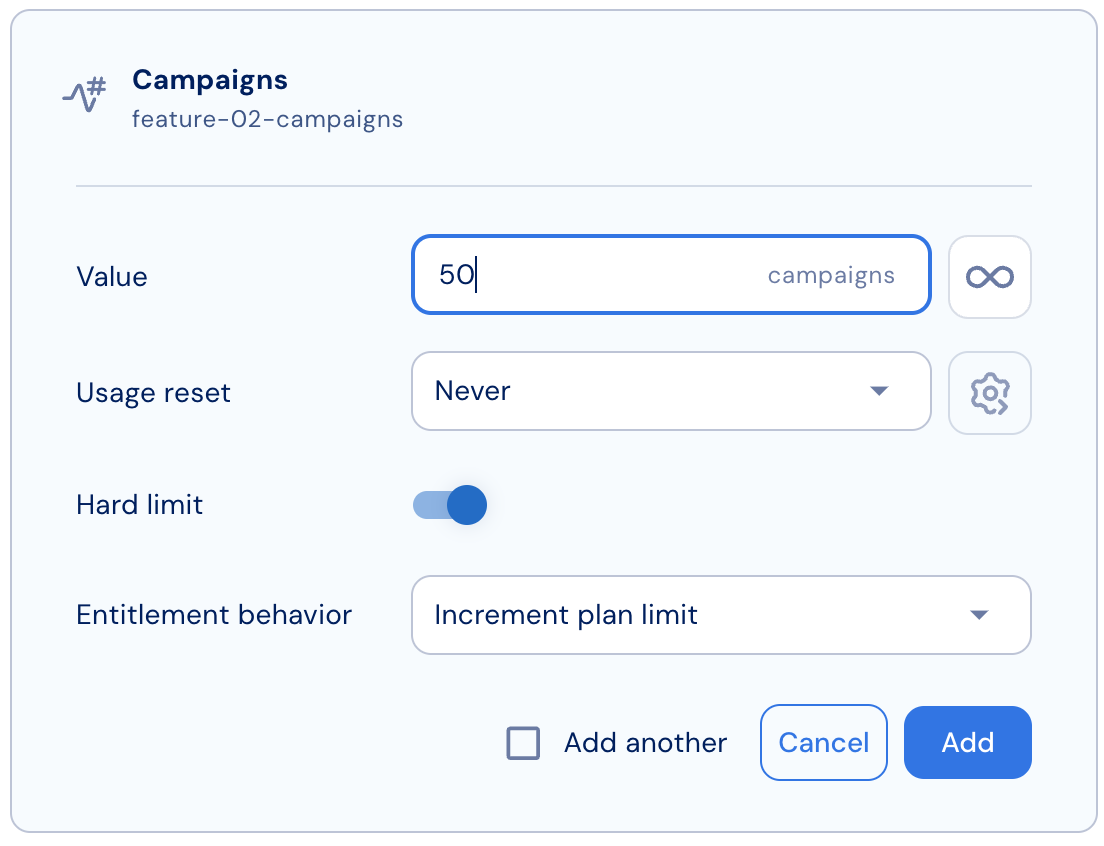
Limit enforcement
To configure limit enforcement for metered features:- Set a usage limit for the feature.
- Choose whether Stigg should enforce the limit or allow usage beyond it:
- If the limit is enforced, Stigg will deny further access once the customer reaches the limit.
- This configuration is known as a hard limit and is the default for all Stigg entitlements.
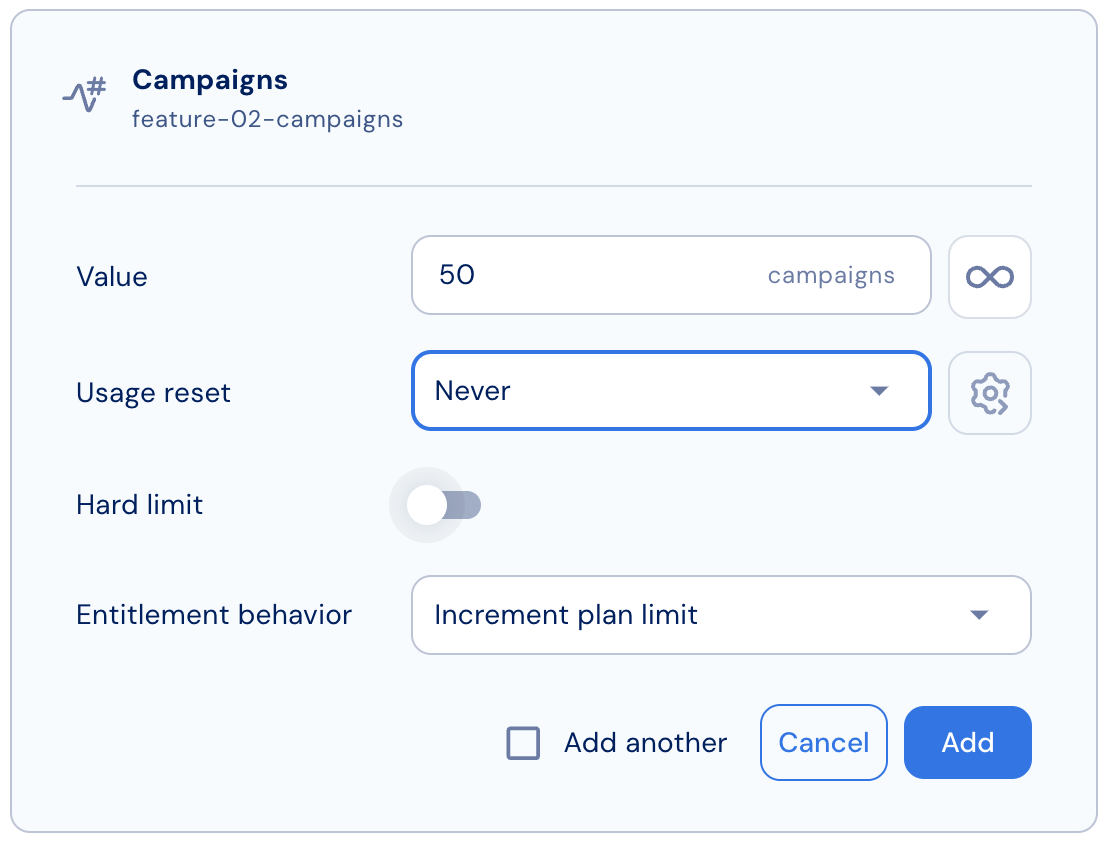
- If the limit is not enforced, Stigg will continue granting access even after the limit is exceeded.
- This configuration is known as a soft limit.
- If the limit is enforced, Stigg will deny further access once the customer reaches the limit.
- Review the table below for a summary of the two configurations:
Soft limit
Usage reset
Stigg can automatically reset measured usage at predefined intervals: yearly, monthly, weekly, daily, or hourly. This is useful for usage-based features such as tracking the number of API calls per month.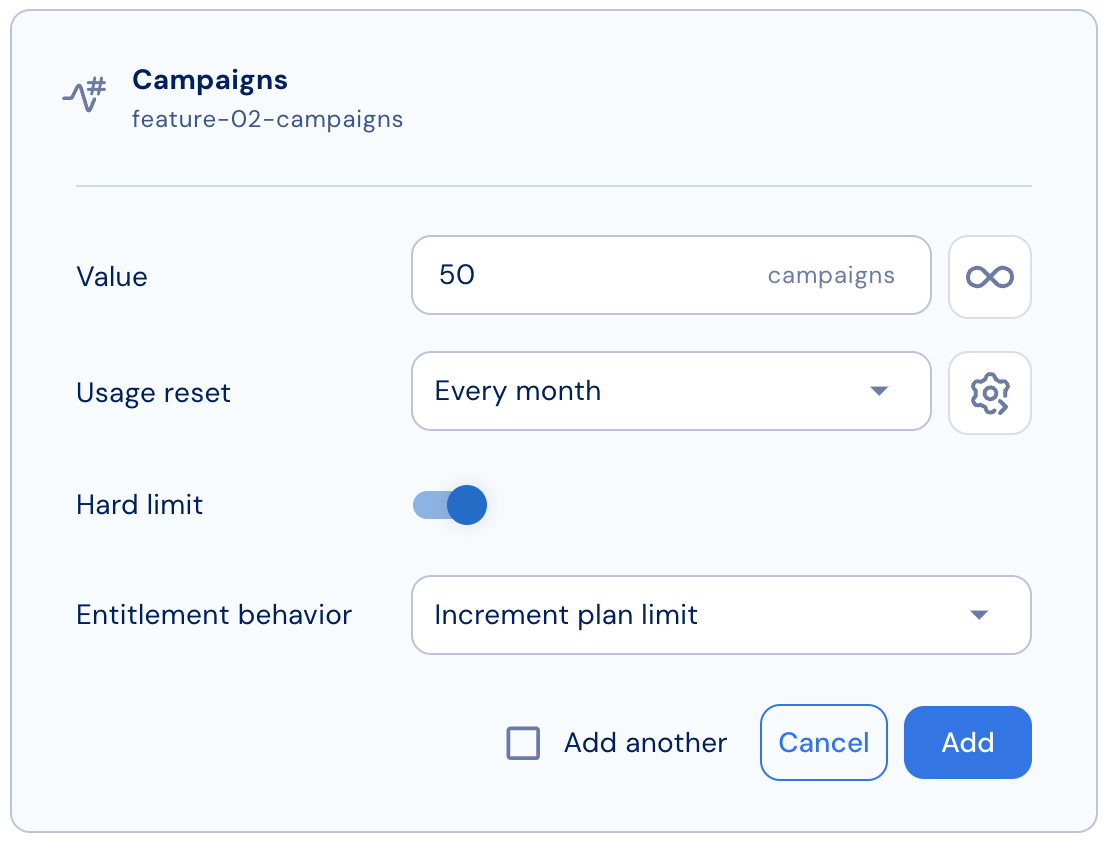
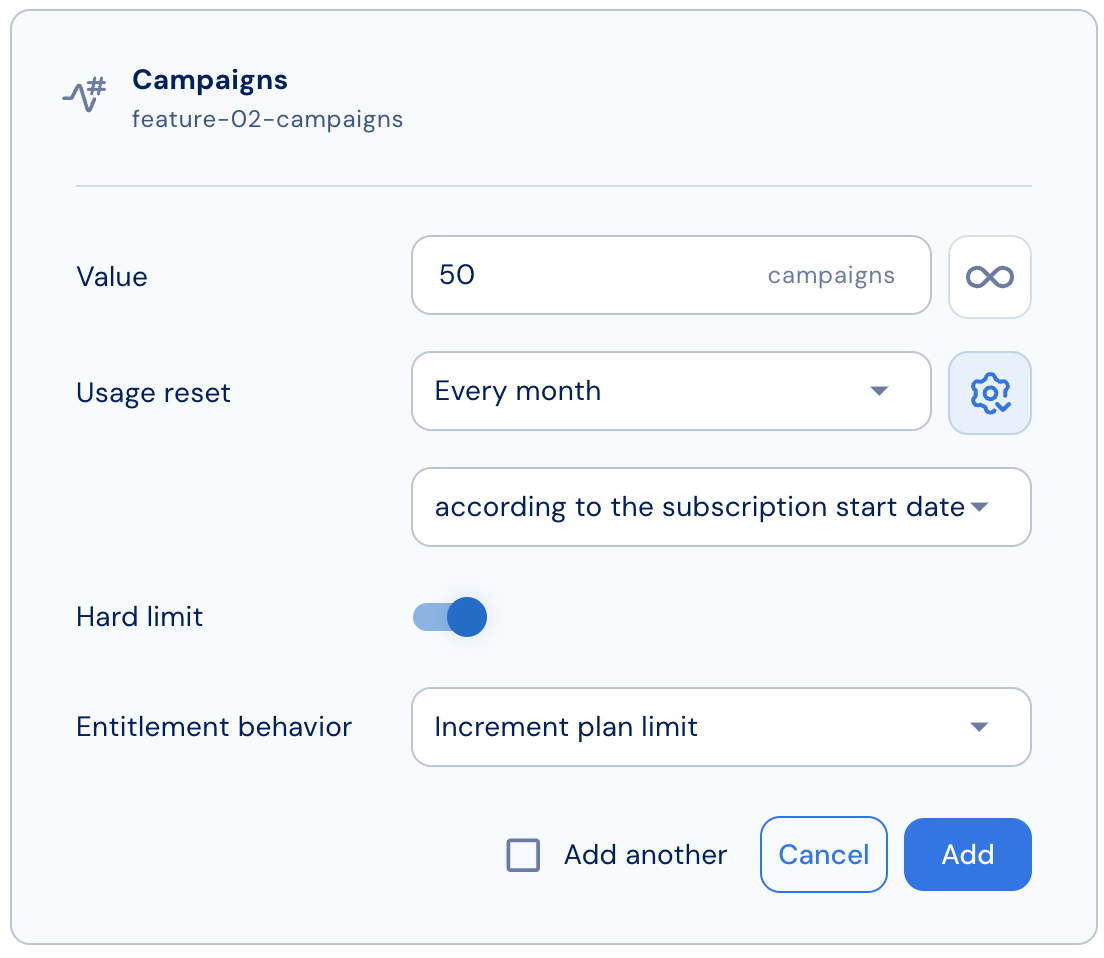
Advanced usage reset configuration