

- Open the Product catalog in the Stigg app.
- Navigate to the Features section.
- Click the Feature groups tab.
- Select the feature group you want to update.
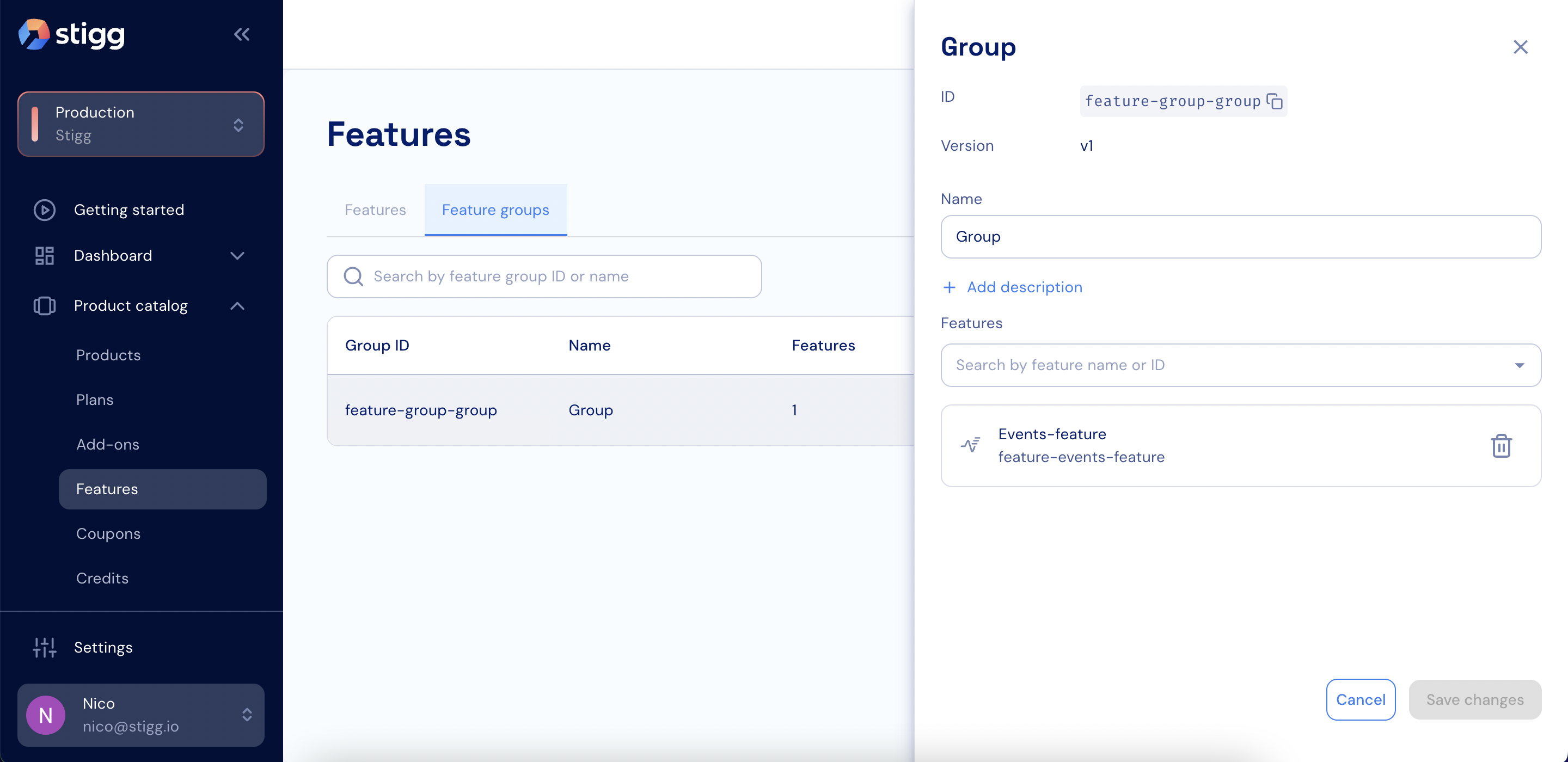
Update a feature group
- Add or remove features as needed.
- Click Save changes. The feature group version is updated automatically.