

- Open the Product catalog in the Stigg app.
- Navigate to the Features section.
- Click the Feature groups tab.
- Click the three dots next to the feature group you want to archive.
- Click Archive.
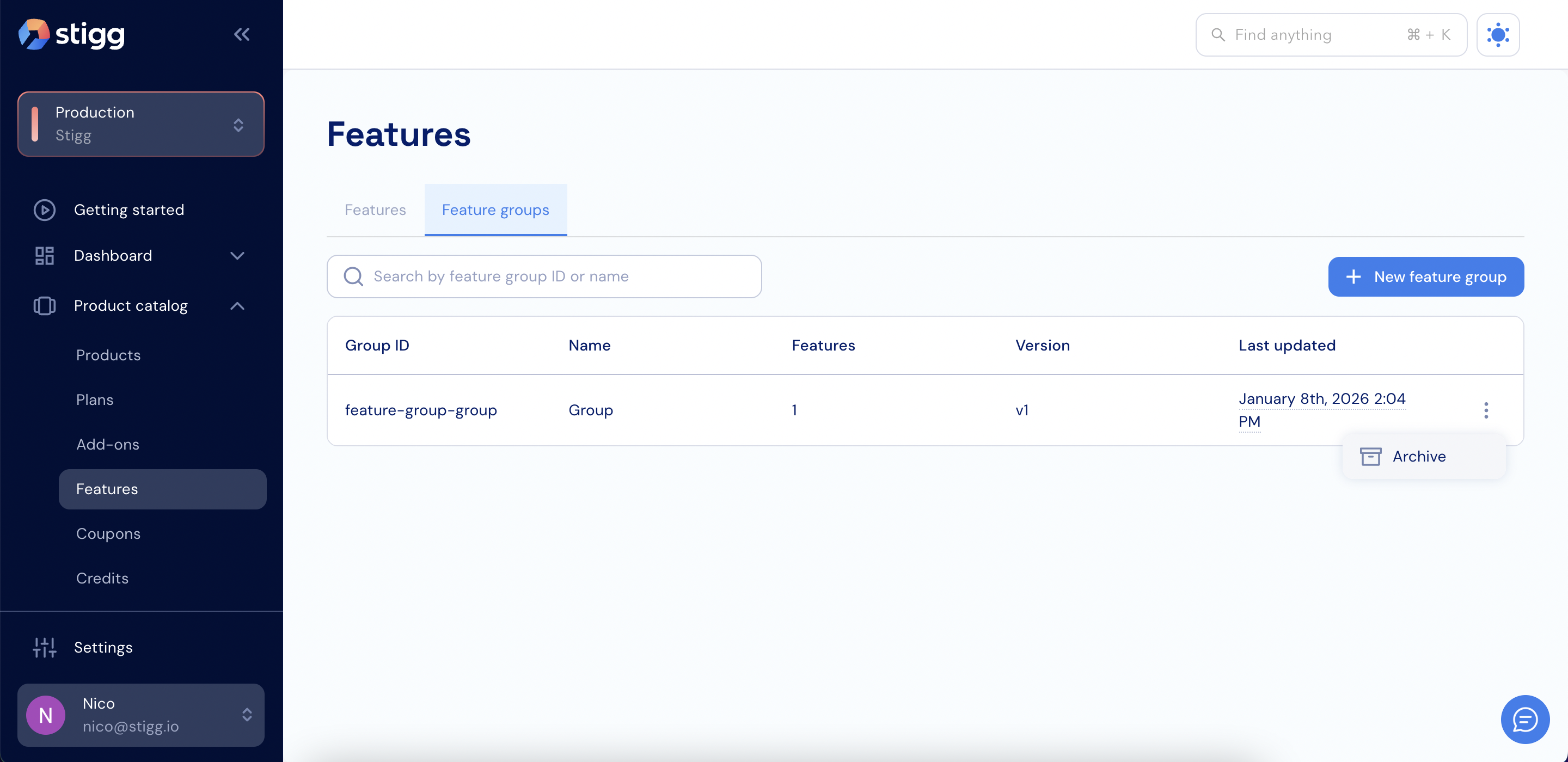
Archive a feature group
- Click Archive again to confirm.
Archive a feature group