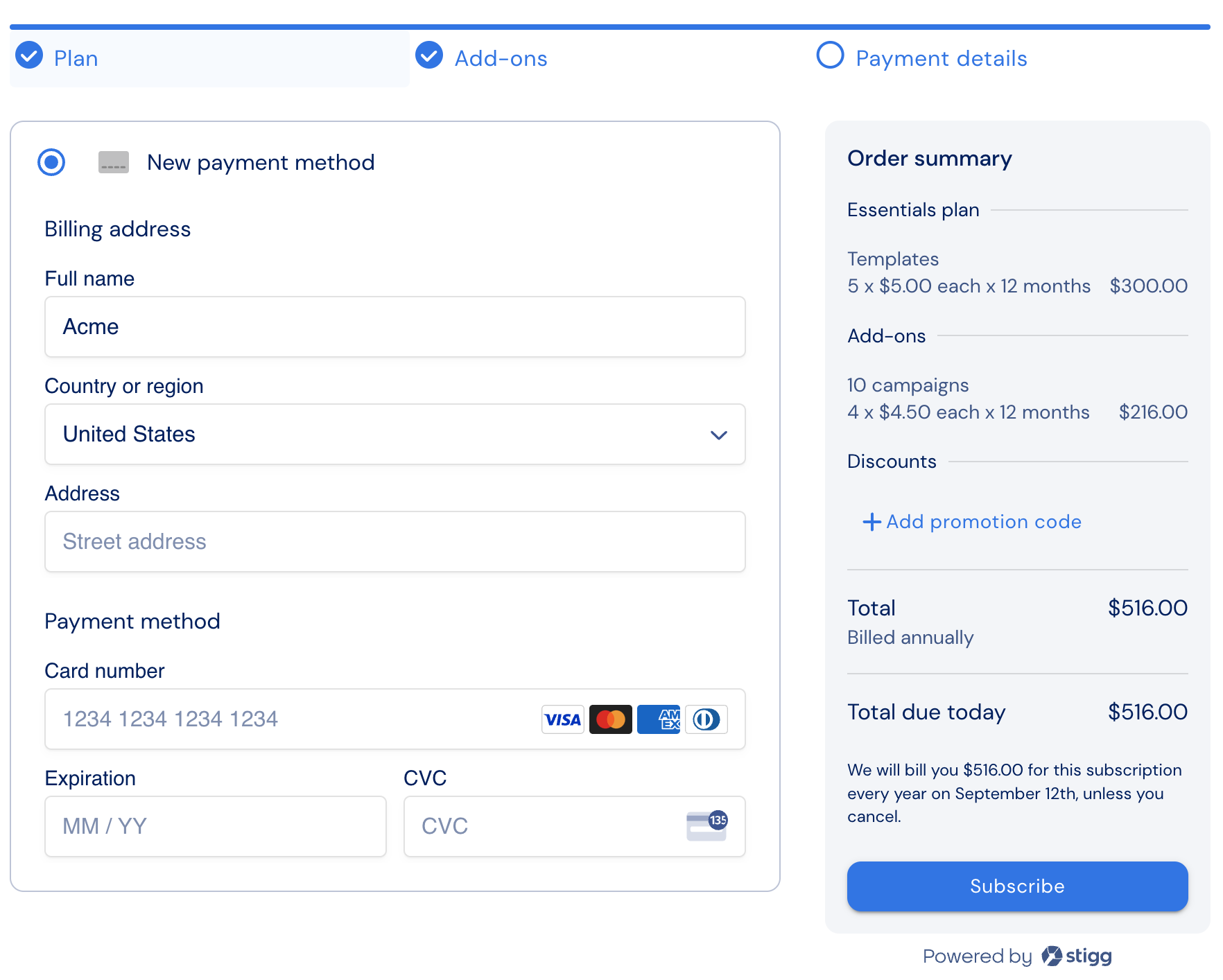
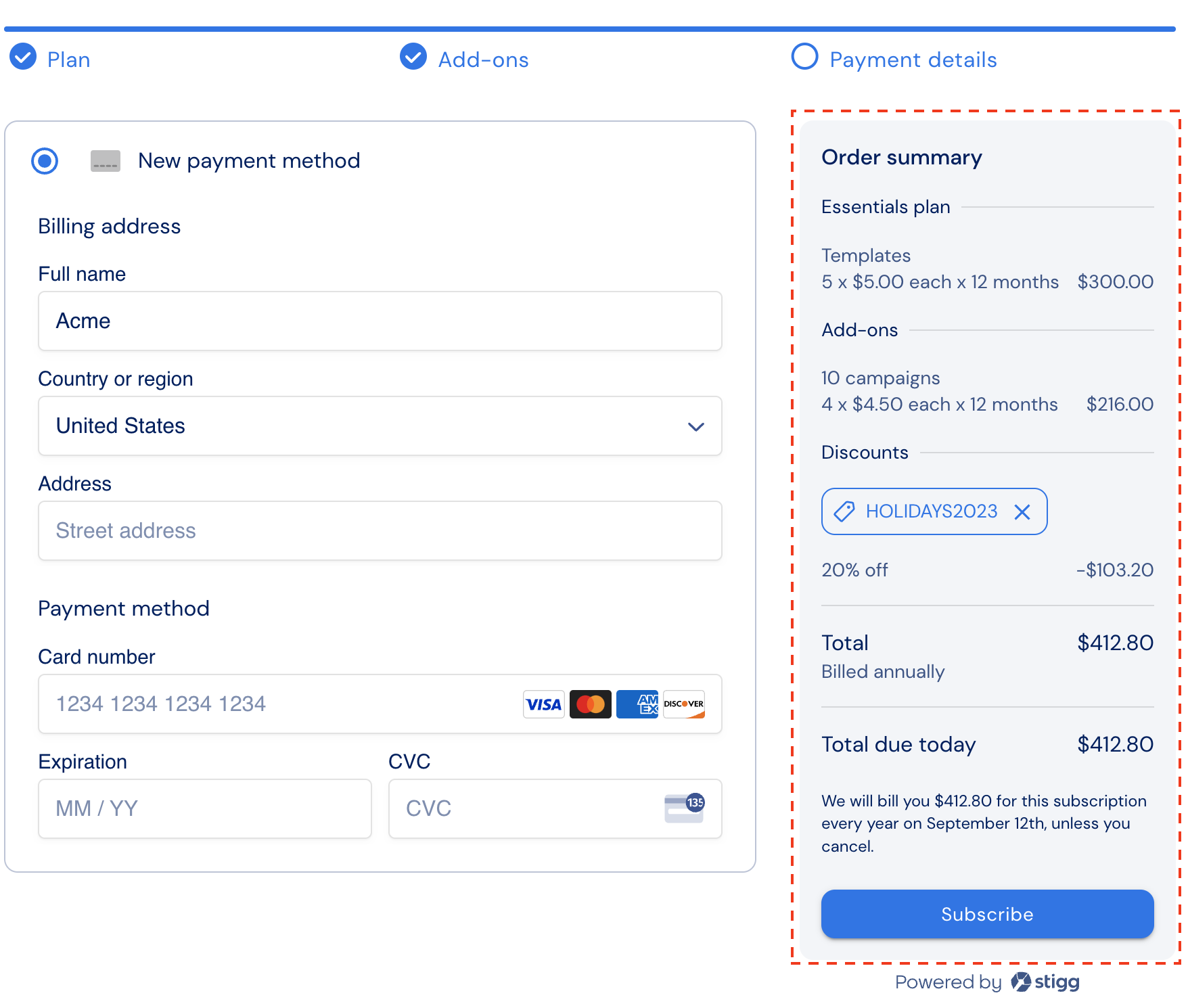
Discounts reduce the total amount that customers pay for their subscriptions.Coupons allow customers to redeem discounts.Promotion codes (promo codes) are customers-facing codes, that are generated for coupons, and which customers can use to redeem coupons during checkout.
Stigg natively supports basic percentage-based and fixed-fee coupons.Coupons that are created in billing solutions can also be applied to subscriptions in Stigg and are useful in the following cases:
Discounts that are applicable only for specific charges, i.e. 15% off the base charge
Discounts that are applicable for X billing periods, i.e. 30% off for 3 months
Discounts for annual subscriptions that are only applicable for the first year of the subscription
When using coupon and campaign management solutions such as Rewardful and Talon.one to generate coupons and promotion codes
It’s recommended to avoid using one-time coupons when provisioning recurring subscriptions. This helps ensure that discounts still apply when customers update their subscription, and when changes are made to the plan and add-on prices.
To allow customers apply coupons during checkout, customer-facing promotion codes (“promo codes”) for those coupons must first be generated.Depending on your use-case, create the coupon in Stigg or in the billing solution that’s integrated with Stigg.In the billing solution, generate a promo code for the coupon.
In cases where you’d like to apply discounts to subscriptions without sharing a customer-facing code with customers, it’s useful to programmatically apply the coupons to subscriptions.To do so, depending on your use-case, create the coupon in Stigg or in the billing solution that’s integrated with Stigg.Pass the coupon when provisioning subscriptions via REST API or updating (Legacy — GraphQL SDK only):
If the coupon was originally generated in Stigg, pass the Stigg coupon ID as the value of the appliedCoupon.couponId parameter.
If the coupon was originally generated in the billing solution, pass the coupon ID from the billing solution as the value of the appliedCoupon.billingCouponId parameter.
Applying discounts to all of customers subscriptions
In some cases, it’s helpful to grant customers discounts for all of their subscriptions. For example: when implementing a partner program, all subscriptions for that partner are eligible for a 20% discount.To grant customers a discount for all of their subscriptions:
Create a coupon in Stigg
Apply the coupon to the customer via the Stigg app or programmatically via the REST API or Node.js SDK (Legacy) by passing the Stigg coupon ID as the value of the couponId parameter.