

Via the Stigg console
Define entity types
In the Stigg app, go to Governance → Entity types. The list shows all entity types defined for the environment, along with their attribution keys and the last time each was updated.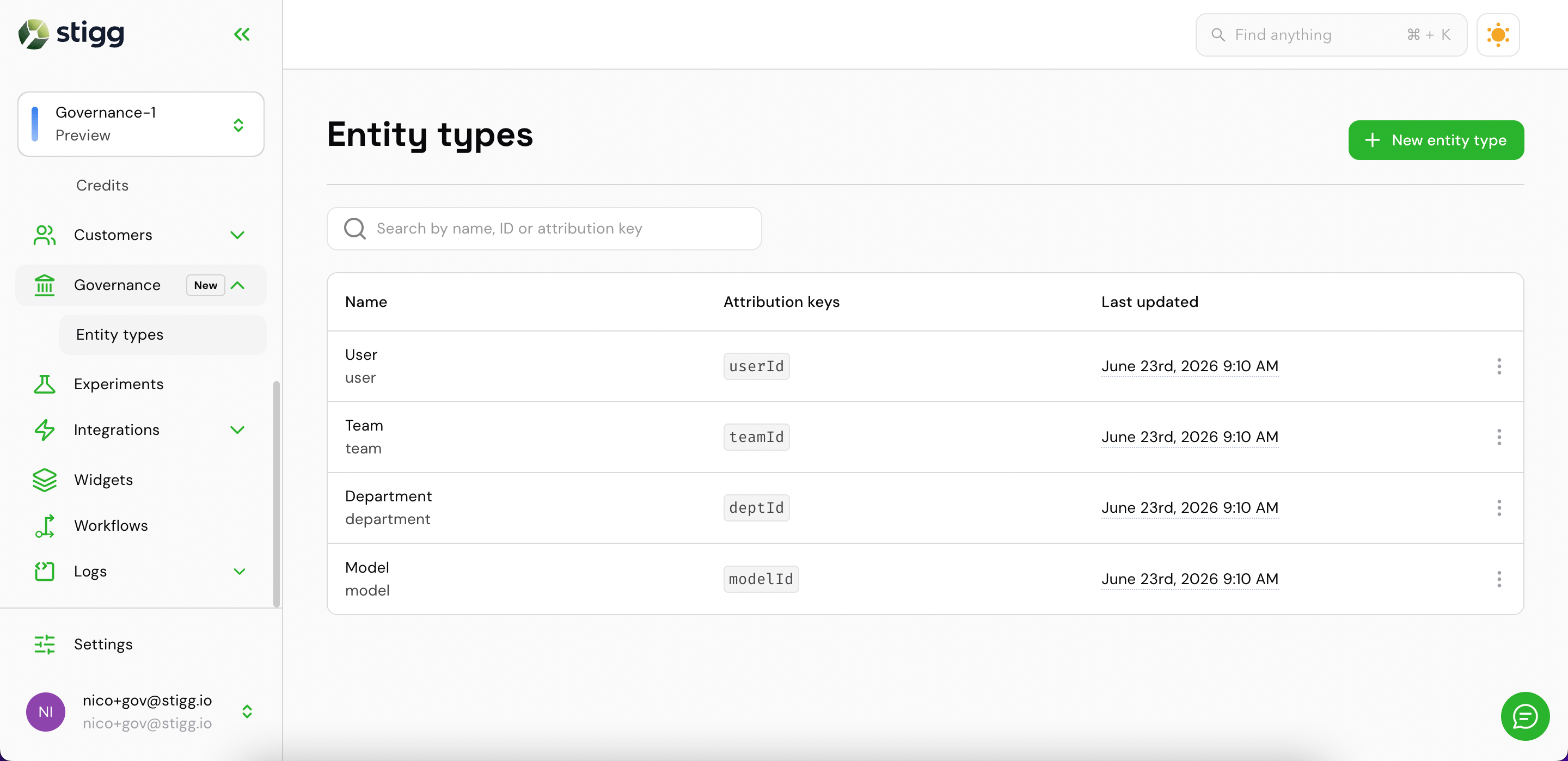
Entity types list
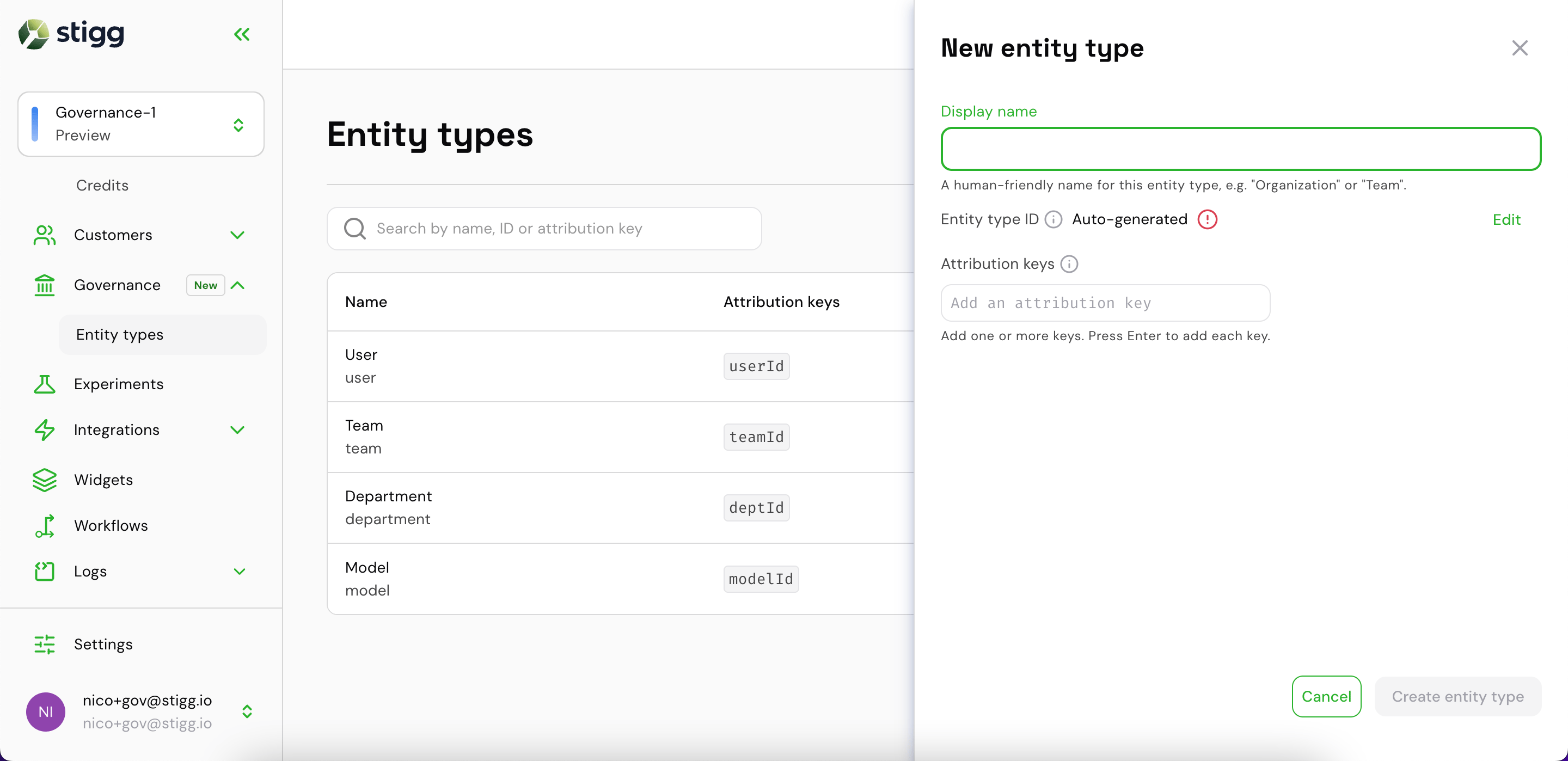
New entity type drawer
- Display name — a human-readable label (e.g.
Organization). The entity type ID is auto-generated from it and can be edited. - Attribution keys — the dimension keys your usage events carry to identify instances of this type (e.g.
orgId). Type a key and press Enter to add it; multiple keys are supported.
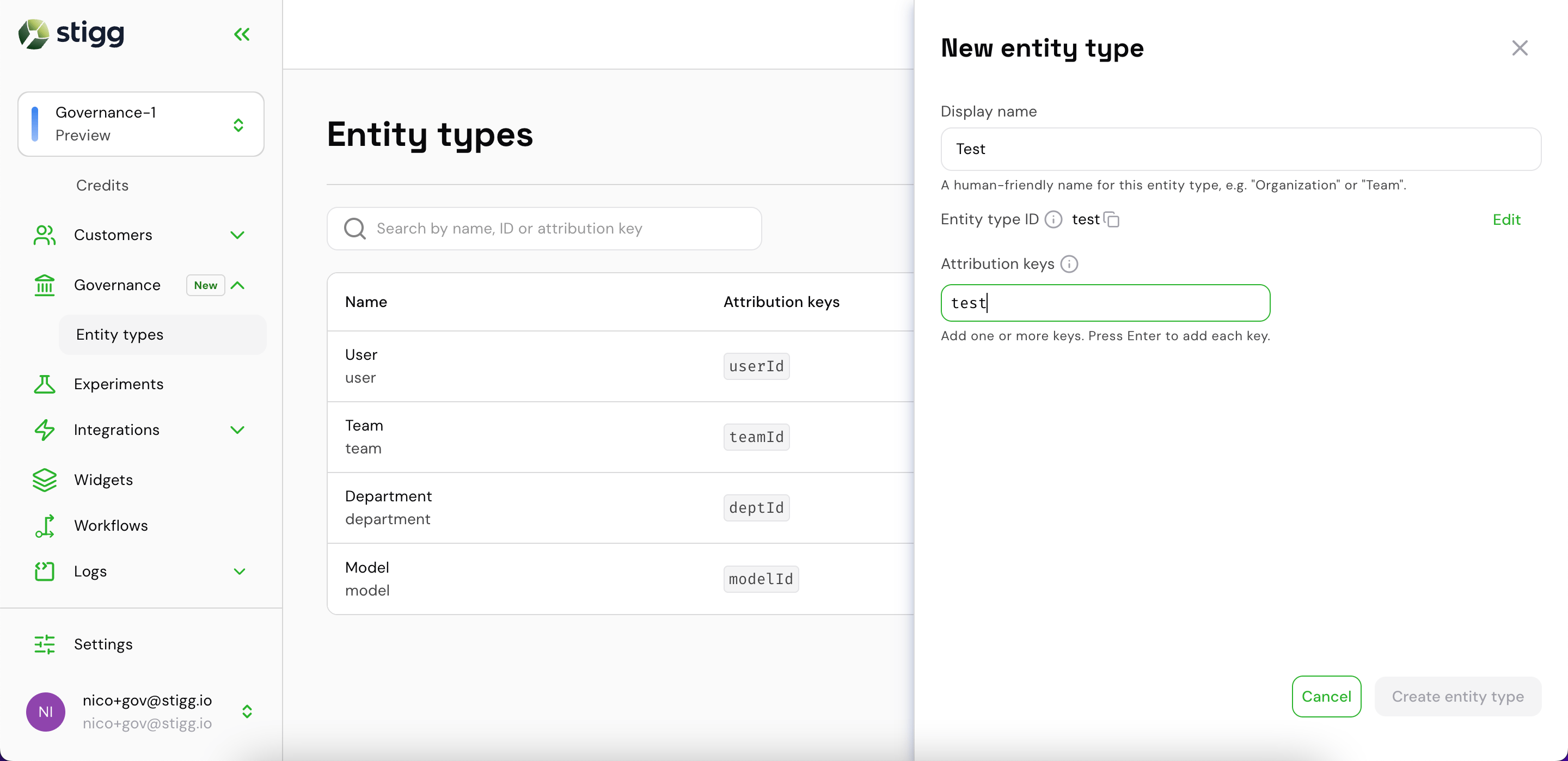
Filling in name and attribution key
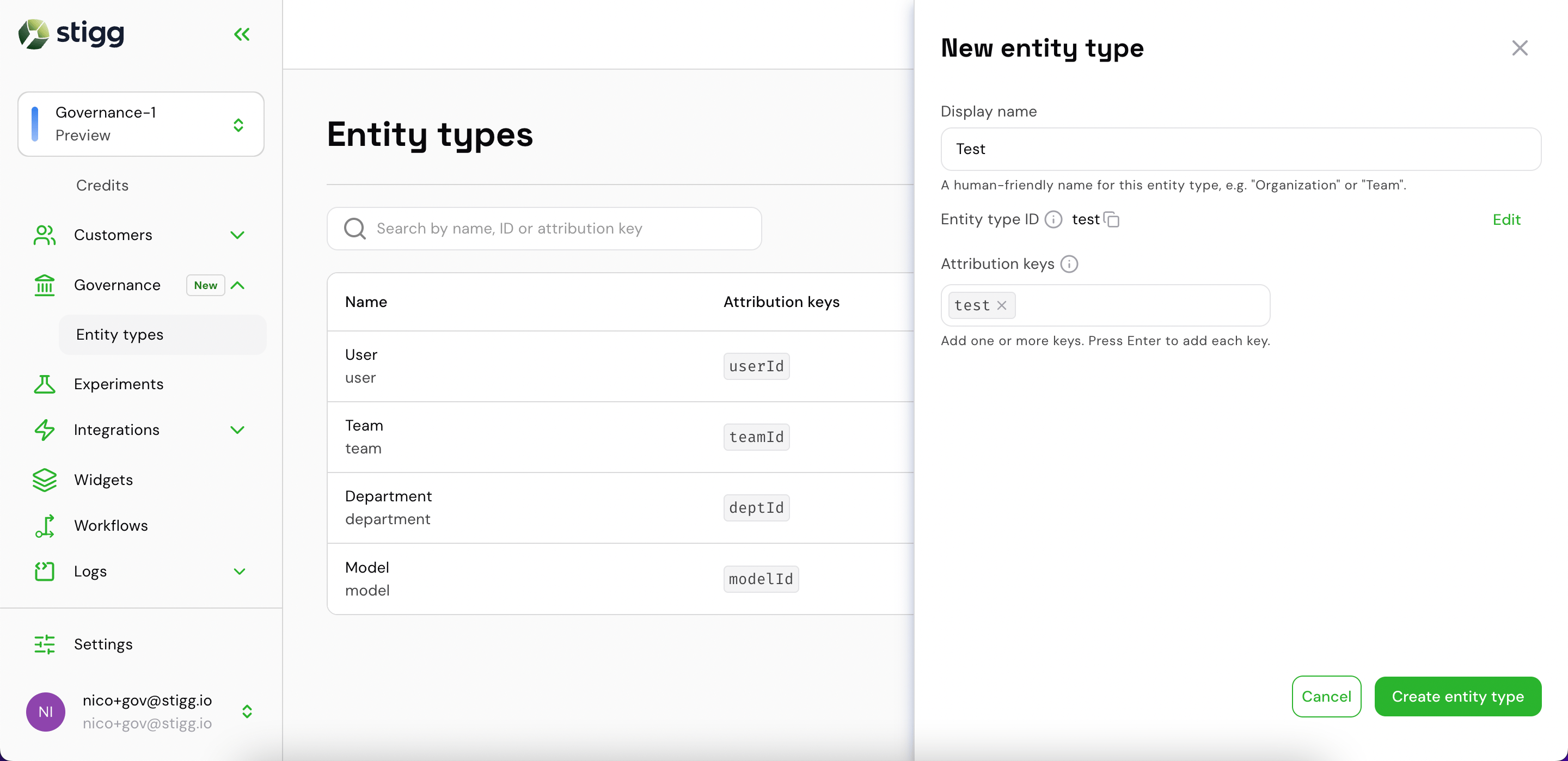
Attribution key added — ready to create
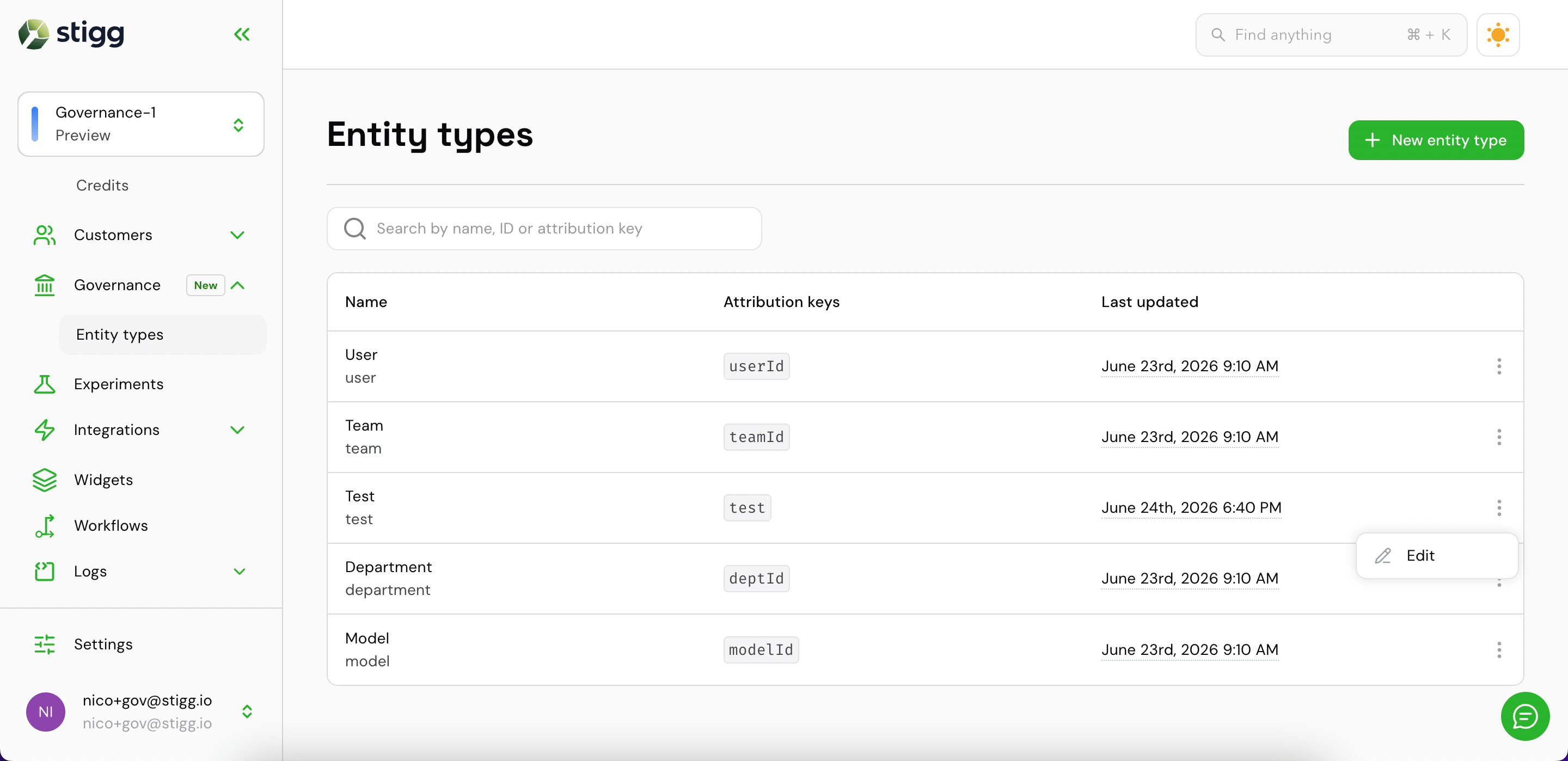
Newly created entity type with edit option
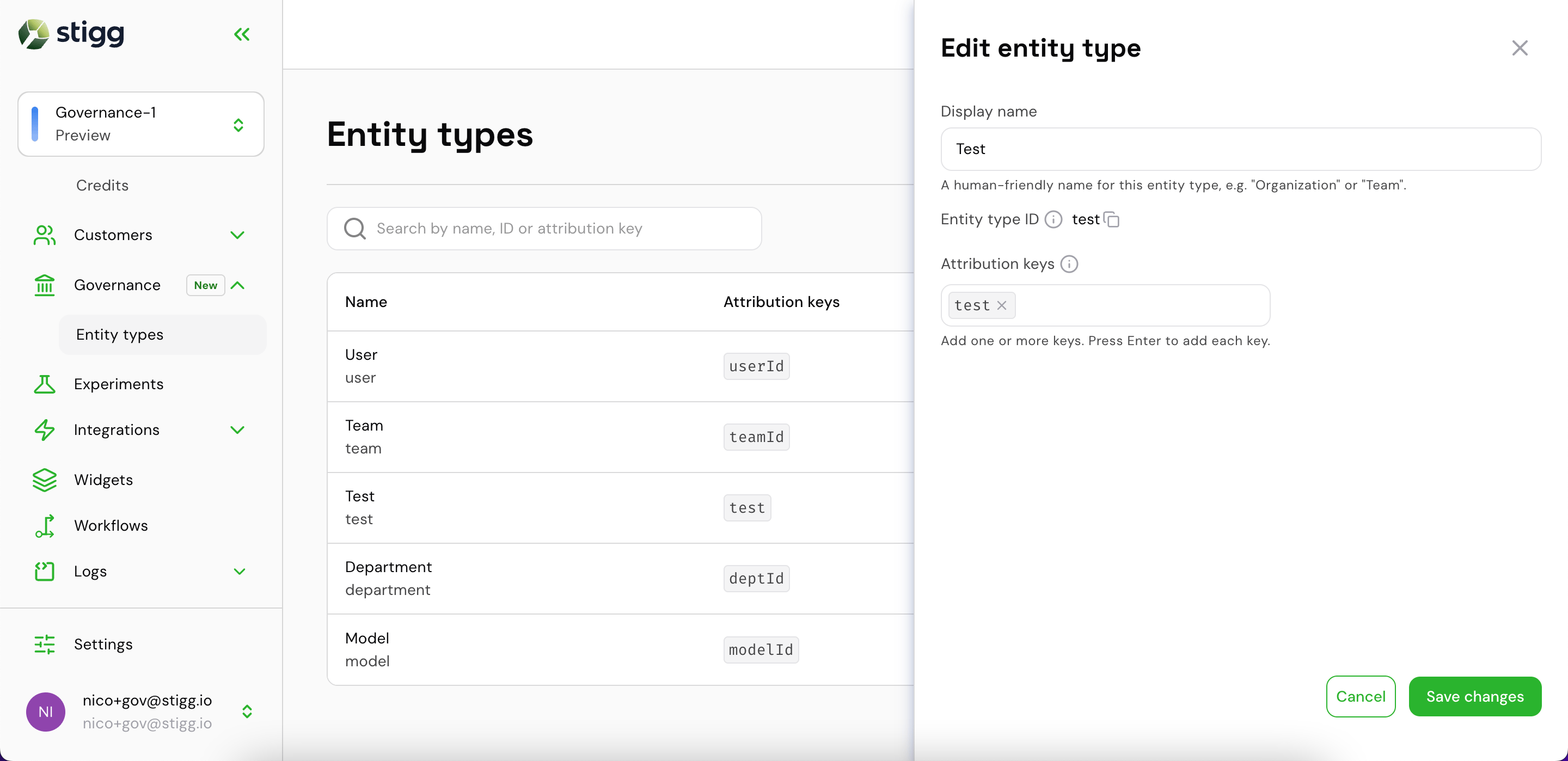
Edit entity type drawer
View and manage entities for a customer
To view governance data for a specific customer:- Go to Customers → Customer accounts and open the customer record.
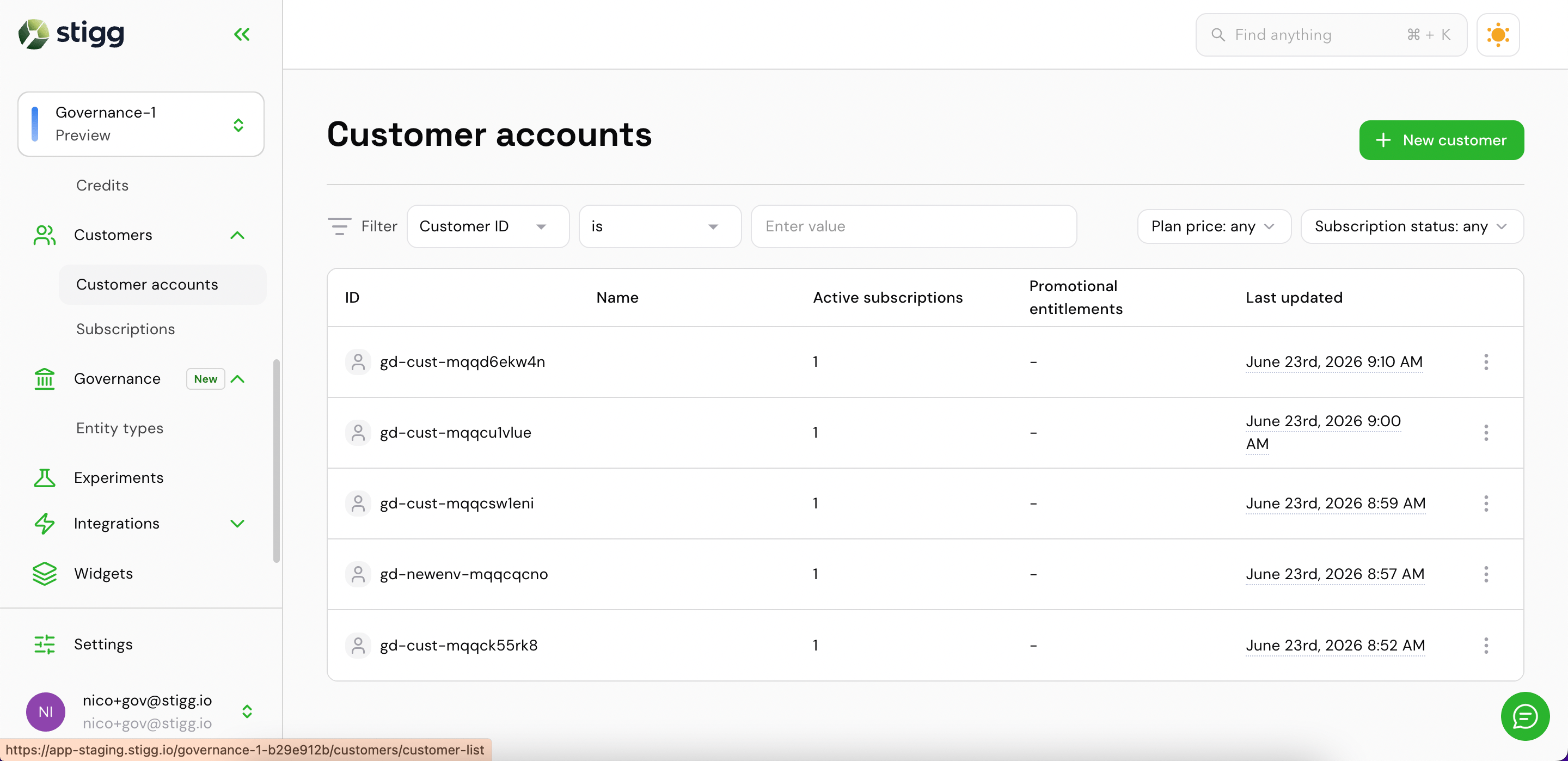
Customer accounts list
- Click the Governance tab.
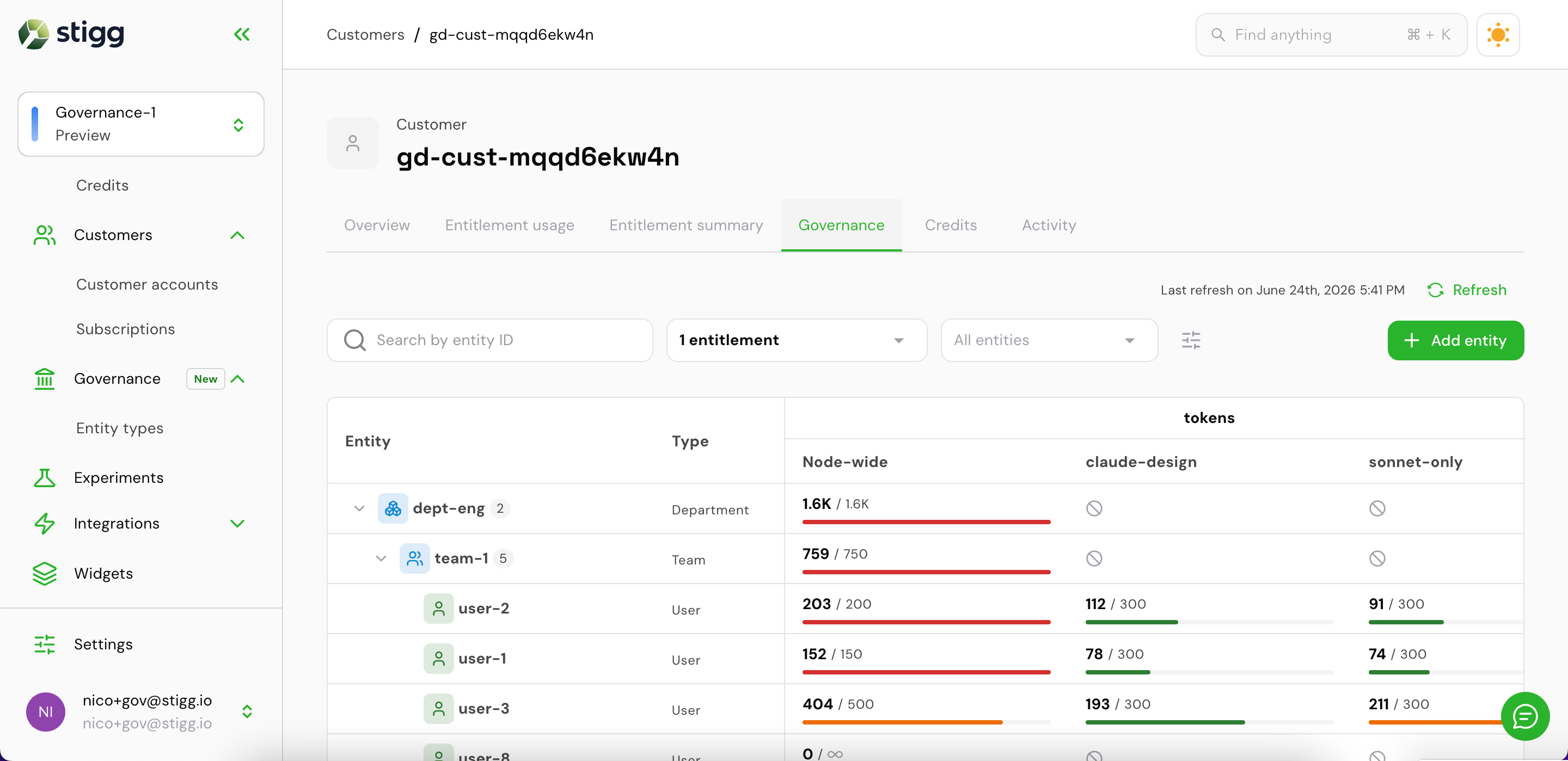
Customer Governance tab — entity hierarchy with usage
Sort and prioritize entities
Use the Order by control (the sliders icon next to the type filter) to rank entities by consumption. Two modes are available:- Usage — ranks by absolute consumption, so the heaviest consumers appear first
- Utilization — ranks by percentage of limit used, so entities closest to being blocked surface first
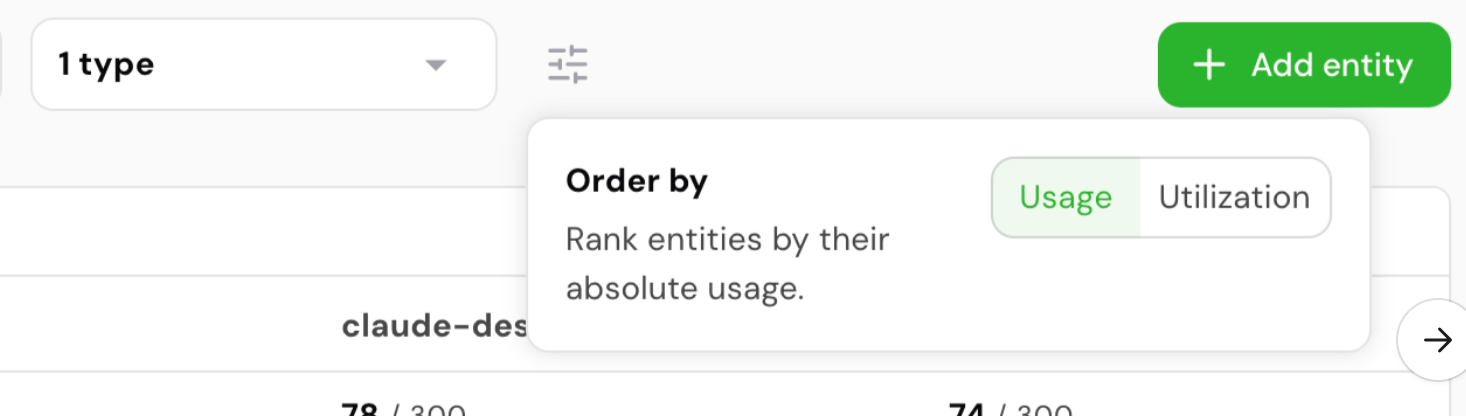
Order by — Usage vs. Utilization
Add an entity to a customer
Click + Add entity to open the drawer.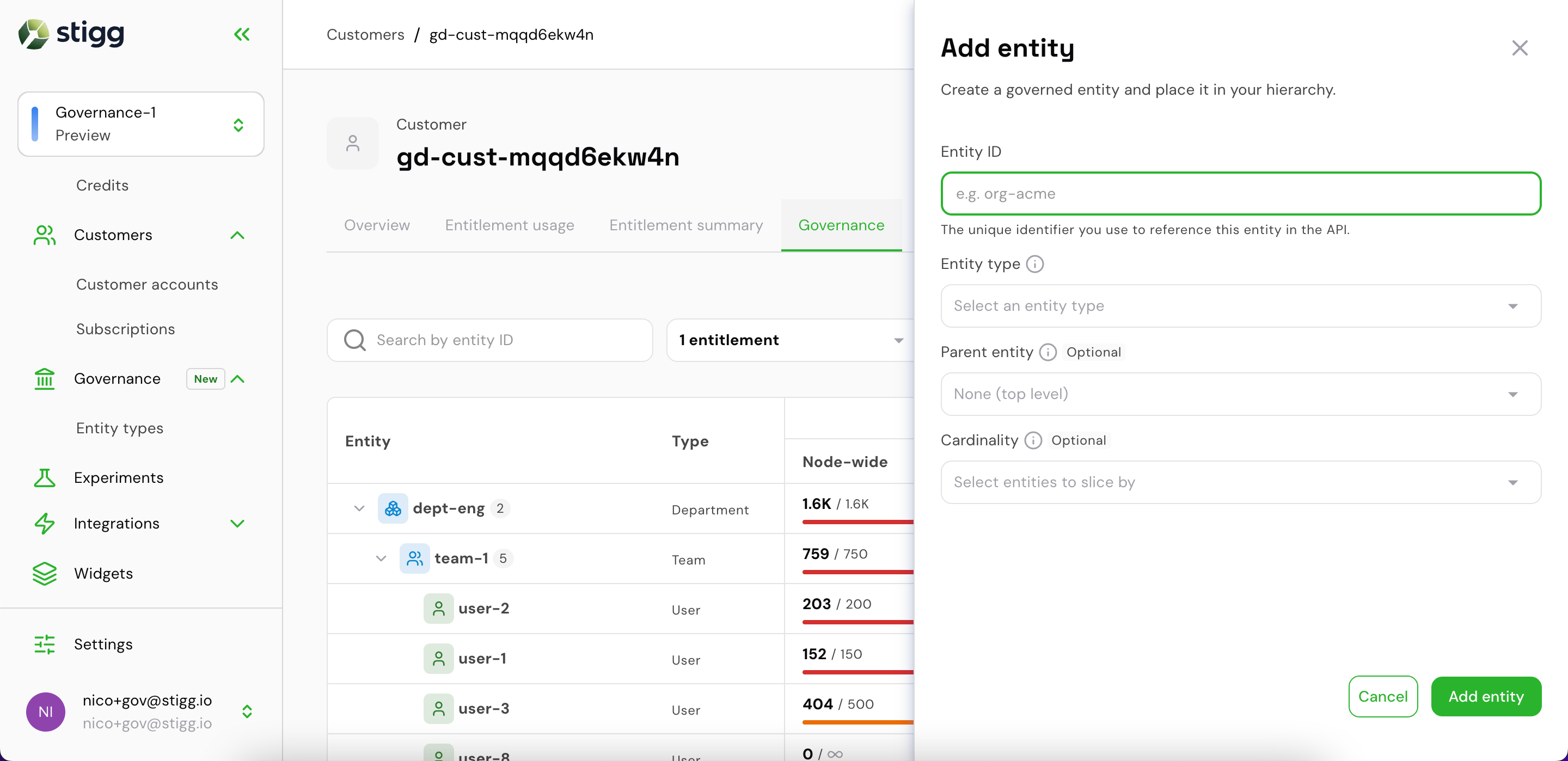
Add entity drawer — empty
- Entity ID — the unique identifier used in API calls (e.g.
org-acme) - Entity type — select from the entity types defined for this environment
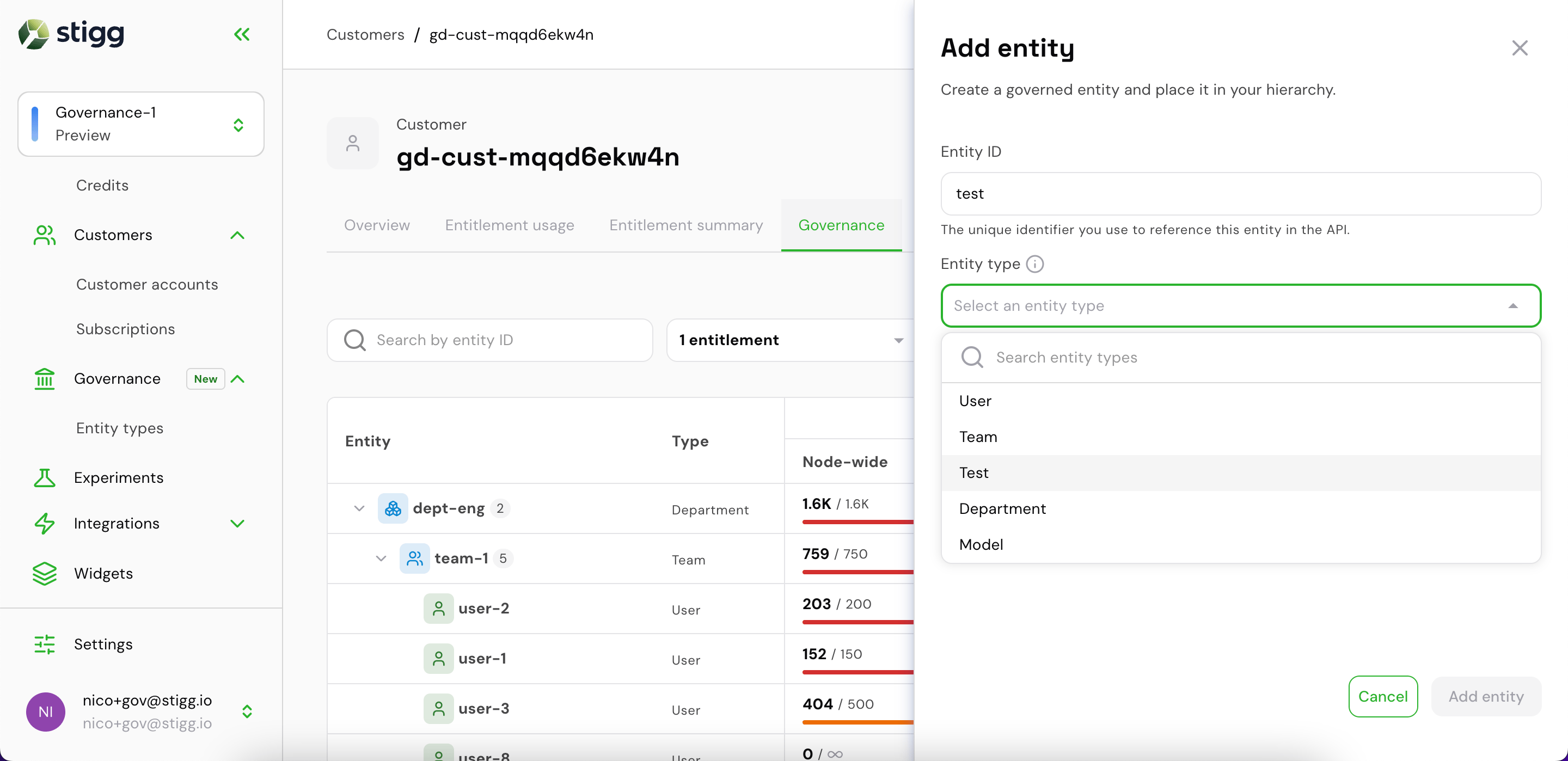
Selecting an entity type
- Parent entity (optional) — place this entity under a parent in the hierarchy (e.g. nest a user under a team)
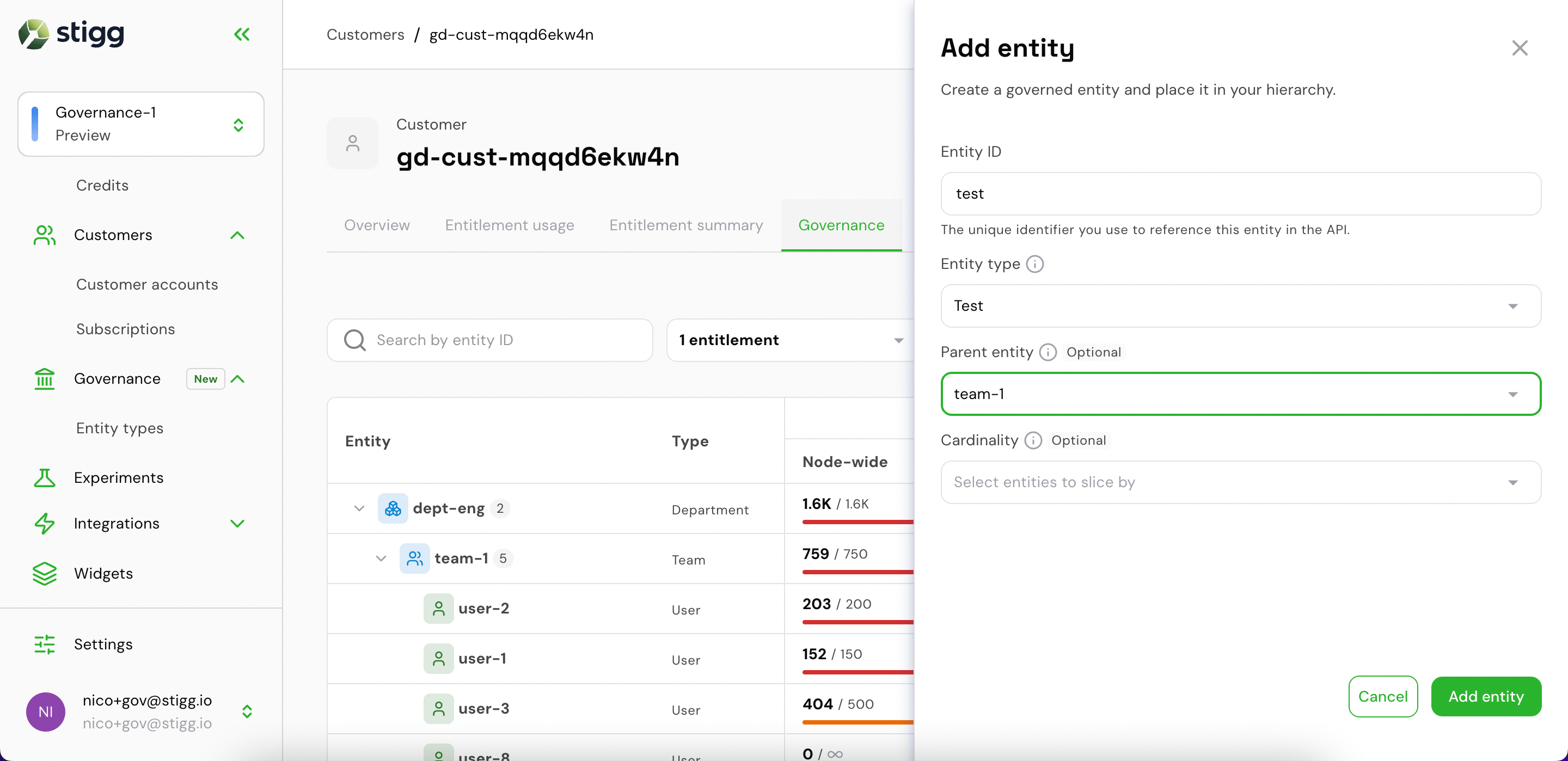
Selecting a parent entity
- Cardinality (optional) — restrict this entity’s budget to a specific sub-context by selecting entities to slice by
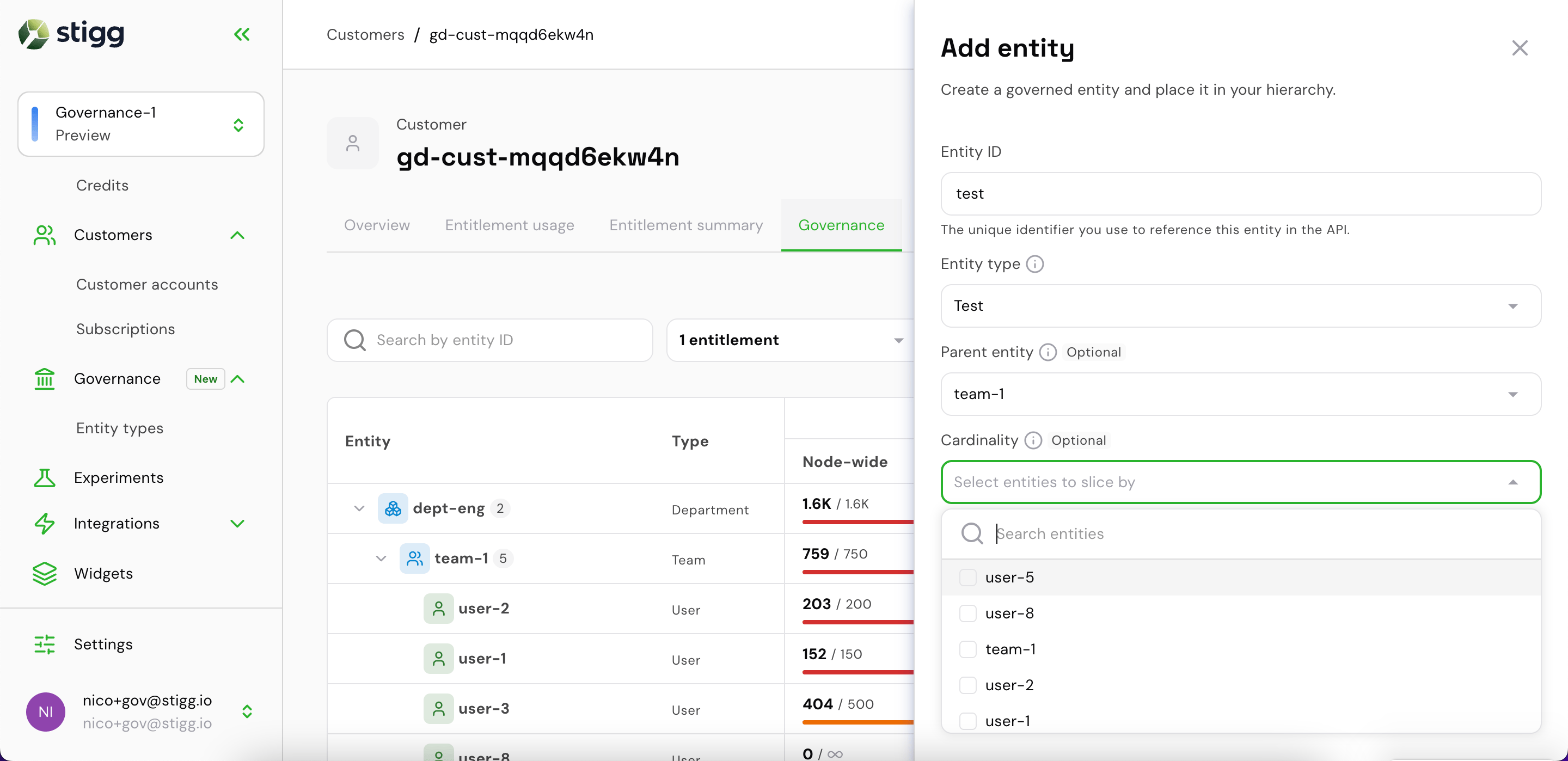
Cardinality — selecting entities to slice by
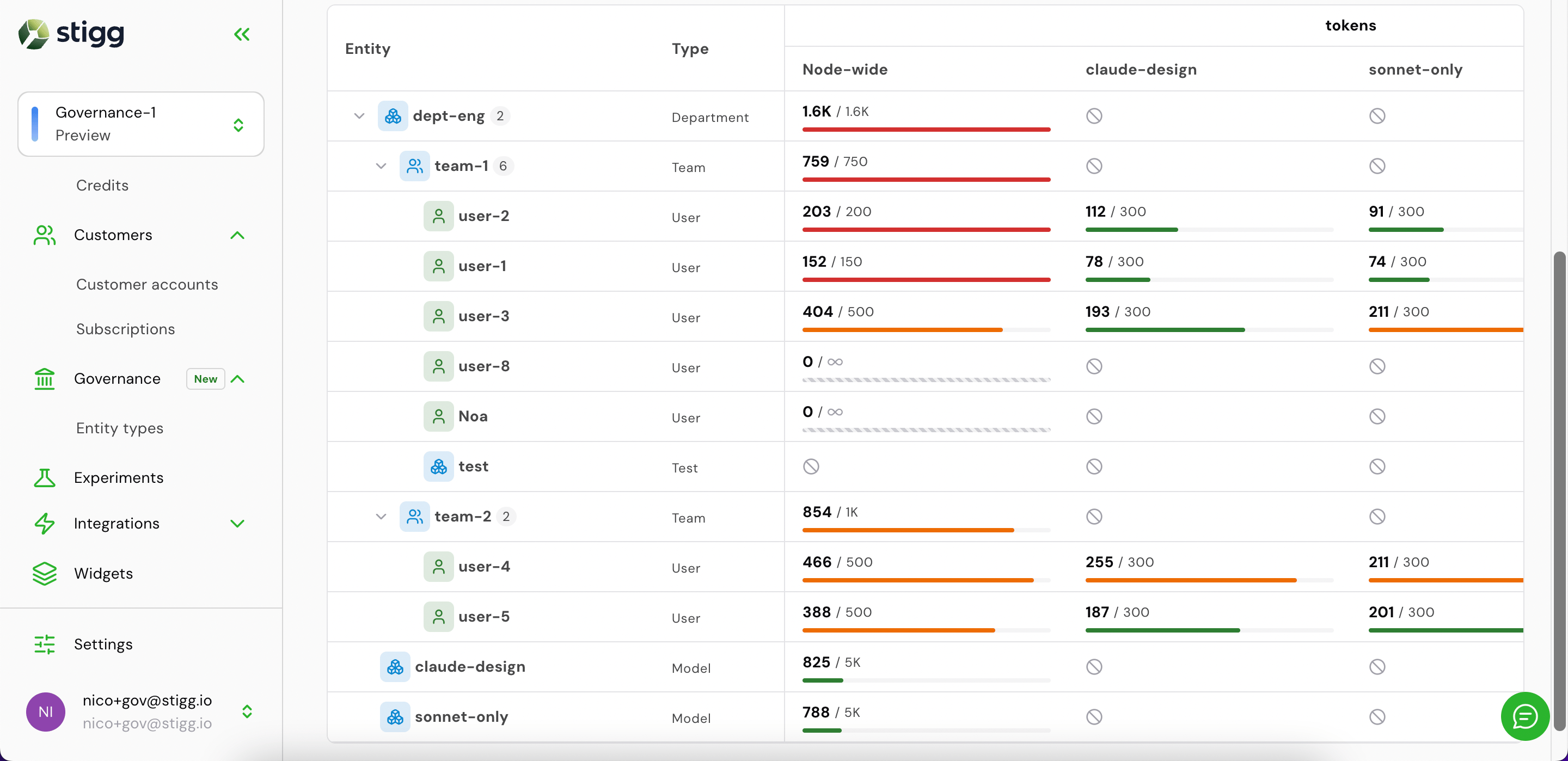
Full governance hierarchy with all entities and entitlement columns
Edit an entitlement value inline
Click any entitlement cell in the Governance tab to edit the limit value inline, then confirm with the checkmark.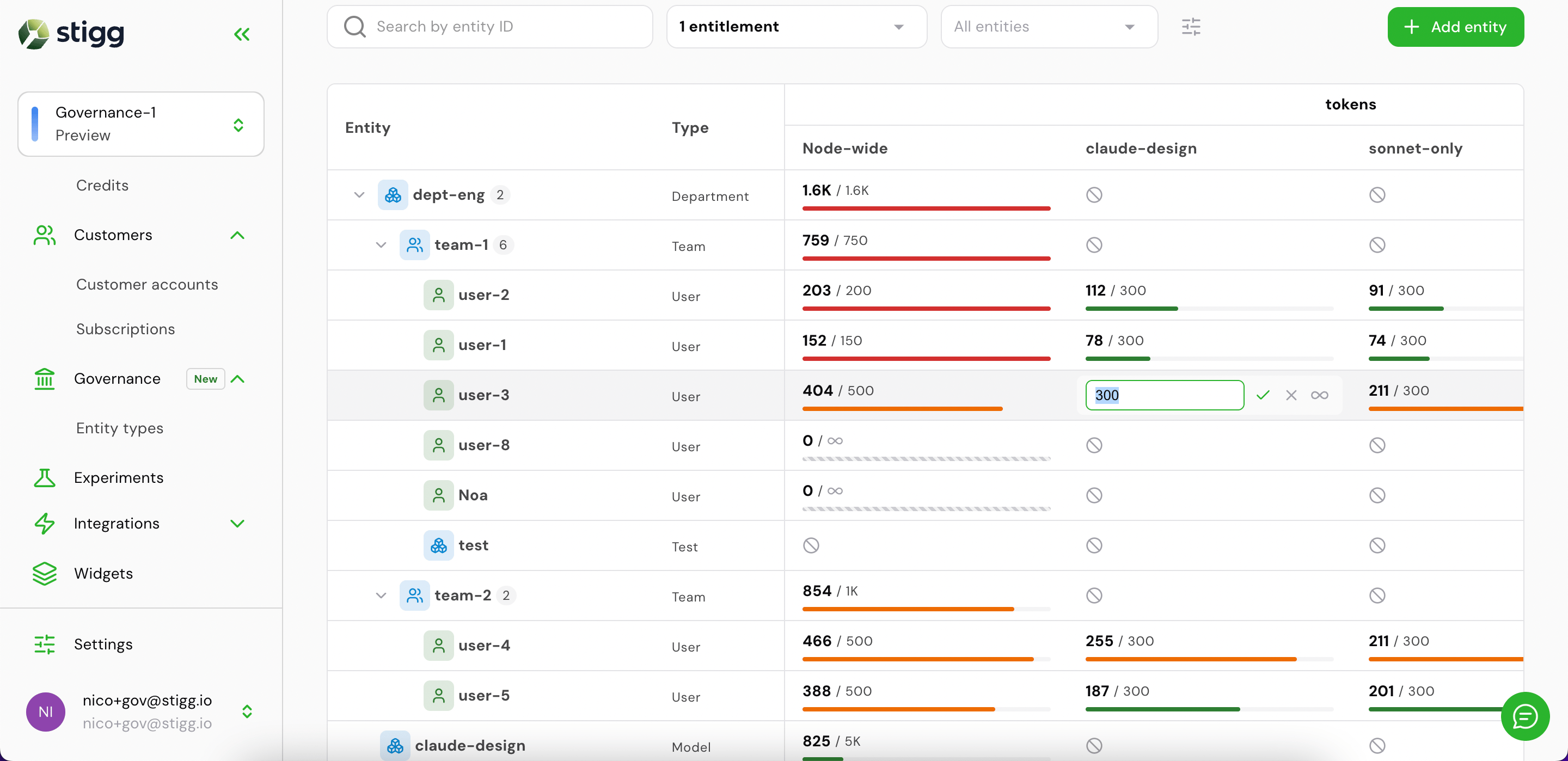
Inline editing an entitlement value
Via the SDK
Install the Stigg TypeScript client and initialize it with your server-side API key:client instance.
Via the REST API
All governance operations use the Stigg REST API. Authenticate with your server-side API key:Step 1 — Define entity types
Entity types are the categories of resource you want to govern (e.g.,org, team, user, agent). Define them once per environment. The attributionKeys are the dimension keys your ingest events carry to identify instances of each type.
200 OK):
Listing entity types
Step 2 — Provision entities per customer
When a customer creates an org, team, or user in your product, provision the corresponding entity in governance. TheownerId is the customer’s ID in your system.
metadata are merged over existing values. Set a key to "" to delete it. Omitting metadata entirely leaves the stored metadata unchanged.
Response (200 OK):
Listing entities
Getting a single entity
Archiving and unarchiving entities
Archiving is a soft-delete: the entity disappears from the list but remains accessible via GET-by-ID.204 No Content.
Step 3 — Create assignments
Assignments set the usage limit for an(entity, feature/credit) pair — they are the governance equivalent of entitlements, and appear as entitlement columns in the Stigg console’s Governance tab. They are typically created by your customers through an in-app interface, but you can also set them programmatically.
usageLimit or cadence preserves the existing value. On first create, both are required.
usageLimit: null — tracked but unlimited: setting usageLimit to null means usage is still counted and appears in check responses, but the limit never blocks. Useful for observability before enforcing.
Response (200 OK):
Hierarchy — placing entities in a tree
TheparentId field places an entity under a parent in the governance hierarchy. The check endpoint evaluates every budget in the chain from the target entity to the root — a request is only granted when all budgets along the path allow it.
parentId is tri-state: omitting it leaves the current parent unchanged (new nodes default to root); null detaches the entity to root; an entity ID sets or changes the parent. Reparenting is only allowed for leaf nodes — a node with children cannot be moved.Dimension-scoped sub-budgets
Add a tighter budget for a specific context by settingscopeEntityIds. The scoped budget applies only when every listed entity is present in the resolved set for the request.
Listing assignments
What’s next
Check and ingest
Gate access before consumption and record usage after
Query the governance tree
Fetch usage and budget data for dashboards and admin UIs