

Before you begin
Decide which trial flow you want to offer: a credit card trial, a free trial, or a reverse trial. For a comparison of the trial types, see Free trial periods.Adding a free trial to a plan
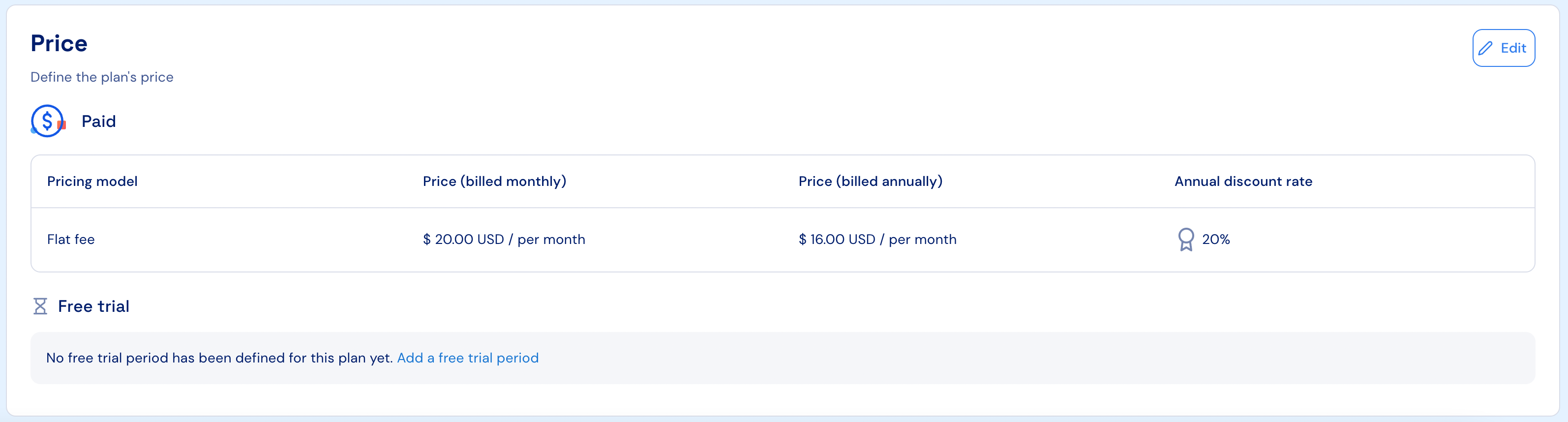
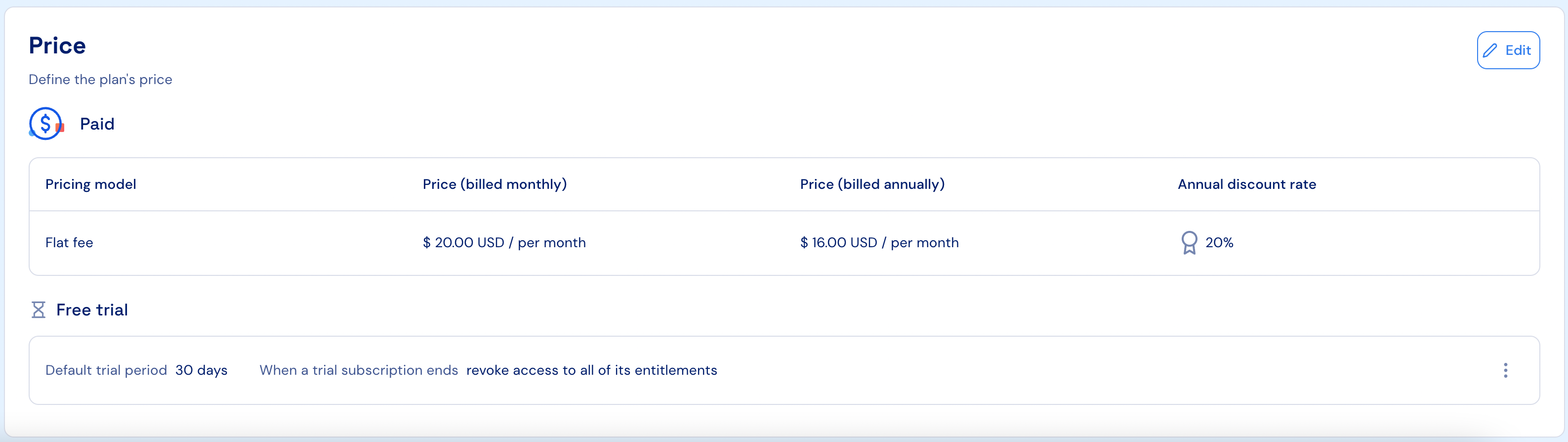
Paid and custom plans can be configured to start with a free trial period when a subscription is created. To add a free trial to a plan, select the relevant plan in the Stigg app. Edit the plan. Under the “Pricing” section, click on. the “Add free trial” link. Set the default trial period in days or months. Click on “Add”. Publish the changes.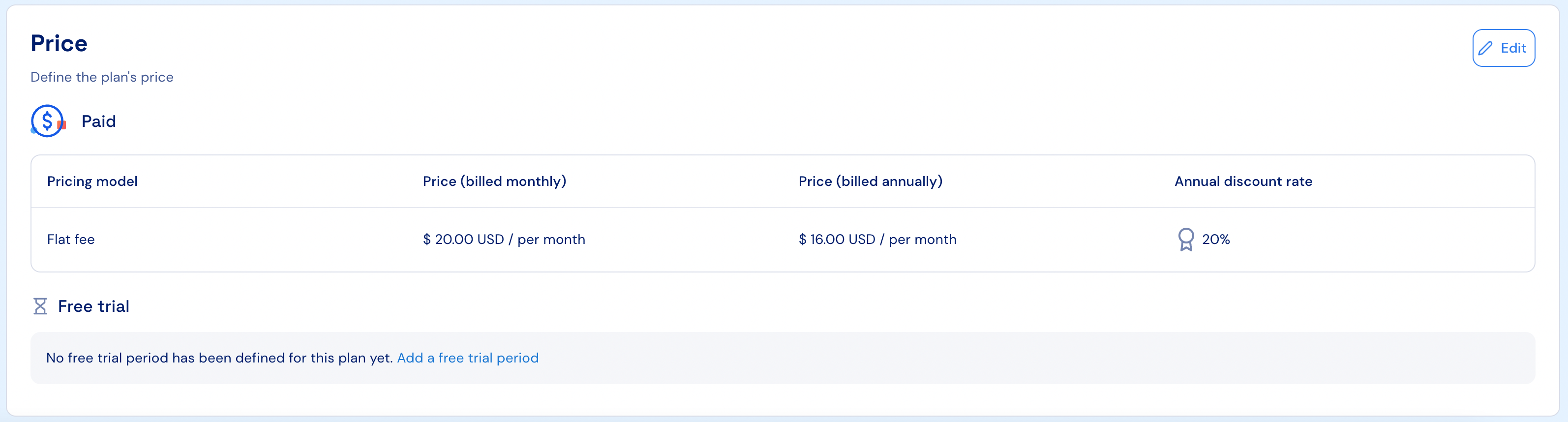
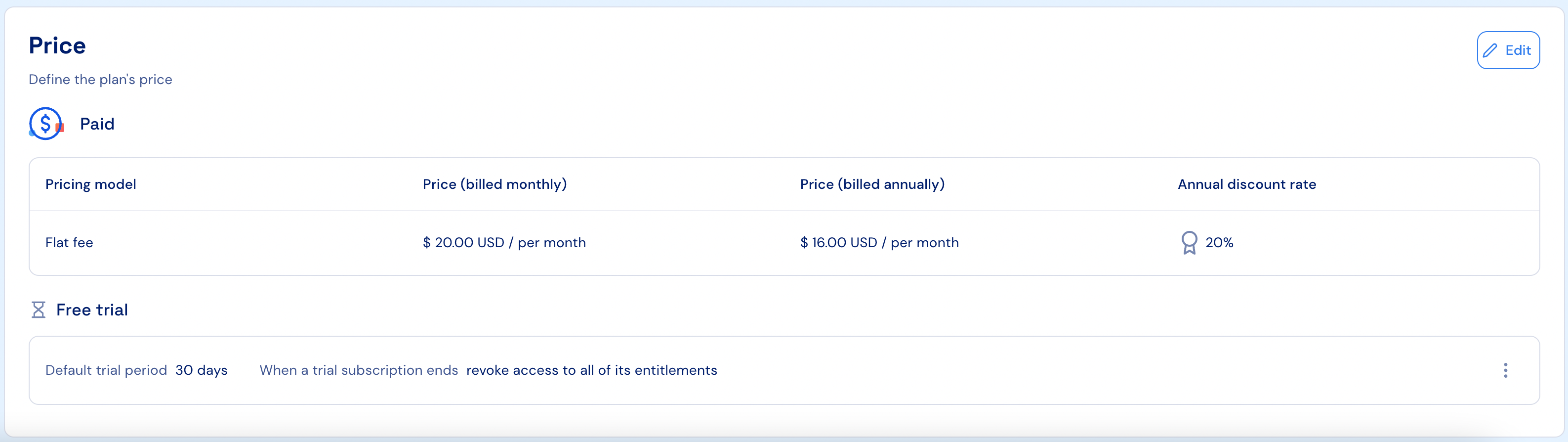
More details about plans’ free trial definition can be found here.
Controlling customers initial access to the product
Stigg allows you to control the type of subscription that will be automatically provisioned to customers once they create an account to your product. Specifically, initial customer access to the product can be defined to start in a free trial.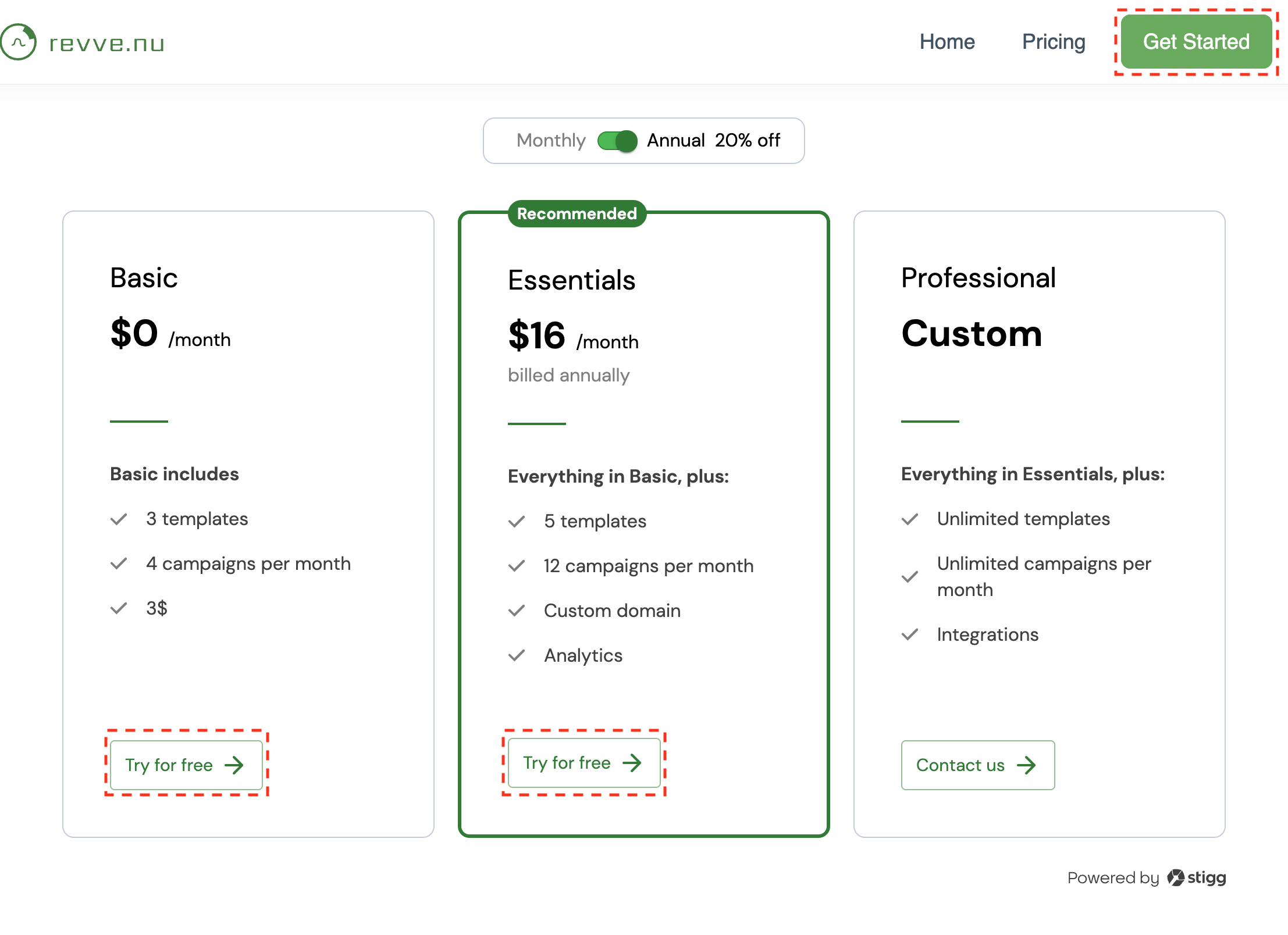
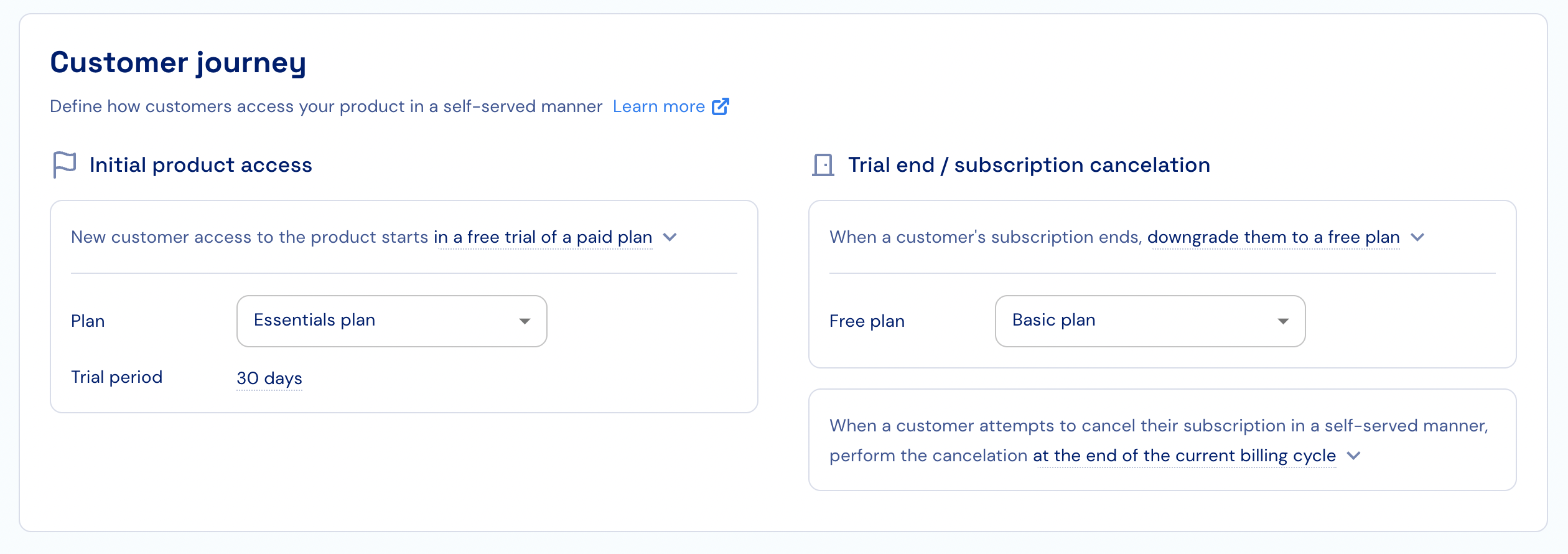
More details about the Customer Journey configuration can be found here.
Controlling the end of trial behavior
Stigg allows you to control the behavior at the end of the trial. Specifically, this allows you to configure whether a free trial or reverse trial flow will be implemented.Free trial
To implement a free trial flow, select the relevant product in the Product Catalog > Products section. Under the “Customer Journey” section and the “Trial end / subscription cancelation” column, select “When a customer’s subscription ends, revoke access to all of its entitlements”. Select the free plan that the customer will be downgraded to. Click “Publish changes” Confirm the action by clicking “Publish”.More details about the Customer Journey configuration can be found here.
Reverse trial
To implement a free trial flow, select the relevant product in the Product Catalog > Products section. Under the “Customer Journey” section and the “Trial end / subscription cancelation” column, select “When a customer’s subscription ends, downgrade them to a free plan”. Select the free plan that the customer will be downgraded to. Click “Publish changes” Confirm the action by clicking “Publish”.More details about the Customer Journey configuration can be found here.