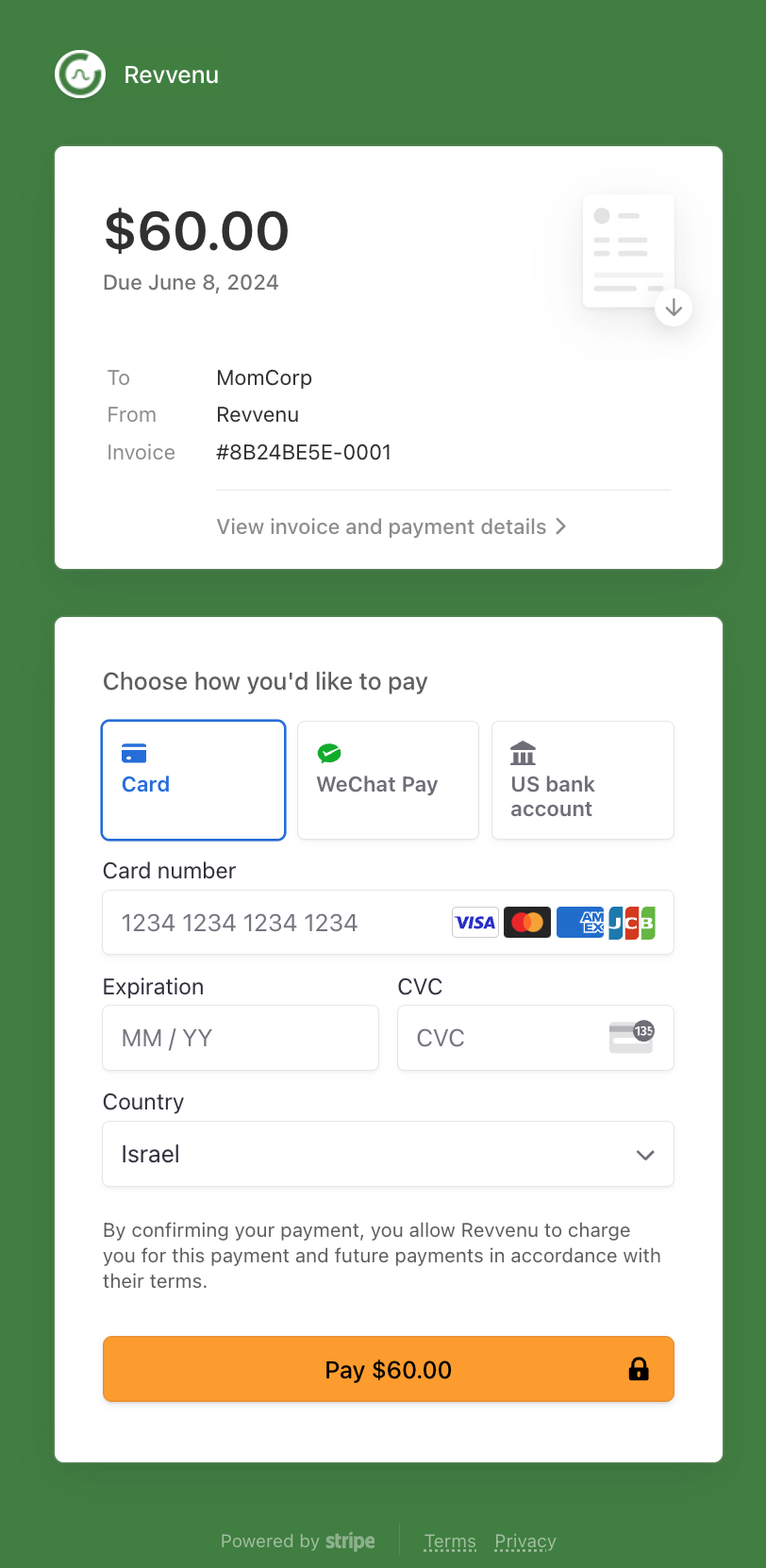
Prerequisites
- The product pricing that’s defined in Stigg includes a paid plan.
- Stigg is integrated with a billing provider that supports payment links, such as Stripe.
- The customer has a valid email address defined in Stigg.
Payment links are not currently supported by the Airwallex integration.
Provisioning the subscription in Stigg
In the Stigg app, open the relevant customer. Under the “Subscriptions” section click on the ”+ Add” button. Configure the subscription to the terms that were agreed with the customer, for example: plan charges, add-ons, prices, etc. Under the “Payment” section, select ״Generate an invoice to the customer to pay manually”. Ensure that “Invoice status” is set to “Open”. Optionally, specify the number of days a customer has to pay invoices generated by this subscription.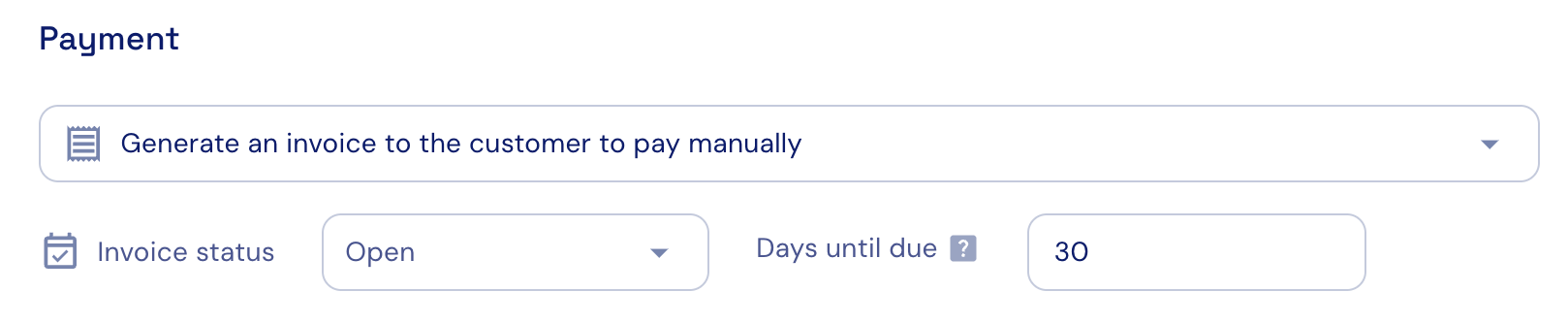
Share the payment link with the customer
Under the subscription details, click on “Copy payment link”. Share the copied link with the customer.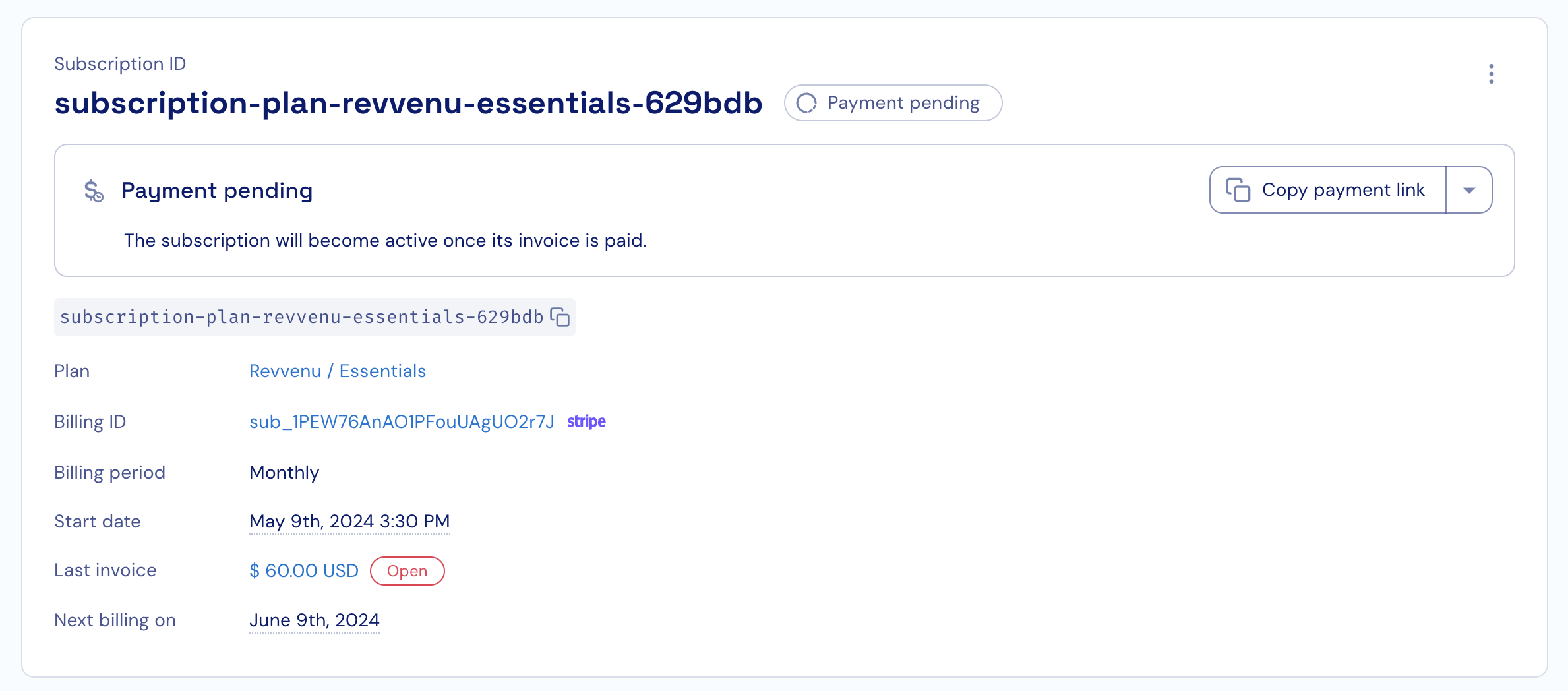
Payment
When the customer enters a payment method, the following takes place:- The entered payment method becomes the default payment method.
- The subscription in Stigg becomes active and access to the the relevant entitlements is granted.
- All subsequent subscription changes use the provided payment method; thus, allowing customers to make changes to subscriptions in a self-served manner, without needing to provide the payment method again.