

- Paid subscription (active) to a plan: the customer continues to be billed for this subscription.
- Trial subscription to the same plan plus an add‑on: the customer is granted the entitlements of this subscription (including the add‑on’s entitlements) but is not billed for it during the trial period.
How to provision via the Stigg app
- Go to Customers → [Select a customer] to view their active subscriptions.
- In the Subscriptions section, click +Add.
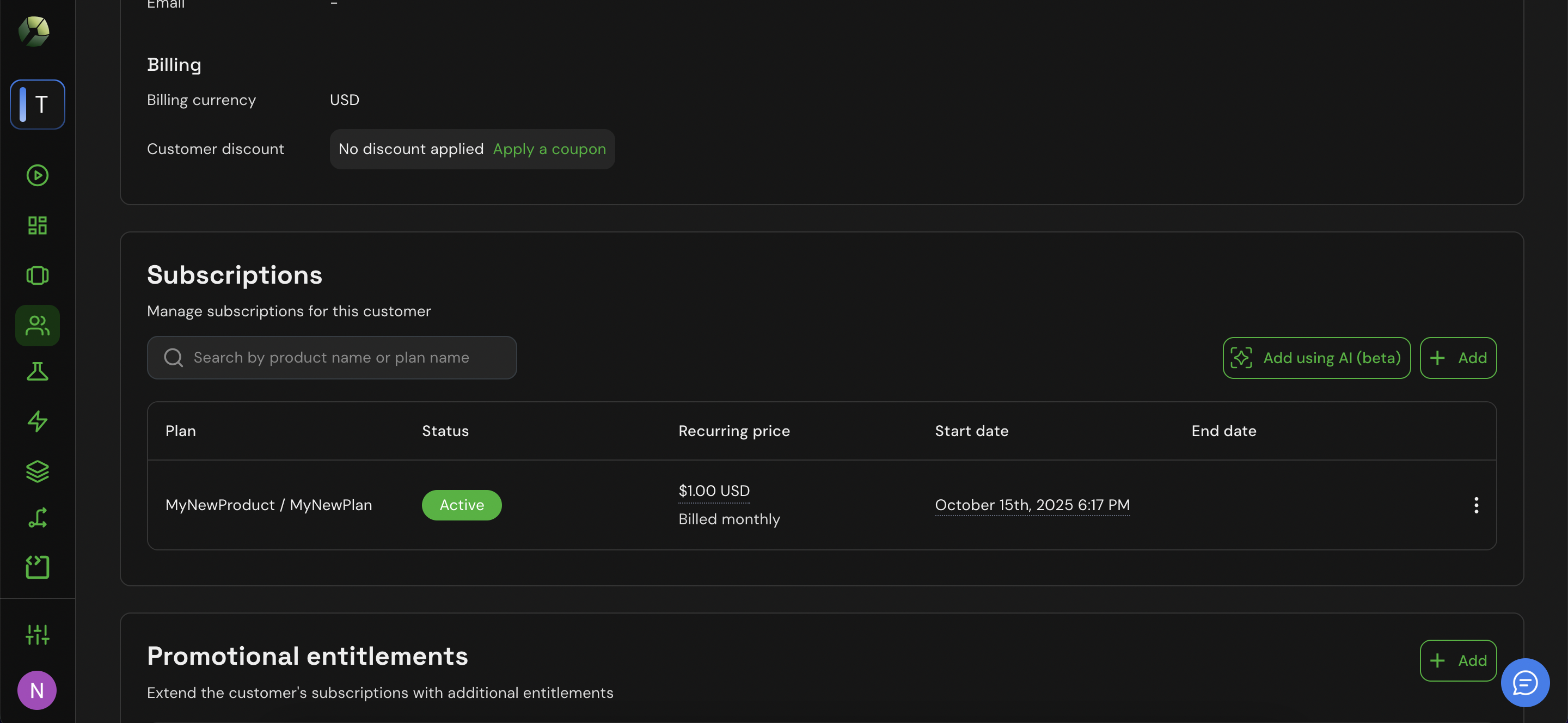
- Select the same plan as the customer’s active one.
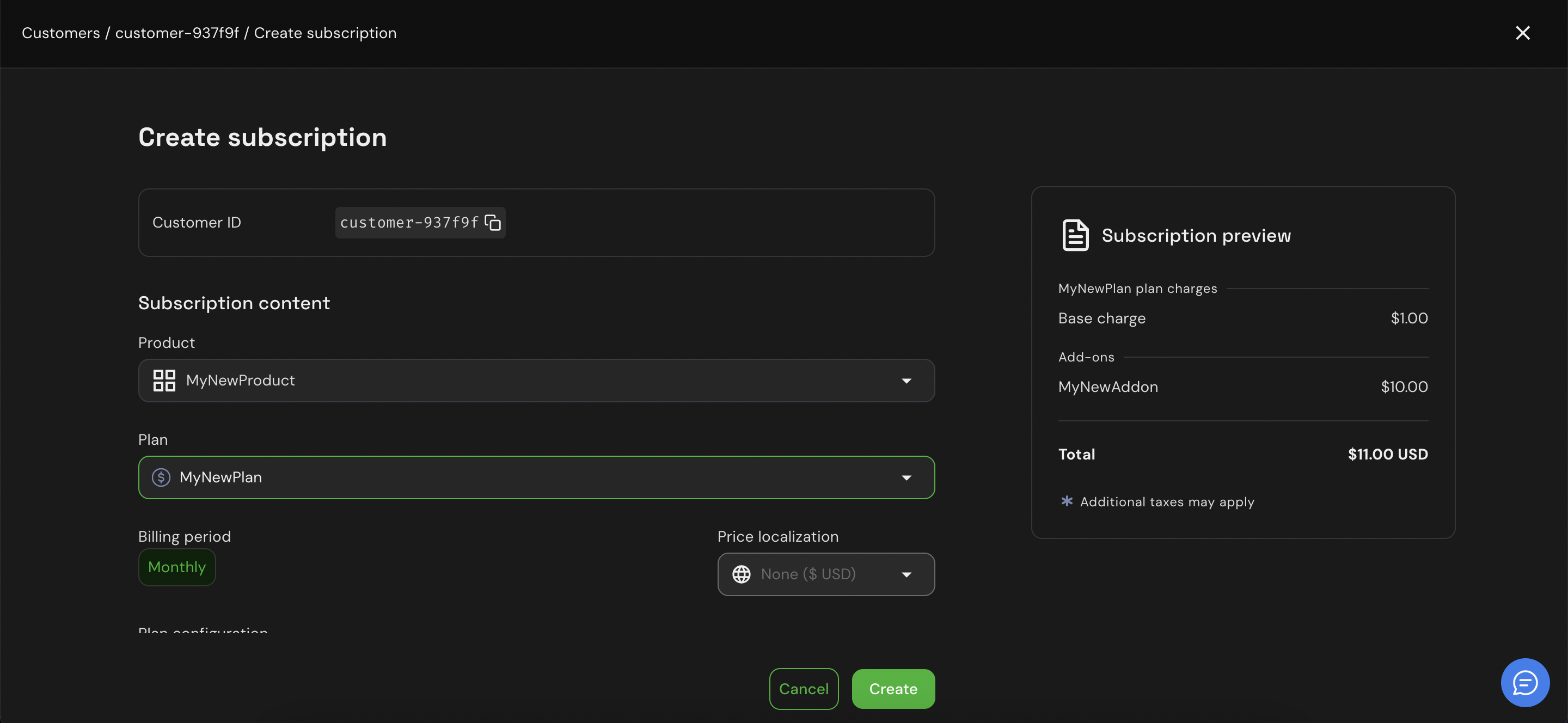
- In the Add‑ons section, select the add-on configured for this plan.
- Set the add-on quantity.
- In the Free trial section, click +Add.
- Define the trial period duration.
- If required, set the spend limit for this trial.
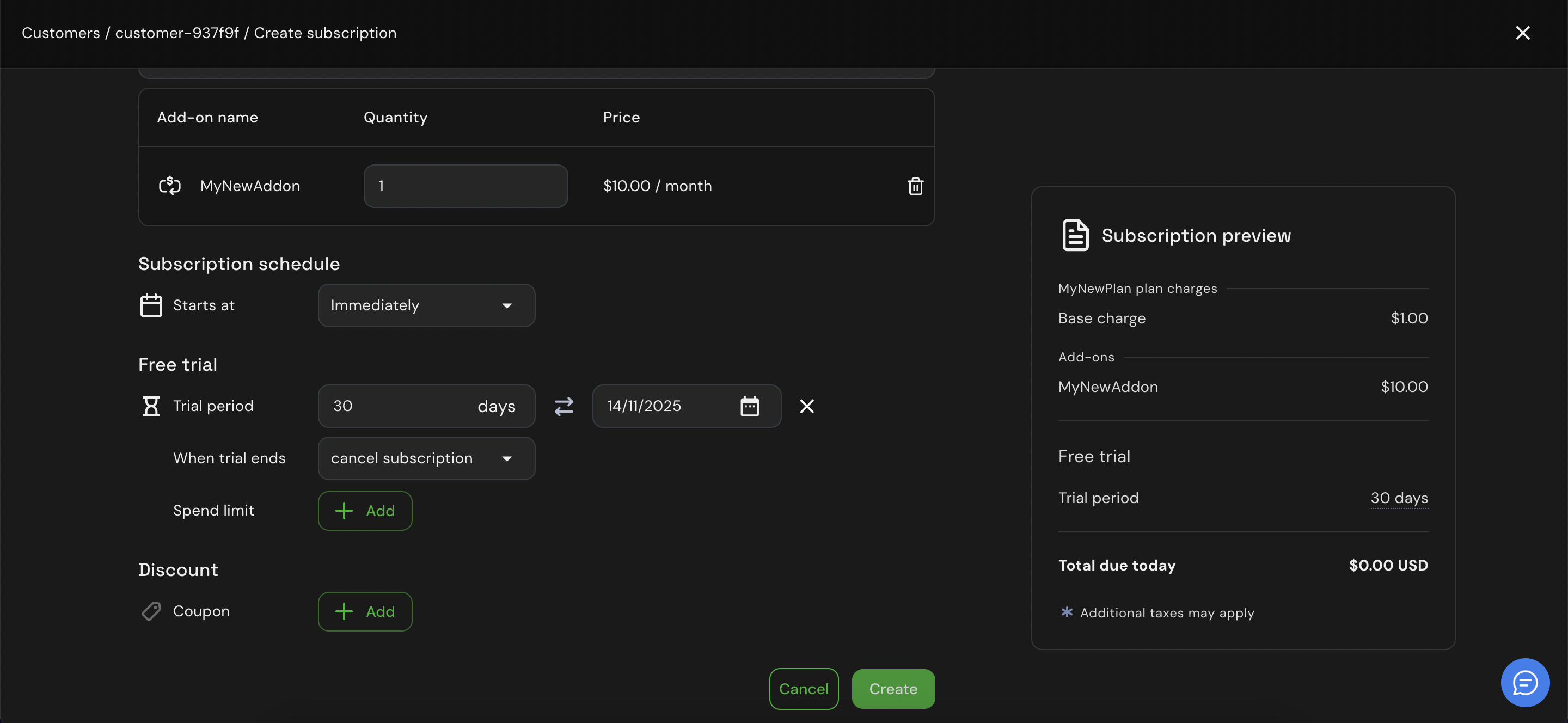
- Click Create.
- Their paid plan (continues billing).
- Their trial plan (includes the add‑on entitlements, no billing during trial).
What happens after the trial
When the trial period ends, you can:- Convert the trial into a paid subscription (with or without add‑ons).
- Extend the trial period.
- Let it expire automatically if the customer doesn’t upgrade.