

- View your current subscription details
- View your current feature usage and their limit
- Upgrade, downgrade and manage the add-ons of your subscription
- View and update your payment details
- View past invoices
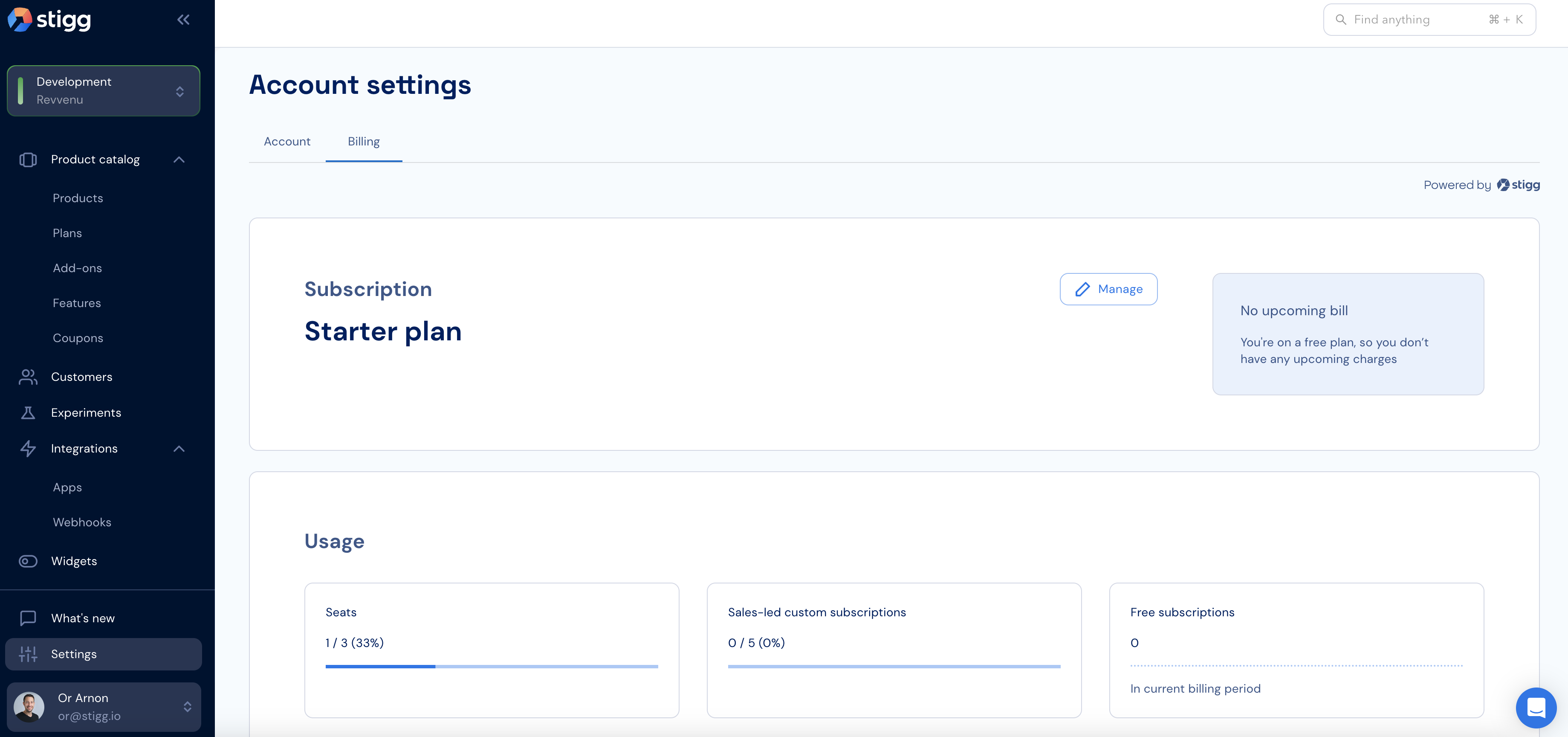
Under the hood we use our very own widgets, which you too can integrate into your application using a few lines of code 💪