> ## Documentation Index
> Fetch the complete documentation index at: https://docs.stigg.io/llms.txt
> Use this file to discover all available pages before exploring further.
# How can my customers cancel their subscription in the UI?
There are three methods that can be implemented in the **Customer Portal widget** to allow customers cancel their subscription:
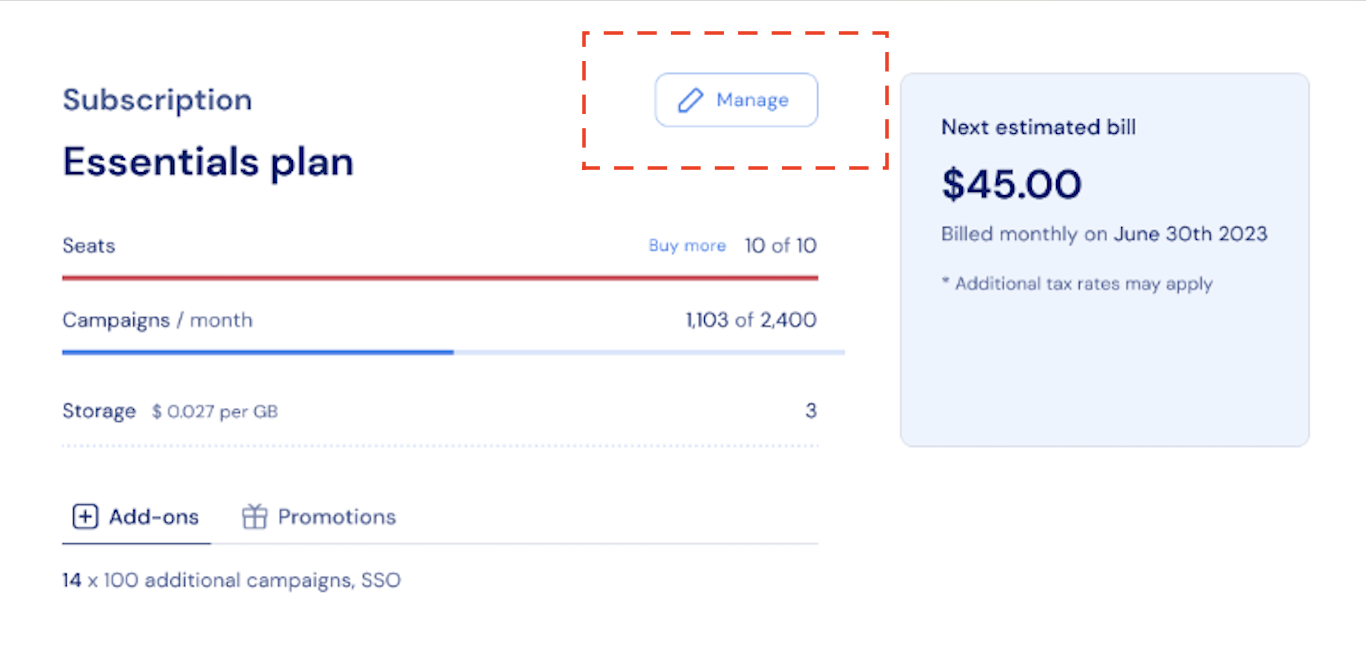
* **Via the [Subscription Overview](/documentation/snap-in-widgets/customer-portal#subscription-overview) section:** Customers can click the *Manage* button to adjust their subscription. By default, this button redirects users to the checkout page to manage their existing subscription. However, you can easily customize this functionality to enable cancellation by following these steps:
1. Set up a custom callback to be triggered when the Manage button is clicked, allowing customers to cancel directly.
2. Update the button text to clearly reflect this functionality, such as by adding a relevant call to action (e.g., “Cancel subscription”).
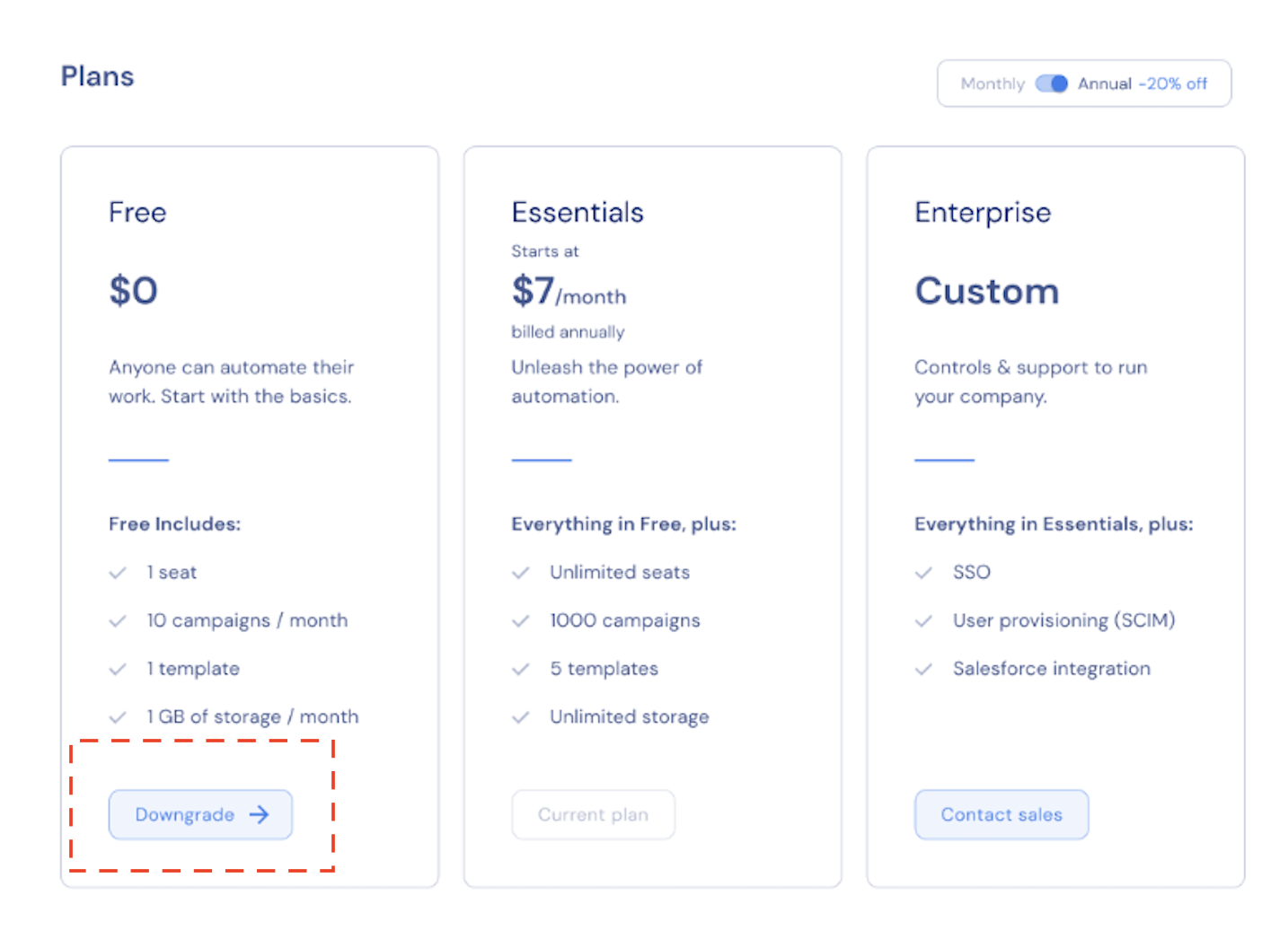
 * **Through the [Plan Picker](/documentation/snap-in-widgets/customer-portal#plan-picker):** Customers can choose a lower-tier plan to effectively downgrade or cancel access. Options could include, for instance, a Basic plan with limited features or an empty plan, which represents account access without product usage capabilities.
 * **Using the [Stripe Billing Portal](https://docs.stripe.com/customer-management):** Customers can open the Stripe Billing Portal by selecting **View invoice history** in the [Invoices](/documentation/snap-in-widgets/customer-portal#invoices) section. From there, they can manage or cancel their subscription as needed.
