> ## Documentation Index
> Fetch the complete documentation index at: https://docs.stigg.io/llms.txt
> Use this file to discover all available pages before exploring further.
# Overview
Usage-based charges are fees that customers pay based on their consumption of specific features. A plan can include one or more usage-based charges.
To add a usage-based charge:
1. Select the **feature** you want to charge for.
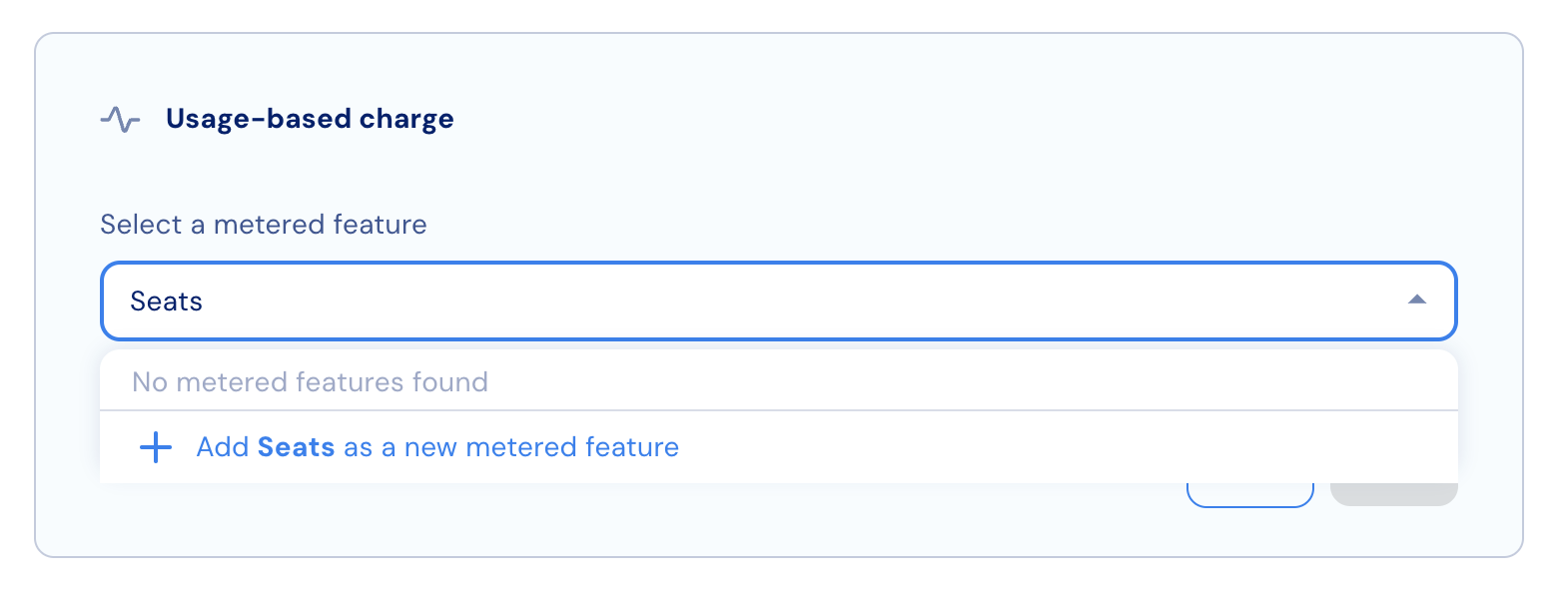
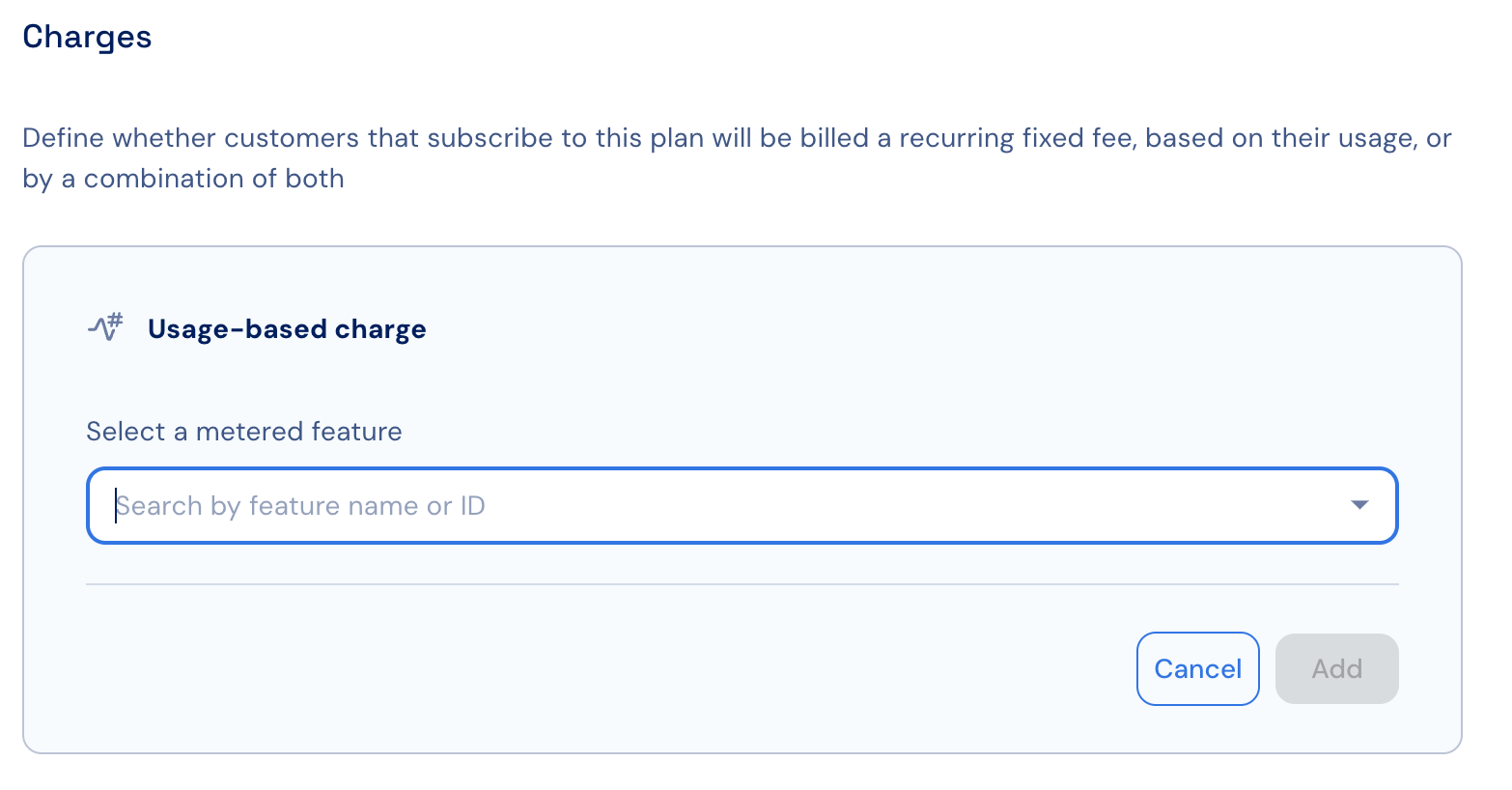 2. If the feature doesn’t exist yet, type its name and use the link in the dropdown menu to create it.
 3. Choose whether customers will be charged for **committed usage** or for their **actual consumption** (*pay-as-you-go*).
## Adding multiple usage-based charges
To add multiple usage-based charges:
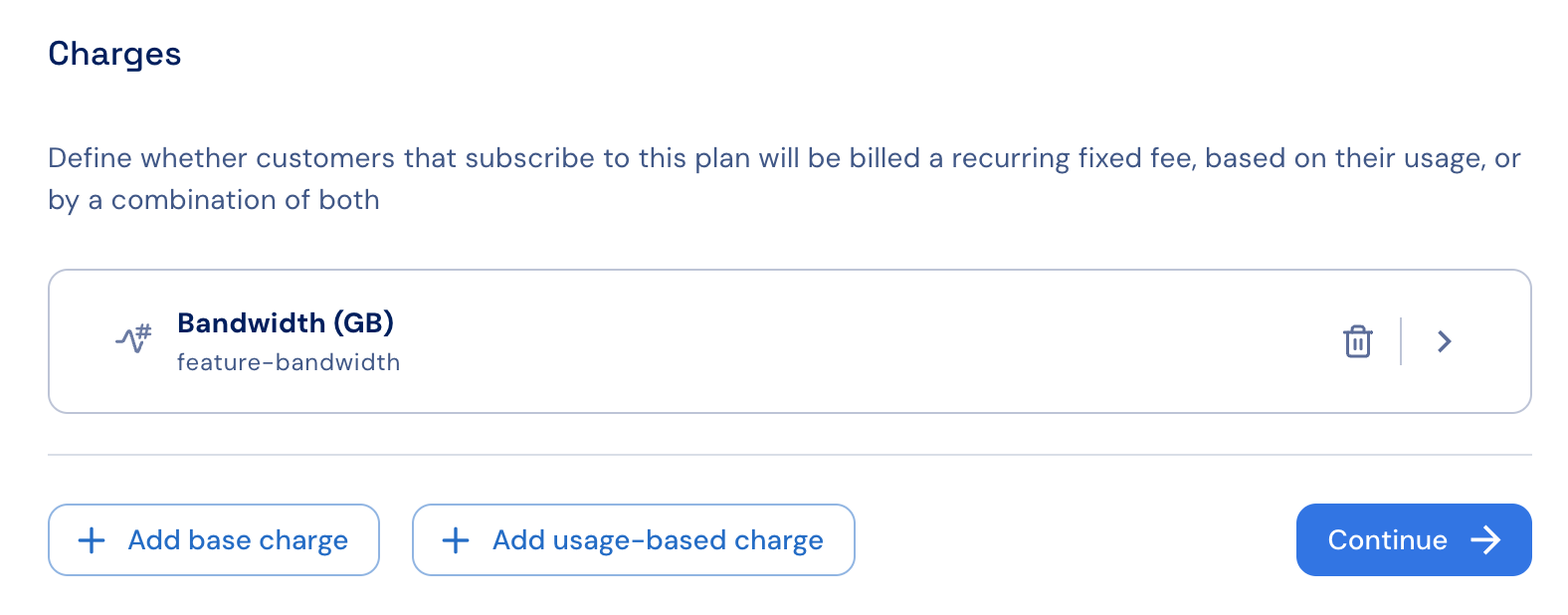
1. After adding the first usage-based charge, click **+ Add usage-based charge** to add another.
2. Repeat this step for each additional charge you want to include.
3. When finished, click **Continue** to proceed to the plan’s [default free trial configuration](./free-trials).
3. Choose whether customers will be charged for **committed usage** or for their **actual consumption** (*pay-as-you-go*).
## Adding multiple usage-based charges
To add multiple usage-based charges:
1. After adding the first usage-based charge, click **+ Add usage-based charge** to add another.
2. Repeat this step for each additional charge you want to include.
3. When finished, click **Continue** to proceed to the plan’s [default free trial configuration](./free-trials).