> ## Documentation Index
> Fetch the complete documentation index at: https://docs.stigg.io/llms.txt
> Use this file to discover all available pages before exploring further.
# Minimum spend
Paid plans can be configured with a minimum spend.
When enabled:
1. Customers will be charged in advance for this amount.
2. On-demand charges will then be deducted from the committed minimum spend.
3. On-demand charges that exceed the committed minimum spend will be added to customers' upcoming invoice.
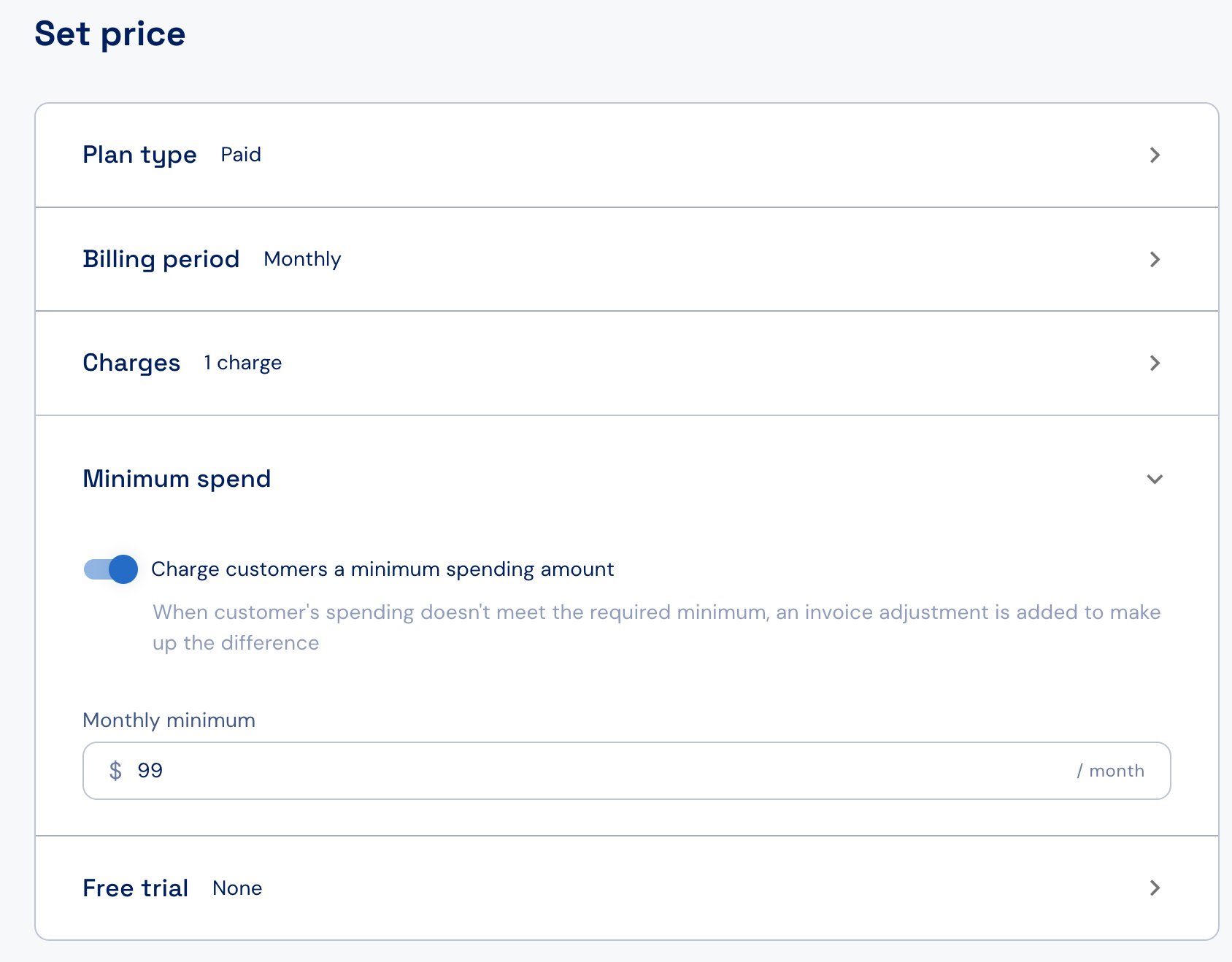
To set a minimum spend, simply enable the toggle under the **Minimum spend** section, and specify the minimum spending amount.
When multiple billing periods are defined (i.e. monthly and annually), separate minimum spending amounts can be defined for each billing period.
The minimum spending amount is applied only to on-demand (pay-as-you go) charges.
Minimum spend is currently in beta for select customers. To request access, contact [Stigg Support](mailto:support@stigg.io).