> ## Documentation Index
> Fetch the complete documentation index at: https://docs.stigg.io/llms.txt
> Use this file to discover all available pages before exploring further.
# Overview
Leverage Stigg's **product catalog** to model your pricing using the building blocks of the Stigg platform:
* **Products** represents a product family or business line that you offer to your customers - products are composed of plans and add-ons.
* **Plans** define how a product is packaged, priced, and made available to customers over a specific billing interval.
* **Add-ons** allow you to offer separately billable functionality that extends the capabilities of existing plans.
* **Features** are monetizable units of functionality in your product that can be configured and packaged in different ways. These configured feature rights are called **entitlements**, which define the specific access a customer has to each feature.
* **Coupons** are discount instruments that can be applied to reduce the billing amount.
* **Credits** are units of value in a custom currency that are granted to customers and deduct as they use metered features.
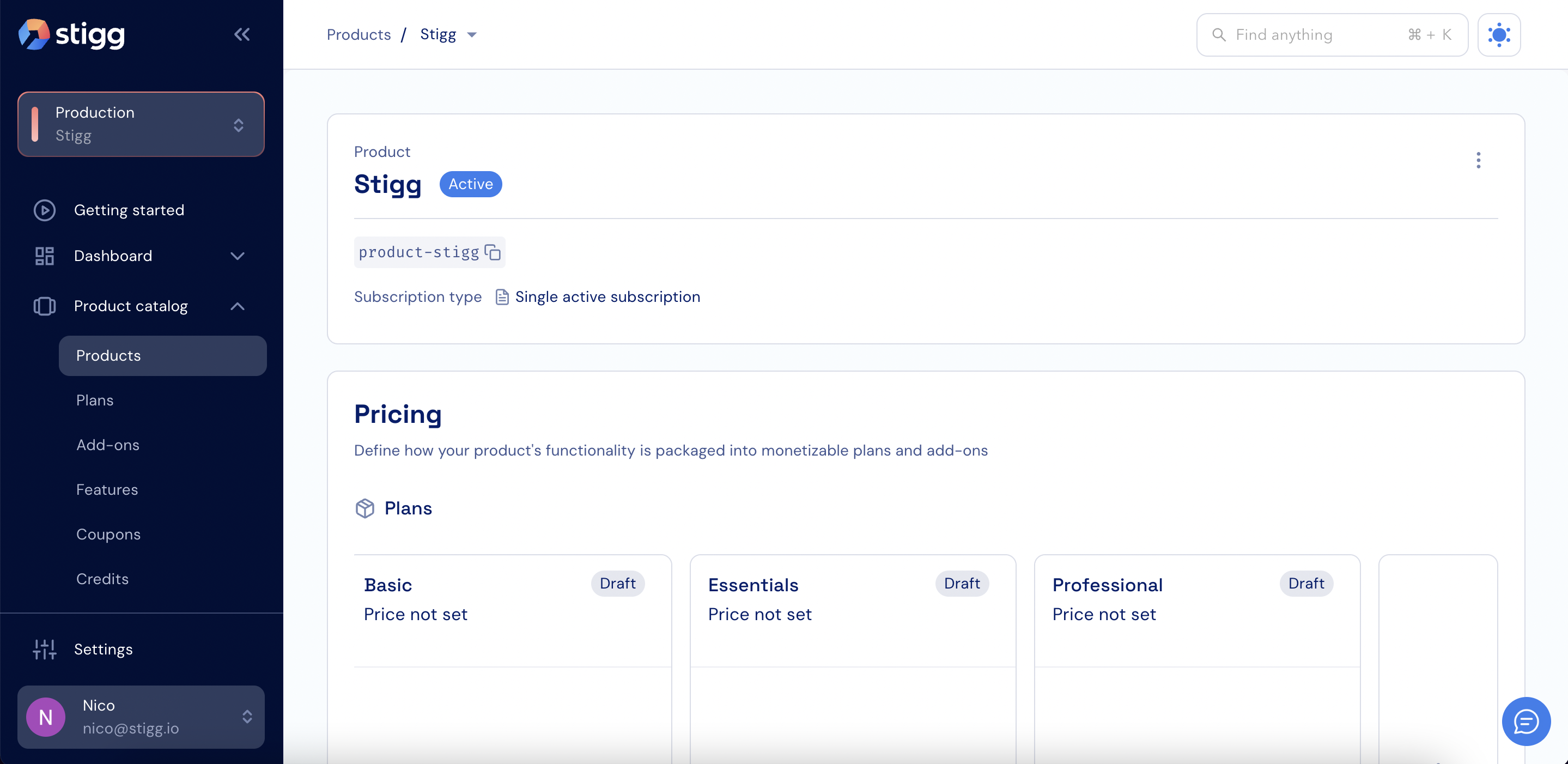 Stigg's architecture allows you assign and transfer features to different products, plans an add-ons without requiring any additional engineering resources
## Before we begin
Stigg supports the creation of multiple environments in each account in order to support your existing product development process. Every environment is **isolated** from one another.
Select the environment that will be used for the initial integration of Stigg with your application.
Stigg's architecture allows you assign and transfer features to different products, plans an add-ons without requiring any additional engineering resources
## Before we begin
Stigg supports the creation of multiple environments in each account in order to support your existing product development process. Every environment is **isolated** from one another.
Select the environment that will be used for the initial integration of Stigg with your application.
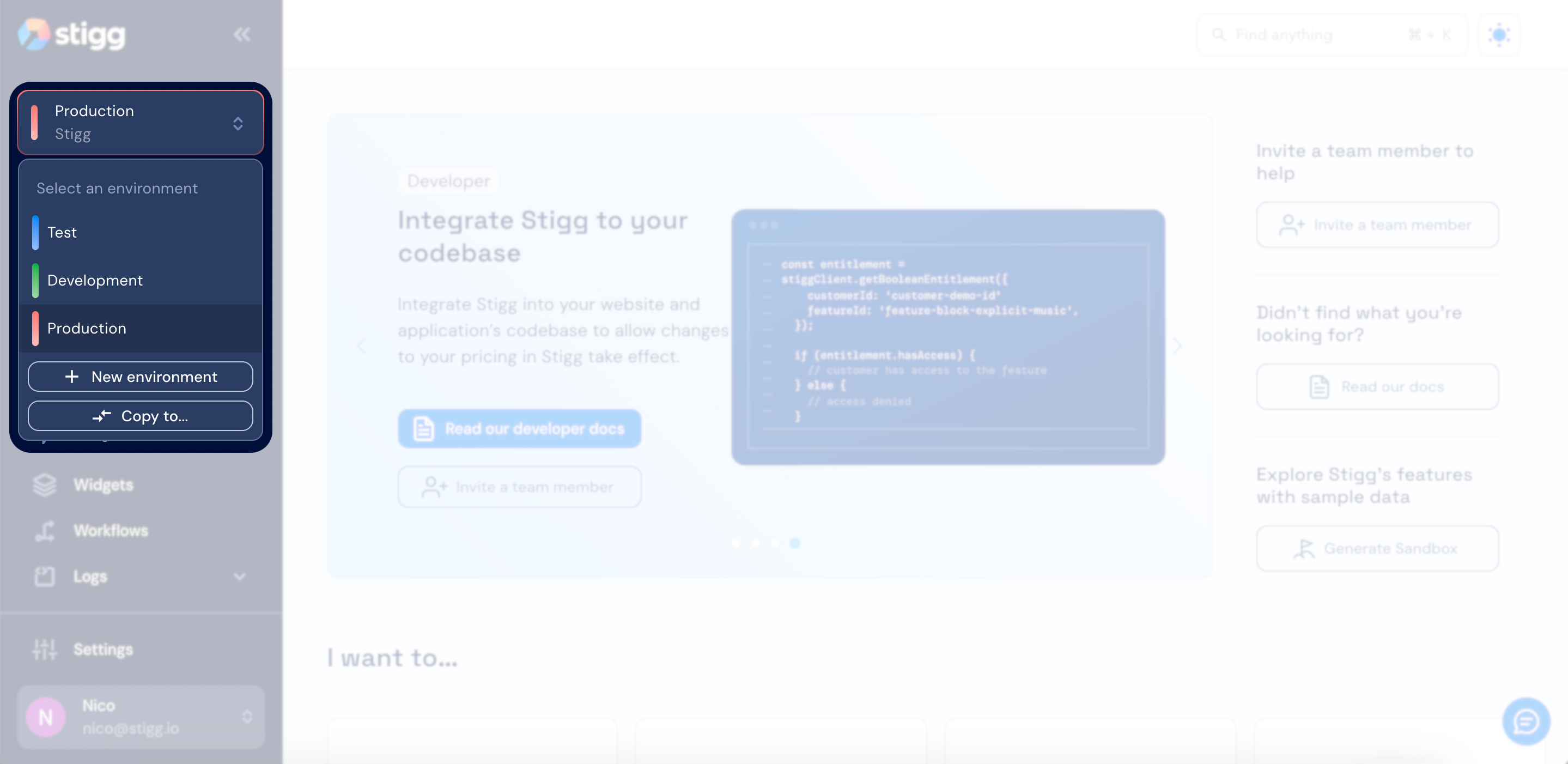 We recommend first integrating Stigg with a **development** or **staging** environment.
When a new environment is created, a default product for that environment will be automatically created. The product name will be the same name as the account name, for example: if your account name is **Acme**, an **Acme** product will automatically be created in every newly created environment.
You can edit the name of the default product, or even remove it altogether and create a new one.
We recommend first integrating Stigg with a **development** or **staging** environment.
When a new environment is created, a default product for that environment will be automatically created. The product name will be the same name as the account name, for example: if your account name is **Acme**, an **Acme** product will automatically be created in every newly created environment.
You can edit the name of the default product, or even remove it altogether and create a new one.