> ## Documentation Index
> Fetch the complete documentation index at: https://docs.stigg.io/llms.txt
> Use this file to discover all available pages before exploring further.
# Storing metadata
It’s possible to store metadata for each feature. This metadata can be accessed by the hosting application and third-party solutions via the Stigg SDKs, API, and webhooks to implement custom functionality, for example, grouping features under a specific category in a pricing comparison table.
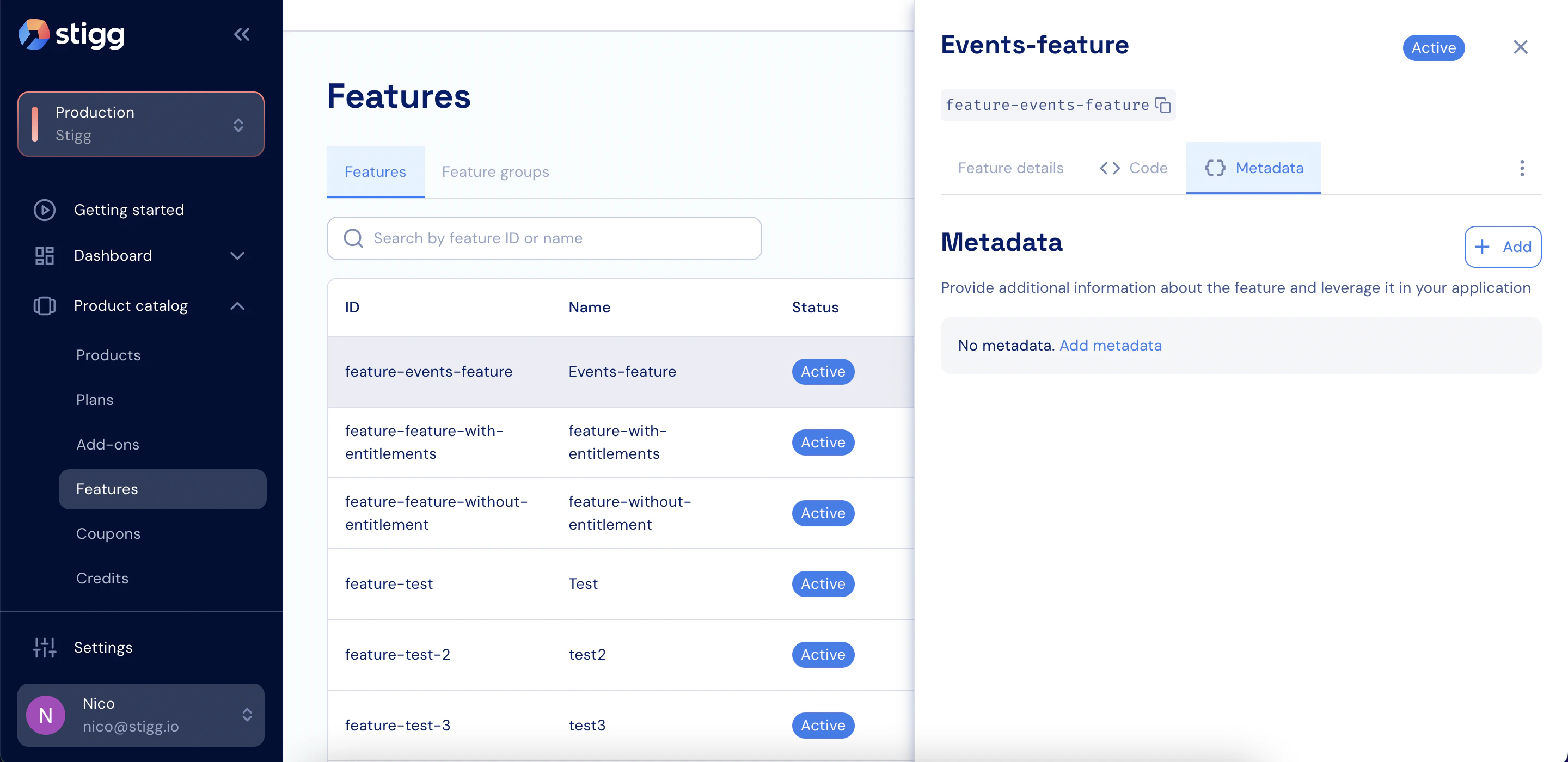
To store metadata for a specific feature:
1. Open the **Metadata** tab of the selected feature.
2. Click **+ Add** (if there’s no existing metadata) or **Edit**.
 3. Enter the relevant keys and values.
4. Click **Add** (if metadata was newly created) or **Save changes** to apply the updates.
3. Enter the relevant keys and values.
4. Click **Add** (if metadata was newly created) or **Save changes** to apply the updates.