> ## Documentation Index
> Fetch the complete documentation index at: https://docs.stigg.io/llms.txt
> Use this file to discover all available pages before exploring further.
# Updating feature groups
To update the features in an existing feature group:
1. Open the **Product catalog** in the Stigg app.
2. Navigate to the **Features** section.
3. Click the **Feature groups** tab.
4. Select the feature group you want to update.
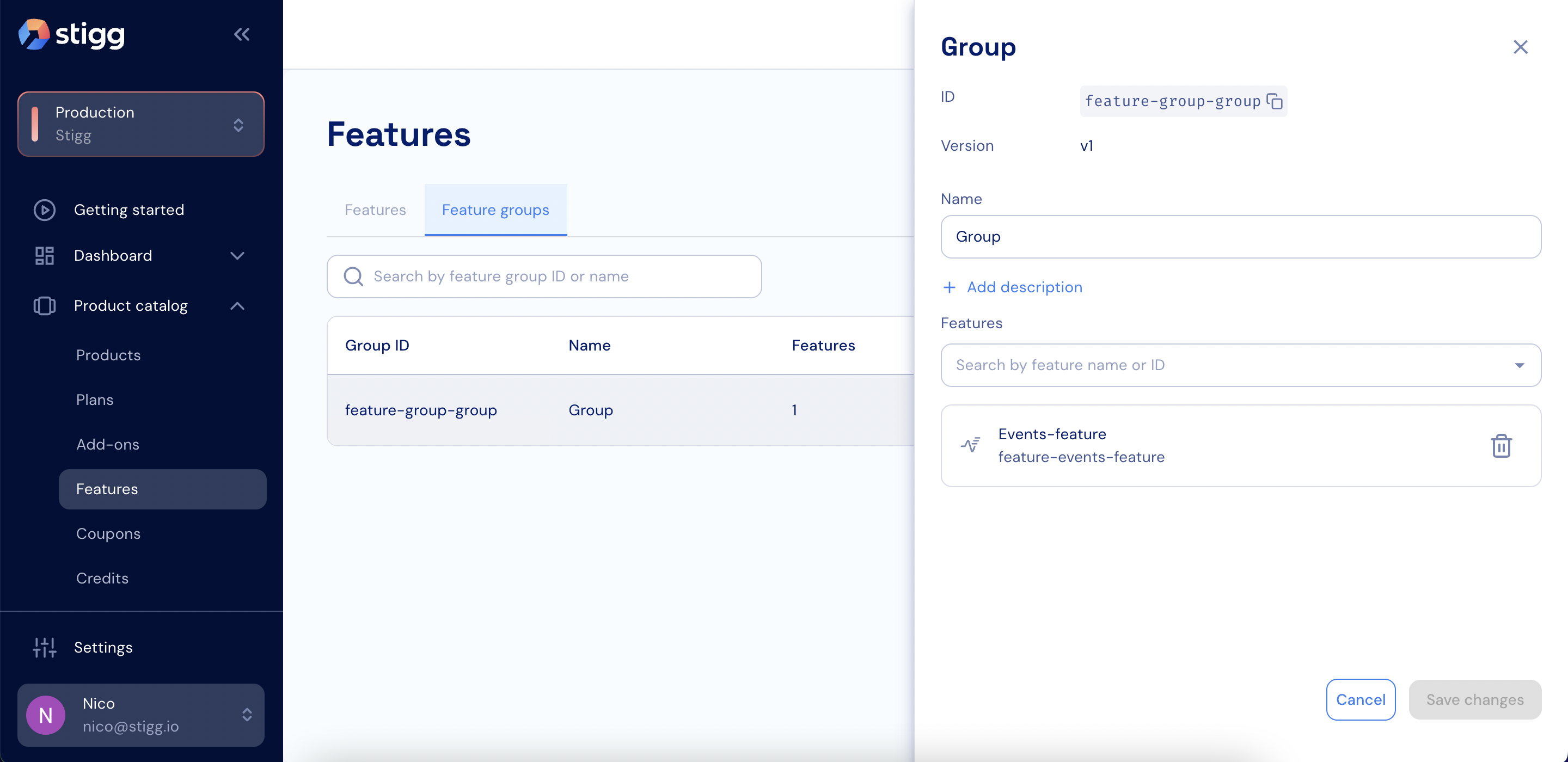 5. Add or remove features as needed.
6. Click **Save changes**. The feature group version is updated automatically.
5. Add or remove features as needed.
6. Click **Save changes**. The feature group version is updated automatically.