> ## Documentation Index
> Fetch the complete documentation index at: https://docs.stigg.io/llms.txt
> Use this file to discover all available pages before exploring further.
# Archiving feature groups
To archive a feature group, first remove it from all plans and publish new versions of the affected entities without the feature group. Then:
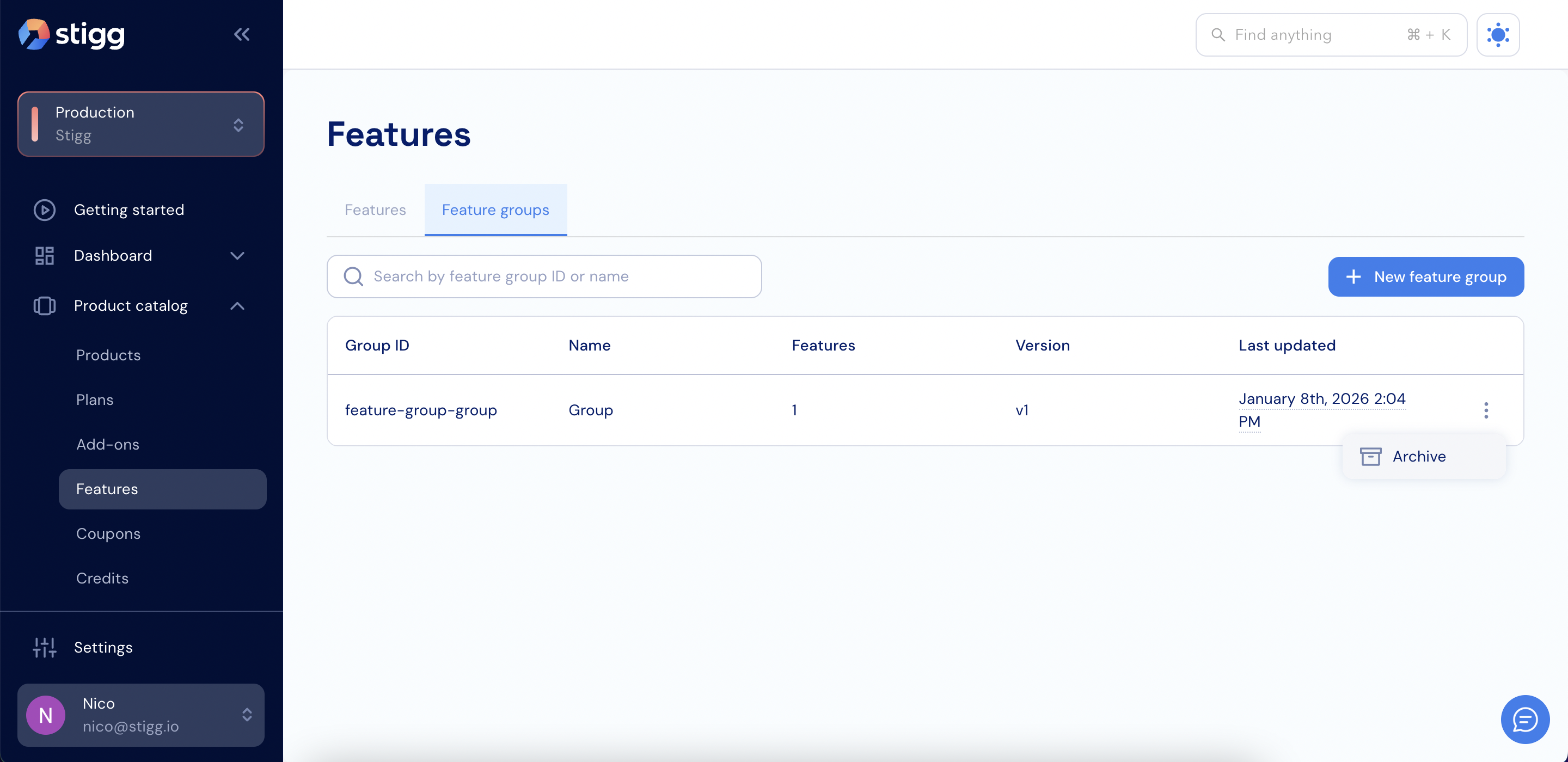
1. Open the **Product catalog** in the Stigg app.
2. Navigate to the **Features** section.
3. Click the **Feature groups** tab.
4. Click the three dots next to the feature group you want to archive.
5. Click **Archive**.
 6. Click **Archive** again to confirm.