> ## Documentation Index
> Fetch the complete documentation index at: https://docs.stigg.io/llms.txt
> Use this file to discover all available pages before exploring further.
# Editing feature details
To edit the details of a feature:
1. Select the relevant row from the feature list.
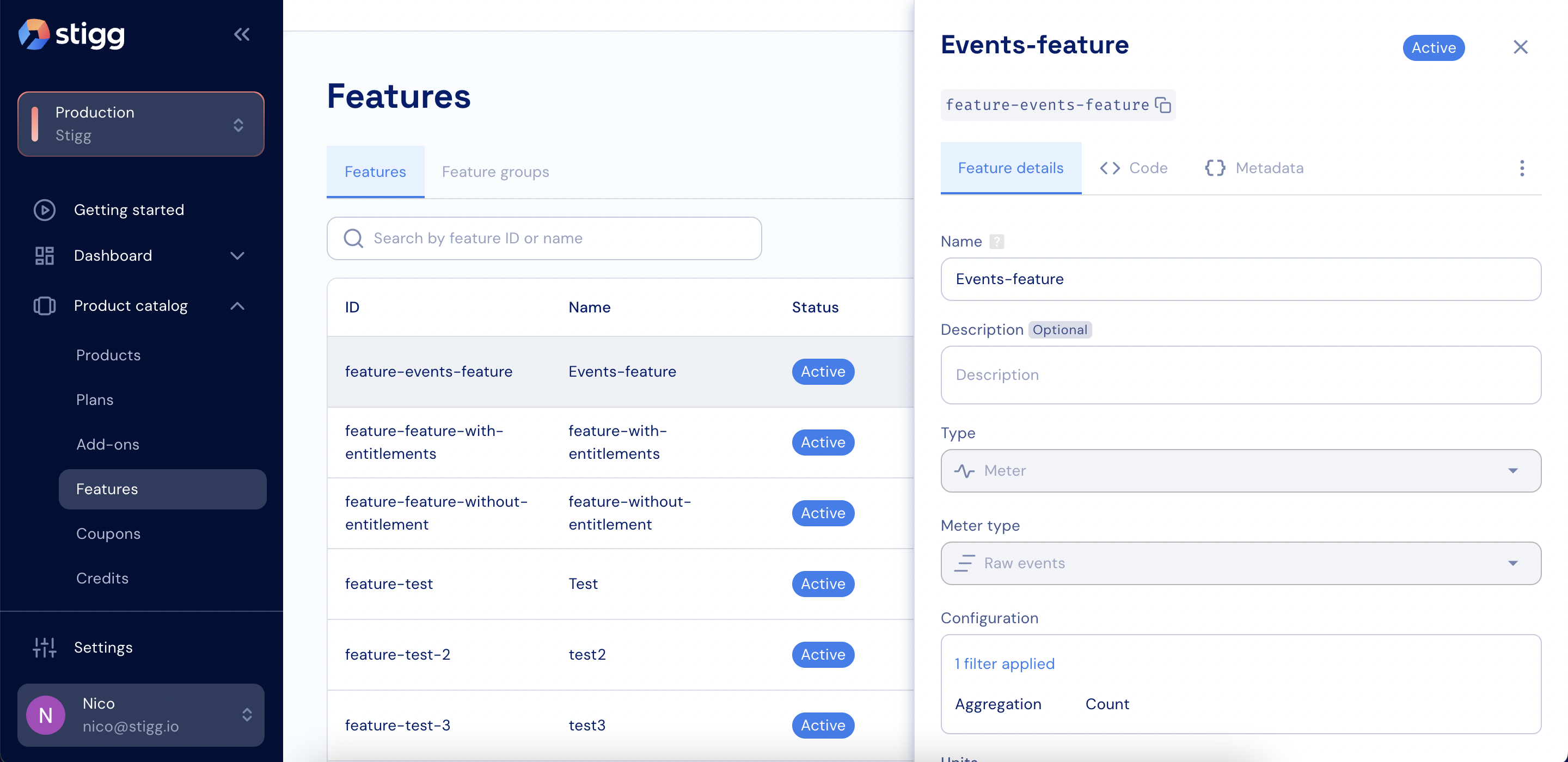 2. Update the values of the desired fields.
3. Click **Save changes** to apply the changes.
Some properties of a feature (for example: its ID), cannot be modified after the feature is created or when the feature is already in-use by a plan or add-on.
2. Update the values of the desired fields.
3. Click **Save changes** to apply the changes.
Some properties of a feature (for example: its ID), cannot be modified after the feature is created or when the feature is already in-use by a plan or add-on.