> ## Documentation Index
> Fetch the complete documentation index at: https://docs.stigg.io/llms.txt
> Use this file to discover all available pages before exploring further.
# Defining add-on compatibility with specific plans
Defining add-ons as **compatible** with specific plans indicates that the add-on can extend those plans. If an add-on is not marked as compatible with a plan, customers will not be able to create subscriptions that include both the plan and that add-on.
To mark an add-on as compatible with a specific plan:
1. In the **Product Catalog**, open the **Plans** sub-section and select the plan you want to make compatible with the add-on.
2. If the plan has already been published, click **Edit** to modify it.
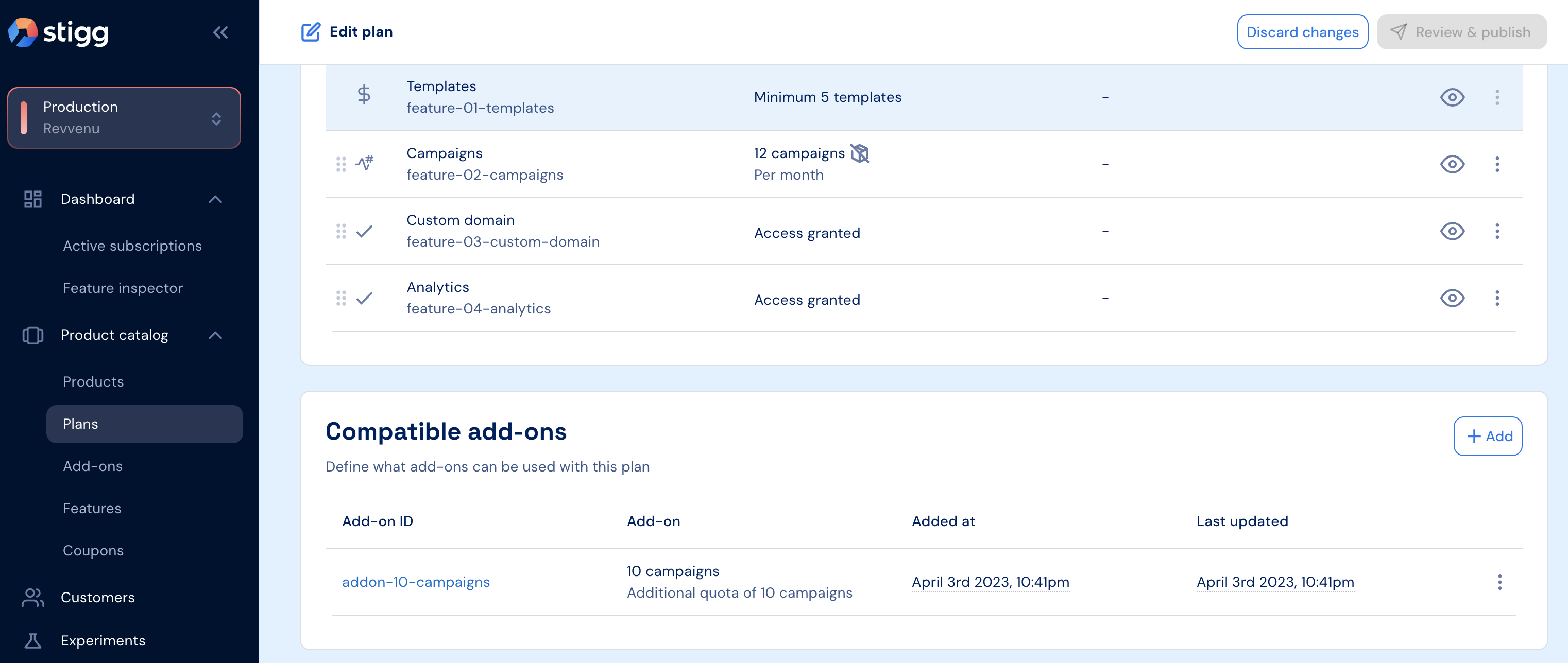
3. Under the **Compatible Add-ons** section, click **+ Add**.
4. In the modal that opens, select the relevant add-ons.
5. Click **Add** to confirm.
When an add-on is marked as compatible with a plan, all **versions** of that add-on will automatically be compatible with that plan.