> ## Documentation Index
> Fetch the complete documentation index at: https://docs.stigg.io/llms.txt
> Use this file to discover all available pages before exploring further.
# Switching accounts
Stigg app users can be invited to multiple Stigg accounts.
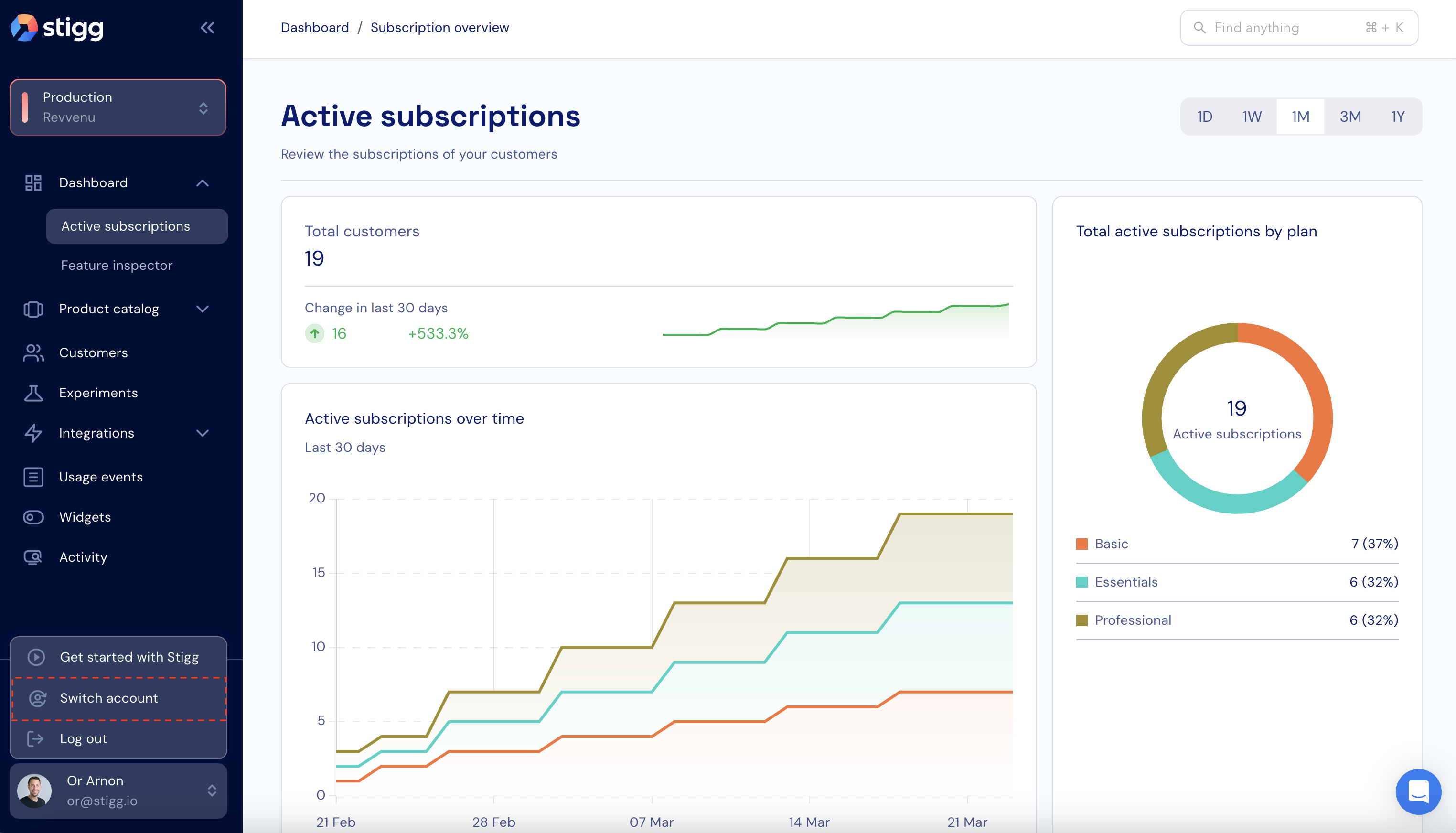
To switch between the different accounts, use the **Switch accounts** action in the user context menu that appears at the bottom of the left navigation pane.
 In the opened screen, select the destination account.
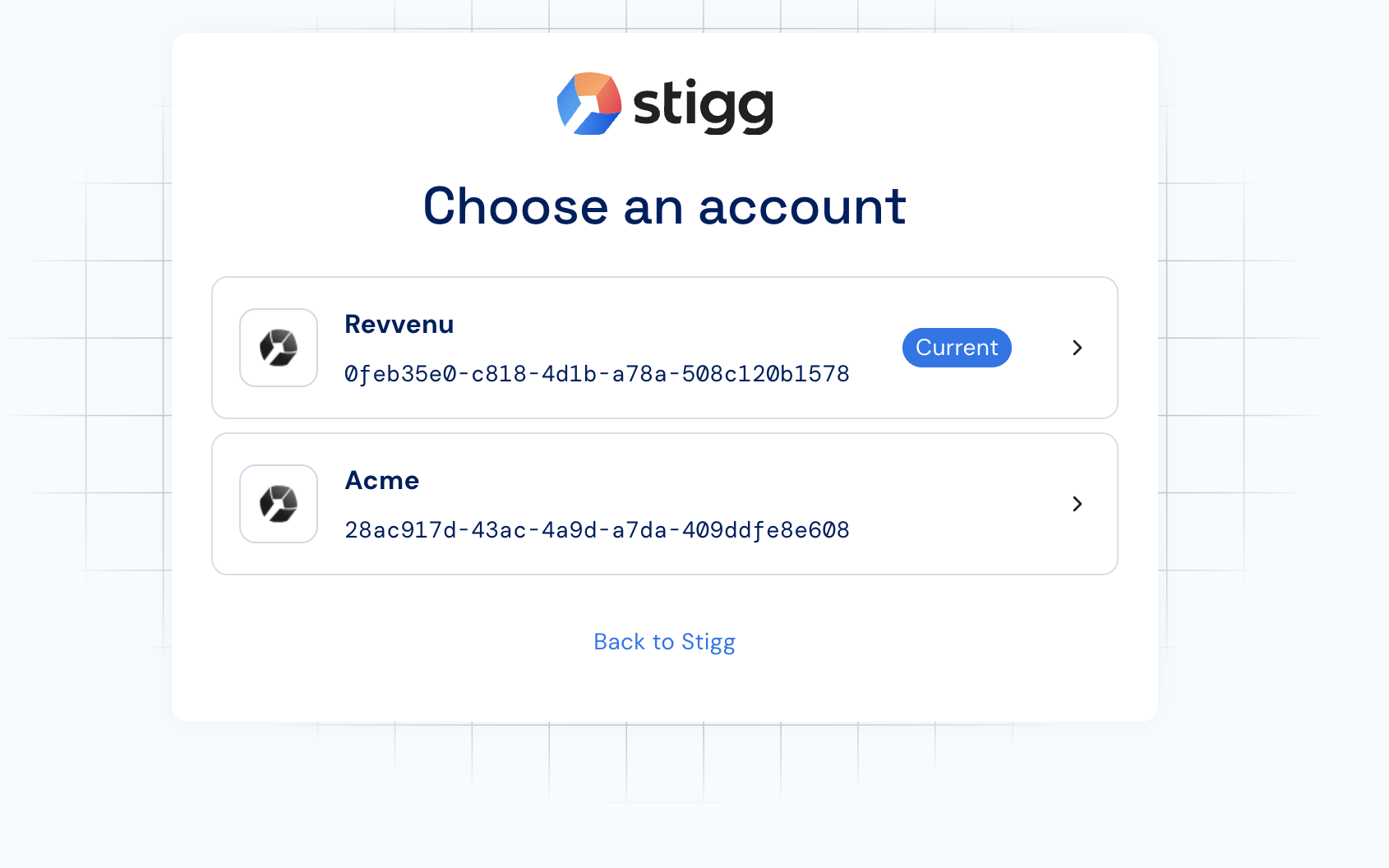 When users are invited to additional Stigg accounts, they're automatically prompted to select the account that they'd like to access upon first login after the invitation.