> ## Documentation Index
> Fetch the complete documentation index at: https://docs.stigg.io/llms.txt
> Use this file to discover all available pages before exploring further.
# Finding entities
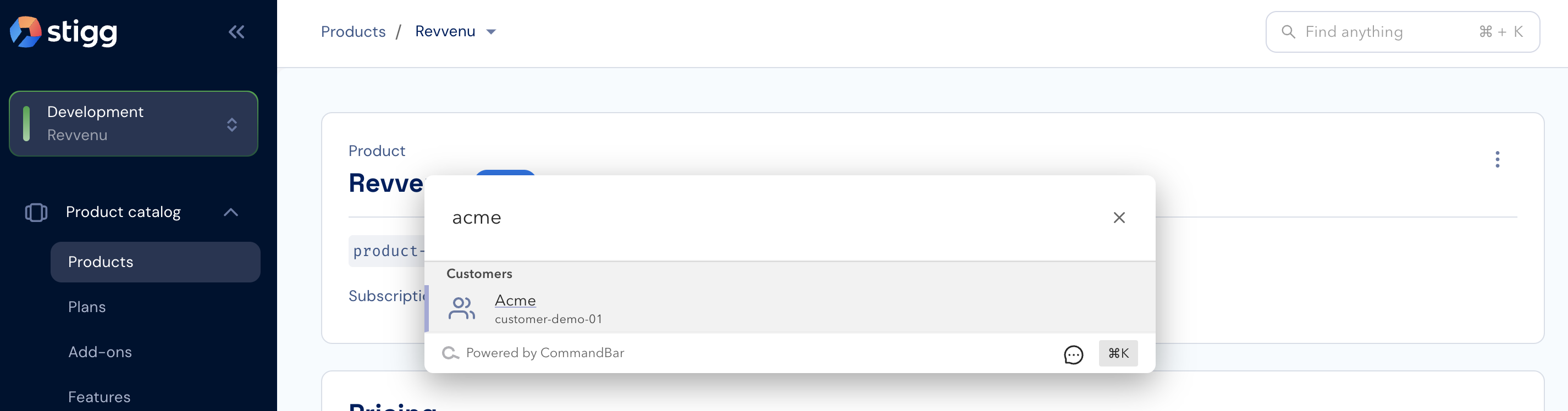
Stigg offers a universal search for quickly finding entities in each environment. The universal search is accessible using the input component in the top-right corner of the Stigg app and also via a dedicated shortcut (⌘+K on Mac or CTRL+K on Windows).
 When entering a search criteria, it will be matched according to the following properties in the currently selected environment:
| Entity | Property |
| ------------- | ----------------------------------------------- |
| Products | ID
When entering a search criteria, it will be matched according to the following properties in the currently selected environment:
| Entity | Property |
| ------------- | ----------------------------------------------- |
| Products | ID
Name |
| Plans | ID
Name
Billing ID |
| Add-ons | ID
Name
Billing ID |
| Features | ID
Name |
| Coupons | ID
Name
Billing ID |
| Customers | ID
Name
Email address
Billing ID |
| Subscriptions | ID
Billing ID |
To navigate to a relevant entity, simply click on the returned result.