> ## Documentation Index
> Fetch the complete documentation index at: https://docs.stigg.io/llms.txt
> Use this file to discover all available pages before exploring further.
# Billing
Stigg allows you to manage your subscription in a self-served manner. To do so, navigate to the [Account Settings > Billing](https://app.stigg.io/account/settings?tab=billing) section, where you could:
1. View your current subscription details
2. View your current feature usage and their limit
3. Upgrade, downgrade and manage the add-ons of your subscription
4. View and update your payment details
5. View past invoices
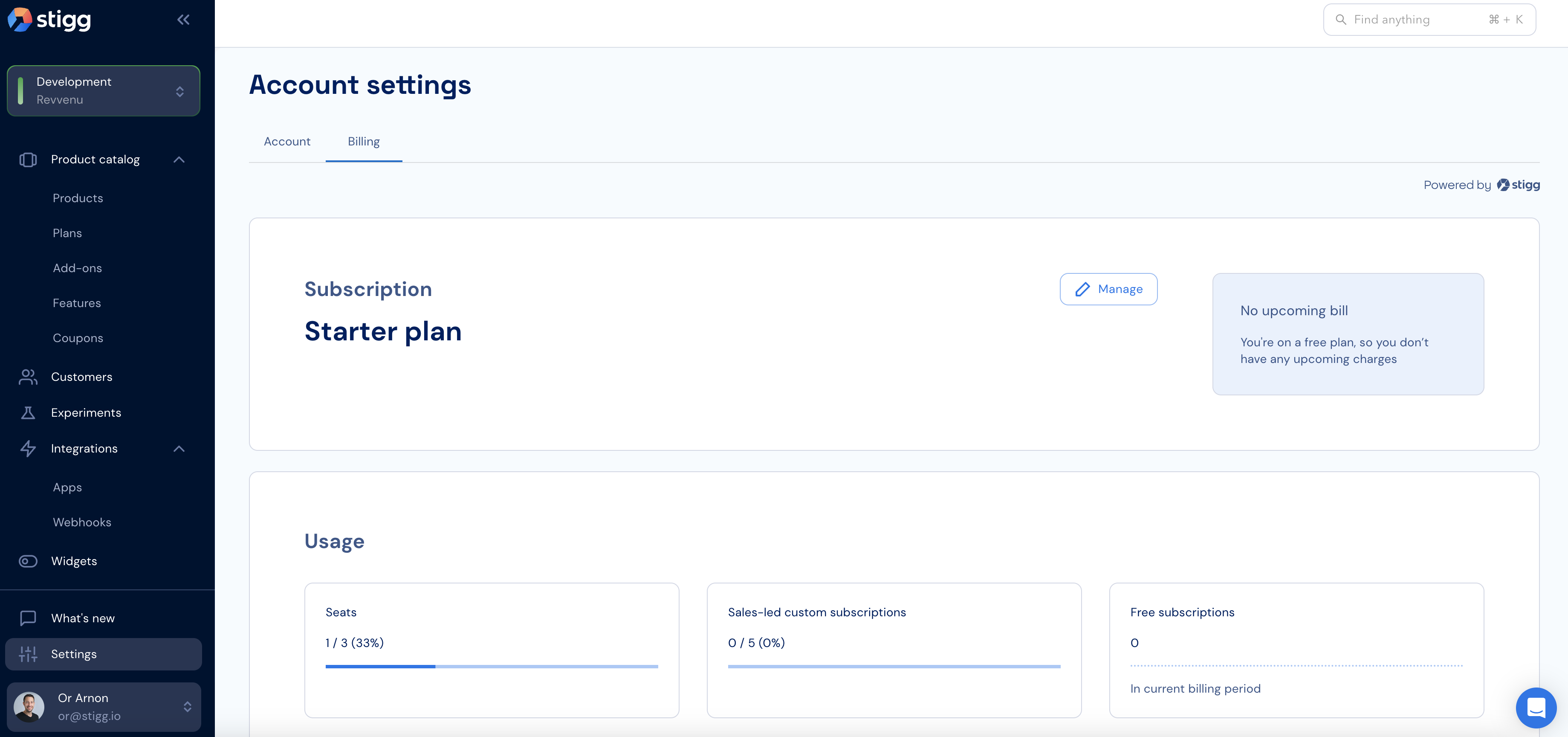 Under the hood we use our very own [widgets](../native-integrations/overview), which you too can integrate into your application using a few lines of code 💪