> ## Documentation Index
> Fetch the complete documentation index at: https://docs.stigg.io/llms.txt
> Use this file to discover all available pages before exploring further.
# Viewing the list of customers
To view and manage customers:
1. Select **Customers > Customer accounts** in the left navigation pane to see the complete customer list.
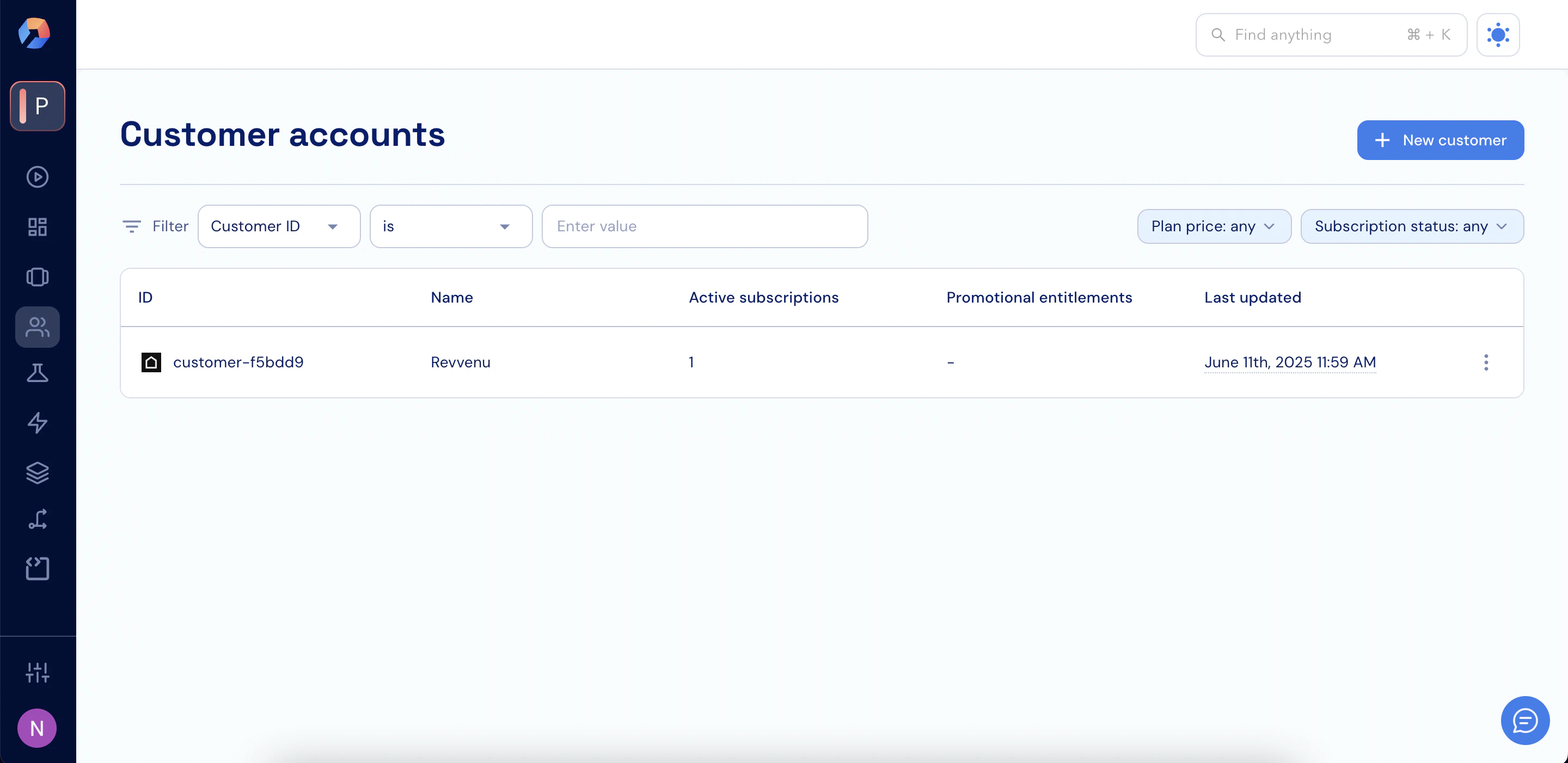 2. Add a new customer or search for an existing one using the controls on this screen.
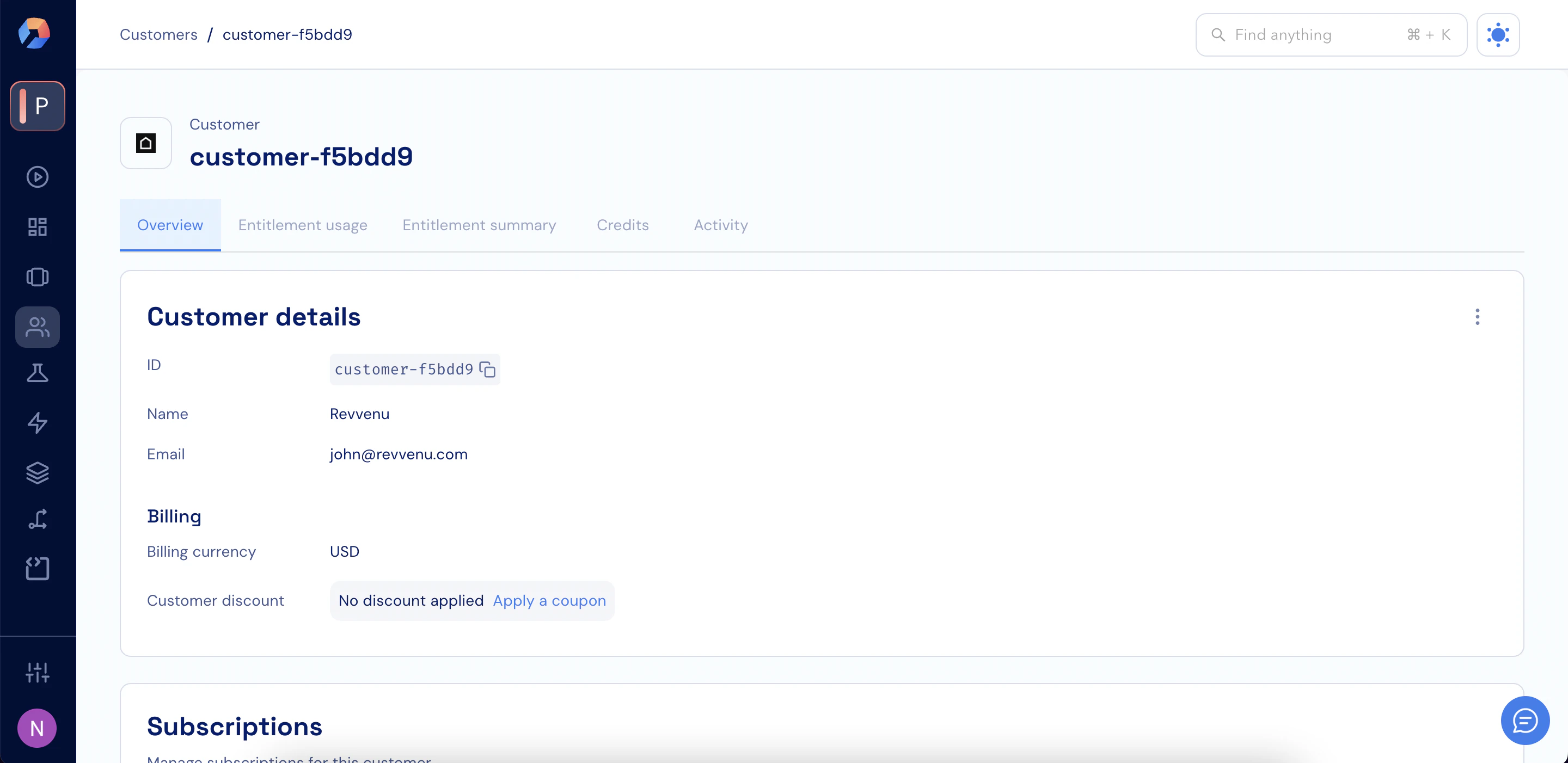
3. Click a specific customer row to open and manage that customer.
2. Add a new customer or search for an existing one using the controls on this screen.
3. Click a specific customer row to open and manage that customer.