> ## Documentation Index
> Fetch the complete documentation index at: https://docs.stigg.io/llms.txt
> Use this file to discover all available pages before exploring further.
# Applying customer-level coupons
Discounts can be granted to customers using coupons. Each customer can have at most one applied coupon.
Once a coupon is applied, the discount will be reflected in the next invoice of every active paid subscription.
### To apply a coupon to a customer:
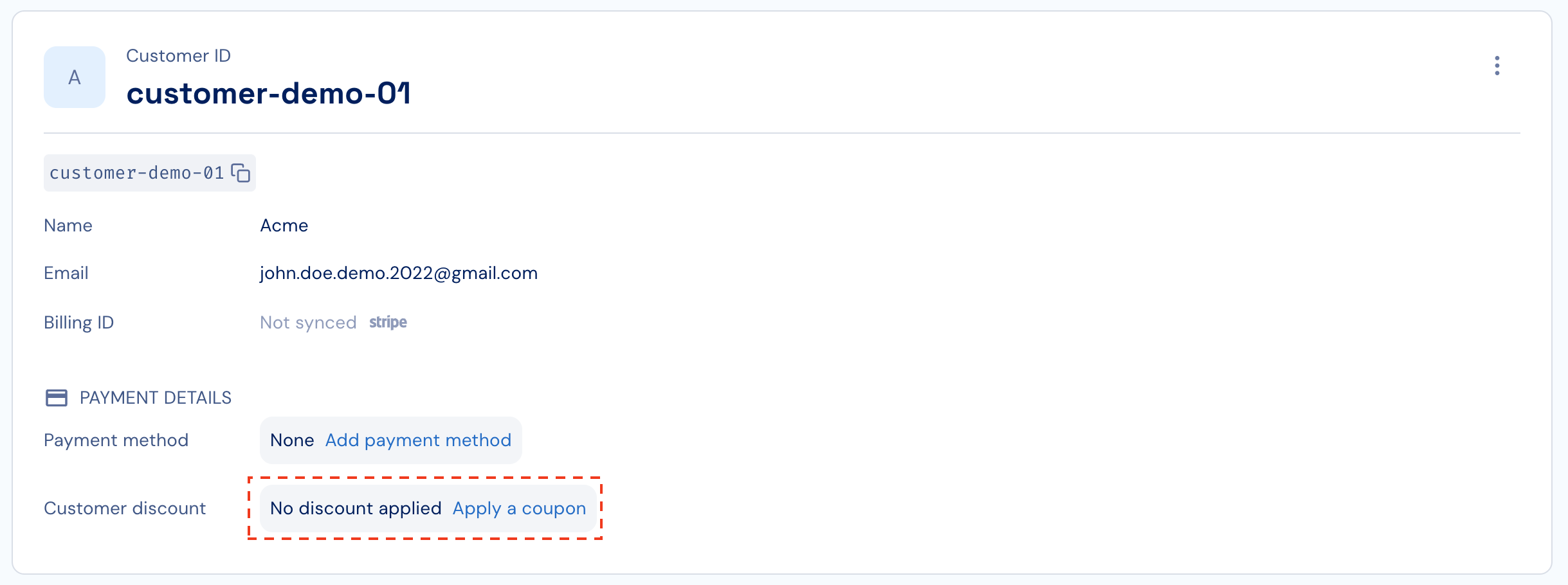
1. Click **Apply coupon** under the customer details section.
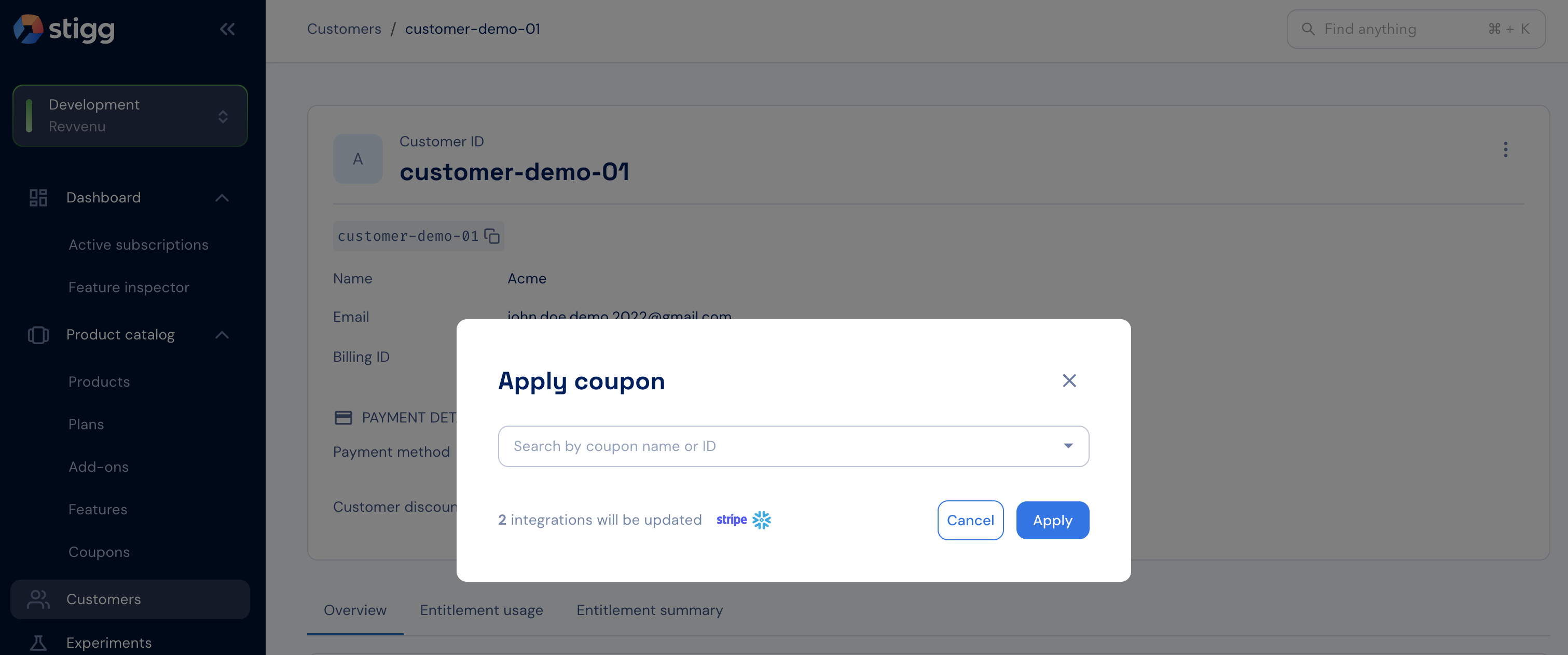
2. Select the relevant coupon.
3. Click **Apply**.
 ### To remove a coupon from a customer:
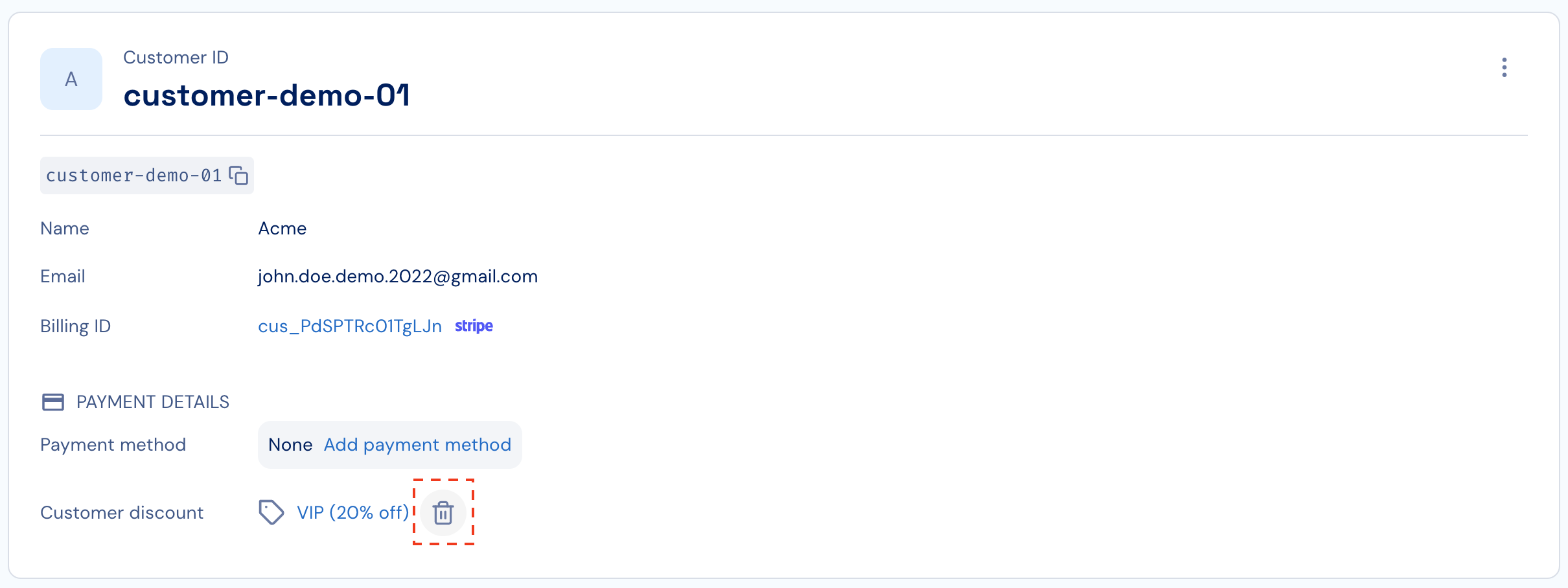
1. Hover over the coupon in the customer details section.
2. Click the trash icon.
3. Click **Remove** to confirm.
### To remove a coupon from a customer:
1. Hover over the coupon in the customer details section.
2. Click the trash icon.
3. Click **Remove** to confirm.