> ## Documentation Index
> Fetch the complete documentation index at: https://docs.stigg.io/llms.txt
> Use this file to discover all available pages before exploring further.
# Viewing usage events
## Overview
Stigg provides visibility for recently reported usage events, which is useful for debugging and troubleshooting.
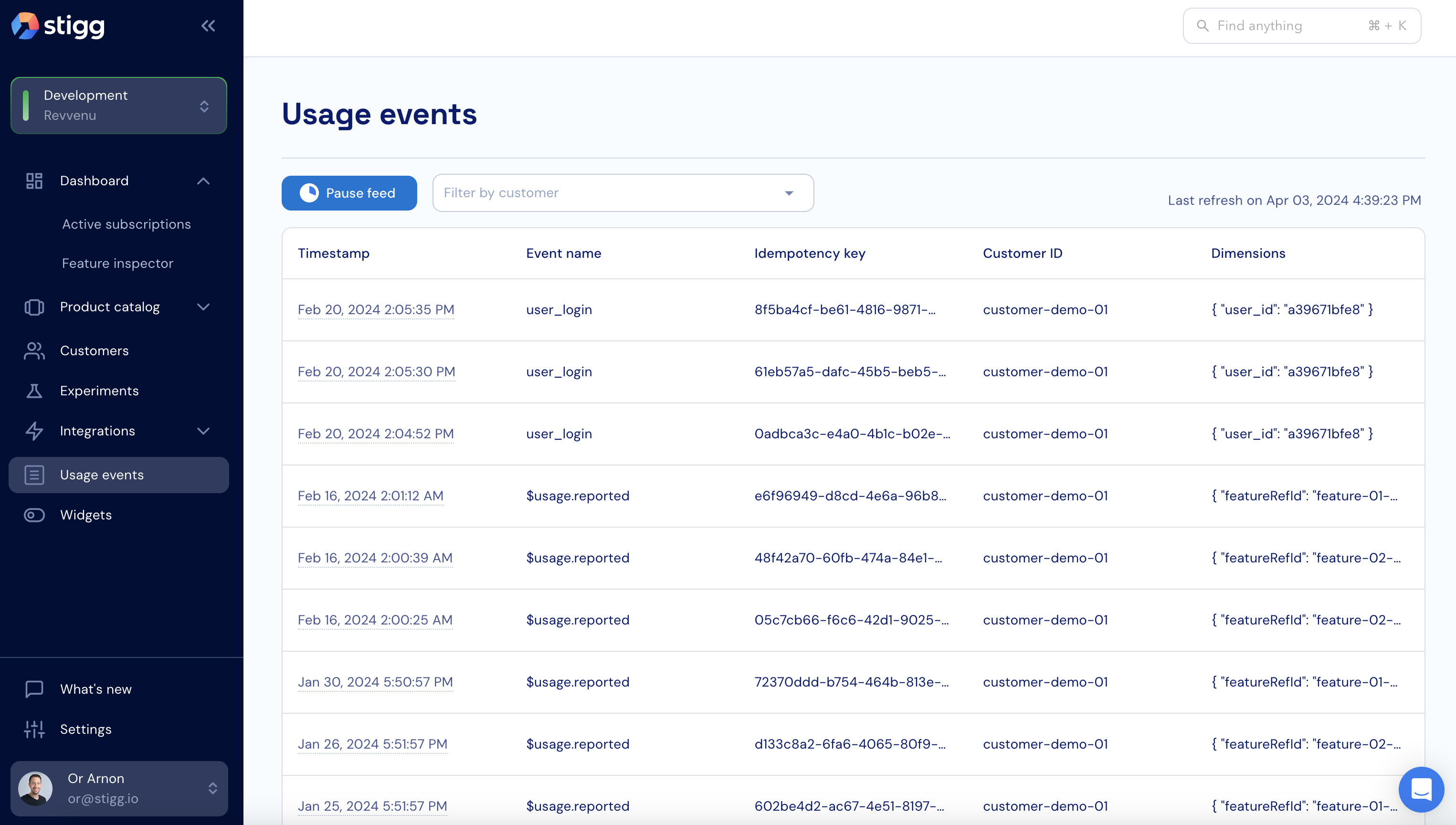
To view the usage event feed, click on the **Usage events** item in the left navigation pane.
 ## Event details
Clicking on a specific event in event list will open a pane with additional details, including:
1. Idempotency key
2. Time timestamp of when it was ingested by Stigg.
3. The customer that the usage event was attributed to (when relevant) - the name of the attributed customer is clickable and allows navigation to the customer details screen of the relevant customer using a single click.
4. Full event data
### Raw events
The event data of [raw events](./reporting-raw-events/index) that are reported to Stigg include the entire payload of the event.
## Event details
Clicking on a specific event in event list will open a pane with additional details, including:
1. Idempotency key
2. Time timestamp of when it was ingested by Stigg.
3. The customer that the usage event was attributed to (when relevant) - the name of the attributed customer is clickable and allows navigation to the customer details screen of the relevant customer using a single click.
4. Full event data
### Raw events
The event data of [raw events](./reporting-raw-events/index) that are reported to Stigg include the entire payload of the event.
 ### Calculated usage
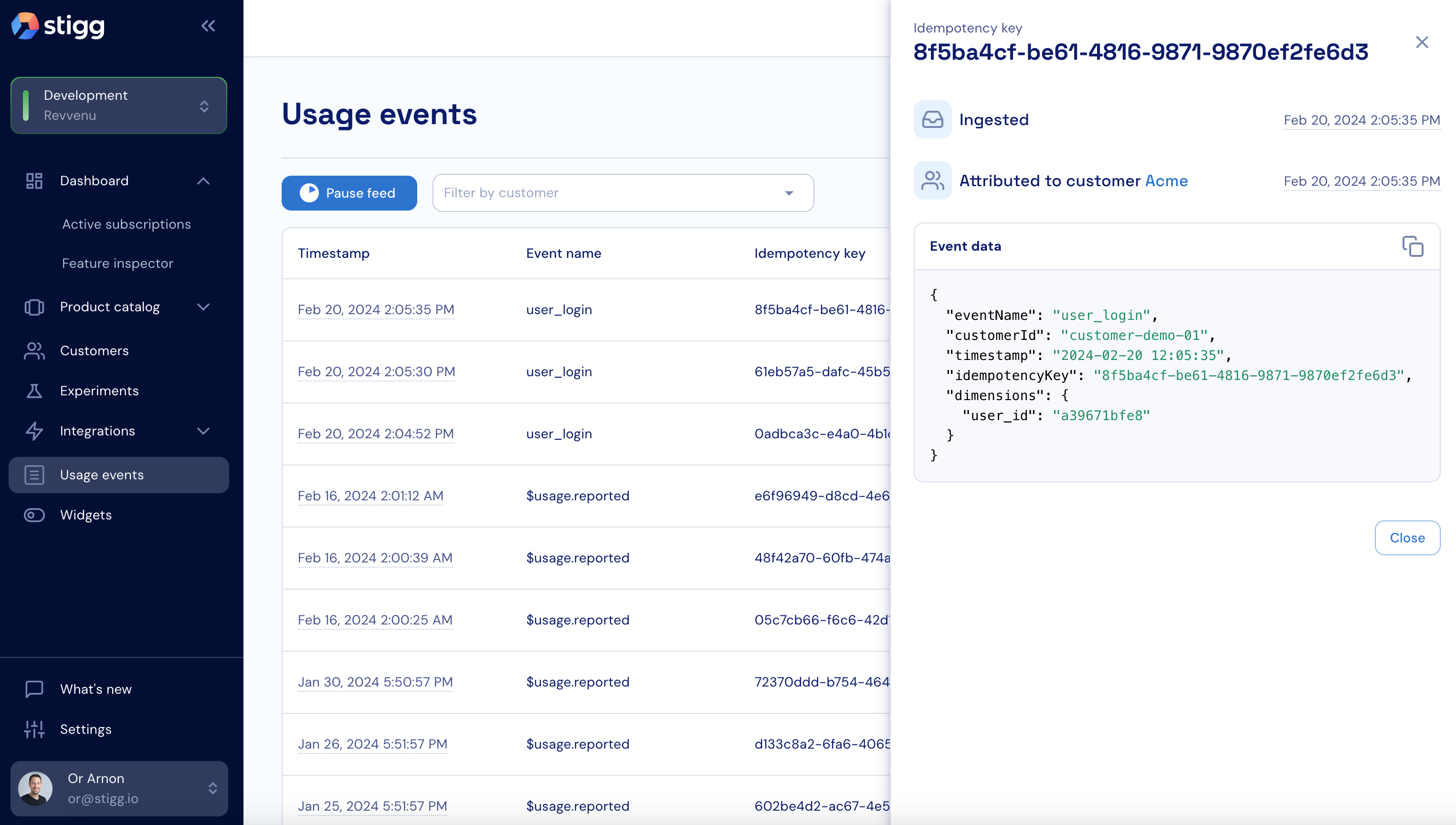
When [calculated usage](./reporting-calculated-usage) is reported to Stigg, this is reflected as `$usage.reported` event.
The event data includes the following dimensions:
1. `featureRefId` - the Stigg feature ID that usage was reported for
2. `value` - the usage delta that was reported to Stigg
### Calculated usage
When [calculated usage](./reporting-calculated-usage) is reported to Stigg, this is reflected as `$usage.reported` event.
The event data includes the following dimensions:
1. `featureRefId` - the Stigg feature ID that usage was reported for
2. `value` - the usage delta that was reported to Stigg
 ## Filtering events
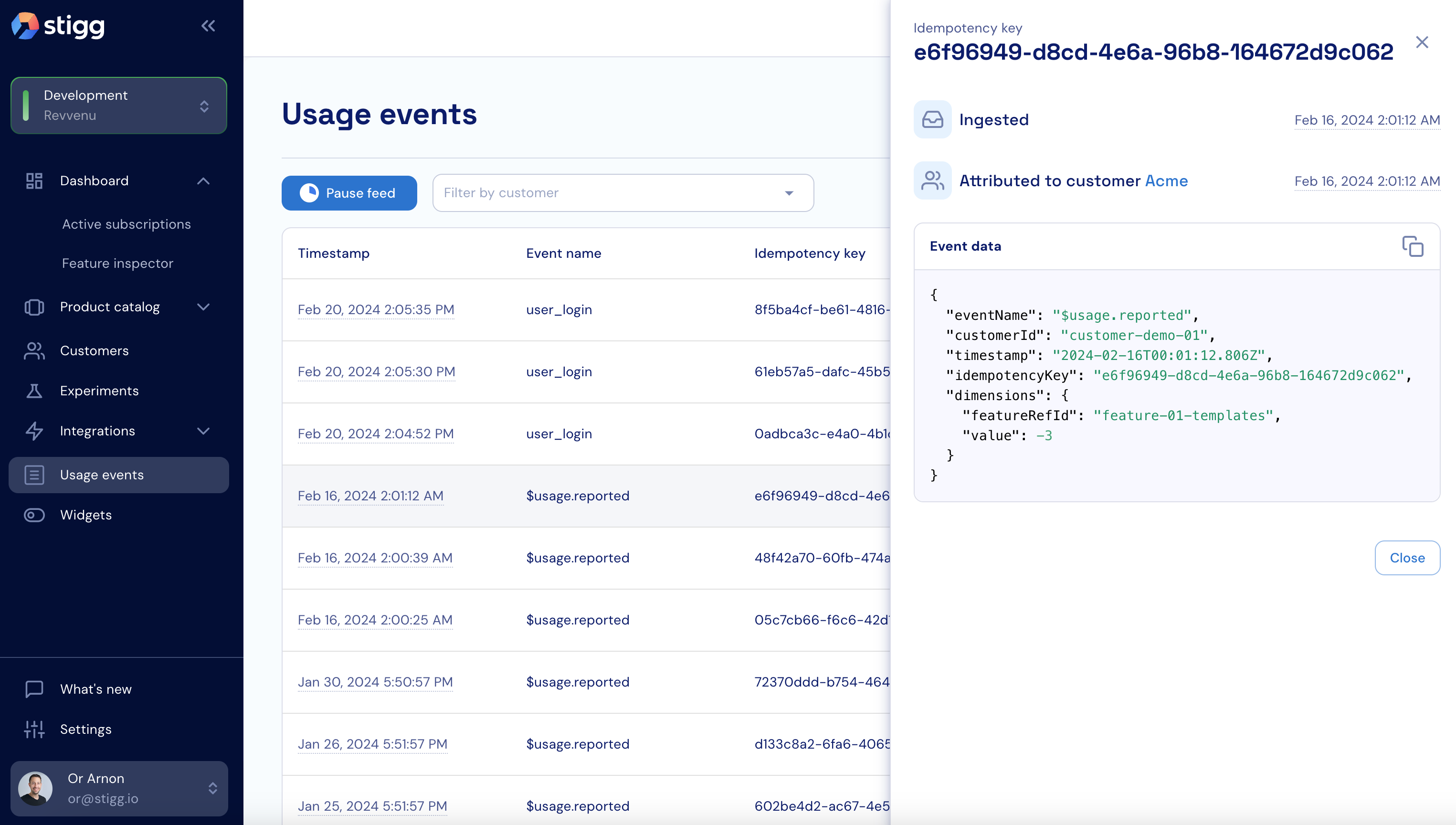
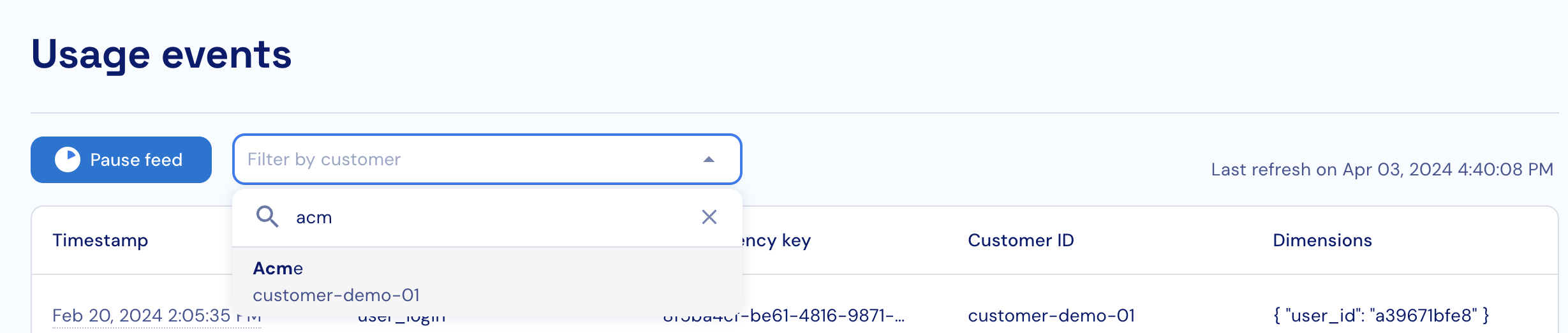
To allow easy troubleshooting, usage events can be filtered according to a specific customer.
## Filtering events
To allow easy troubleshooting, usage events can be filtered according to a specific customer.
 ## Automatic refresh
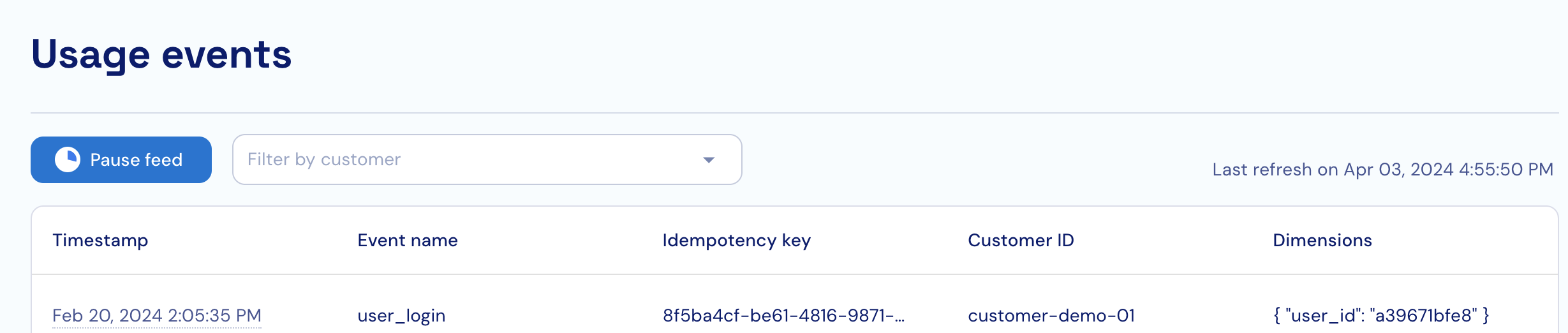
The usage event feed automatically refreshes every 5 seconds.
### Pausing feed
The feed can be paused by clicking on the **Pause feed** button.
## Automatic refresh
The usage event feed automatically refreshes every 5 seconds.
### Pausing feed
The feed can be paused by clicking on the **Pause feed** button.
 ### Resuming feed
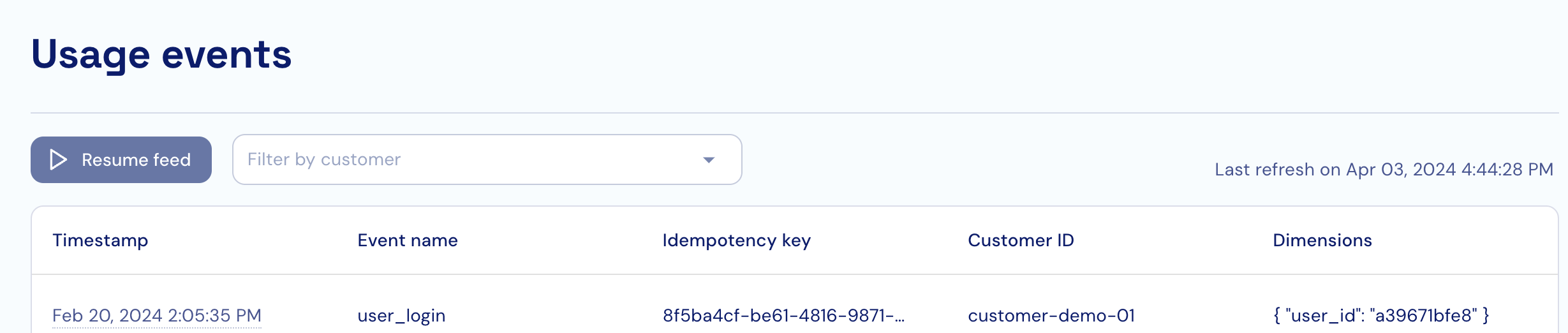
To resume automatic refresh click on the **Resume feed** button.
### Resuming feed
To resume automatic refresh click on the **Resume feed** button.